The holy grail of entertainment for casual gamers, mobile gaming has revolutionized how the video game industry functions by making it handy in the palm of your hands. It is inexpensive and more importantly, accessible. There are simple ways to make your smartphone gaming experiences more enjoyable – mainly by improving on the framerates and reducing the burden on your phone’s components such as battery and thermals – thermal throttling not only causes games to lag, but also reduces a device’s life span.
By optimizing certain settings, one can enhance gaming experience tenfold; a few tweaks are all it takes to transpire better performance. Here are a few tips to improve your mobile gaming experience –
- Clear cache data and junk files/applications
Cache data and junk files take a lot of space on the phone and in turn digest a lot of RAM, that could instead be channeled towards other activities. Clearing a smartphone’s entire cache and cookie data can save hundreds of megabytes on the memory front, thus enabling smooth operation of the phone’s components which are used for gaming. Moreover, it is pointless to hoard up on things you don’t need or use. So, head over to your gallery and delete those pictures and videos, or just offload them to the cloud instead of cluttering your phone. Uninstalling apps you are no longer using also helps a huge deal.
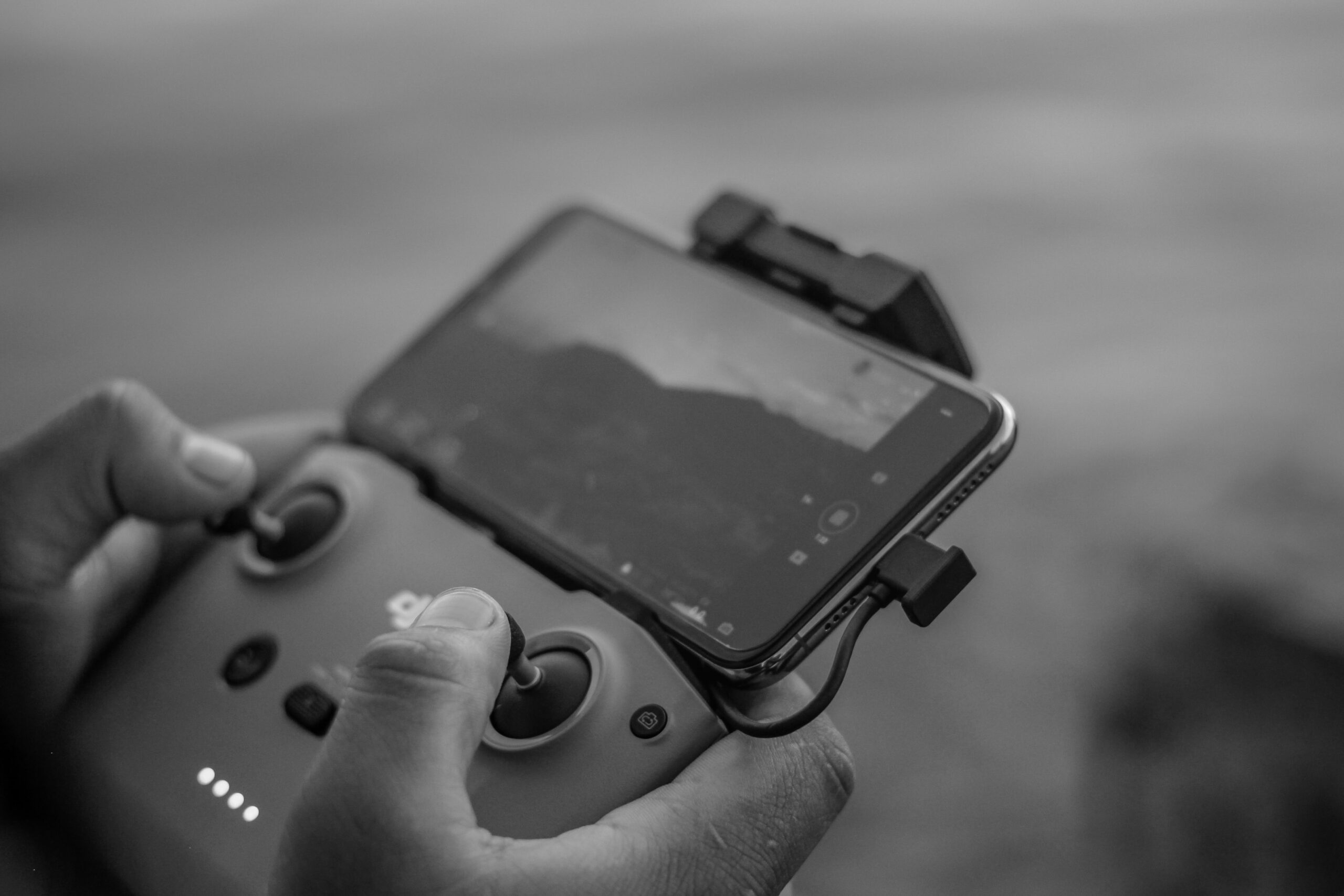
- Use a third-party controller/joystick
Playing games on a smartphone doesn’t have to be restricted to relying on the touchscreen. Clicking on actual buttons, like on the console or PC, adds a different feel to the gaming experience. Also, using the touchscreen can sometimes be a slippery experience. Investing in an external controller of your choice is never a bad idea, if your budget permits, of course. They come for relatively cheap prices and connecting one is a walk in the park, especially for an Android phone or tablet. One can even use their PS4/PS5/Xbox controller on their Android device.
- Get an ethernet adapter or a highly stable Wi-Fi connection
It’s the fine details that matter in gaming, especially competitive multiplayer gaming, since any small lag can be the decider between victory and defeat. One of the main reasons for the ‘lag’ gamers regularly cringe about is because of poor internet connection. Investing in an ethernet adapter i.e. in a wired connection is one’s best option ahead of using a Wi-Fi connection, irrespective of how stable the wireless connection is. The former pretty much ensures lag-free gaming – something that will enhance your chances at winning and quite possibly lower your blood pressure.
- Use gaming earbuds or headphones
Using earphones or headphones goes a long way in improving gaming experience, whether it be on the mobile or PC. They help in canceling out external noise which often irks the player out in terms of hearing footsteps, vehicle sounds or dialogues between characters. Investing in a device that helps increase focus on the game you are playing is never a bad idea. It aids in better hand-eye coordination and helps one communicate better with fellow gamers online.
- There’s DND mode for a reason
Most phones nowadays have an in-built Do Not Disturb mode that can be accessed via settings. Imagine you are in your final boss mission or about to snipe the last opponent remaining, but it gets interrupted by an incoming call. There can be no frustration greater than that, other than lag maybe. This mode helps muting unwanted text messages and calls and third-party applications with notification permissions. One can also specify which notifications to let through and which ones to totally deny, along with the duration intended for that particular setting. Just add the option to your drag down bar to eliminate the headache of regularly heading to settings.
- Enable developer options
An underrated technique to boost your graphics and performance, developer options are present to strike the right balance between the two without sacrificing framerates. This is possible by enabling the 4x MSAA option, which is a multi-sampling tool present in most mobile phone games. One can adjust and optimize certain settings at their disposal so as to apply to every game played, and at the same time limit the usage of background applications to access more RAM.
Mobile games now possess a huge chunk of the eSports industry as it experiences growth at an exponential rate. With almost every person owning a phone, it is imperative that the video game industry witnesses such a tremendous rise is usage.
A number of such games even host their own tournaments, information about which one can access through the top sites to bet on in the sports betting world. With growing popularity, it is important for one to stay in touch with the nuances and layman workings of placing one’s hand. A host of information for beginners can be found, from geographical restrictions and sportsbook reviews to market strength and competitive odds. Players, whether old or new, can also benefit from a whole range of rewards and bonuses such as free bets, cash backs, loyalty points and accumulator schemes.
The library of brilliant titles to indulge in is ever-increasing on Android and iOS platforms, sometimes even overshadowing their desktop and console counterparts in terms of player traffic, prize pools and audience viewership.