

• Send Us A Tip
  • Calling all Tech Writers
  • Advertise
Wednesday, November 4, 2026
  • Login
TechStory
  • News
  • Crypto
  • Gadgets
  • Memes
  • Gaming
  • Cars
  • AI
  • Startups
  • Markets
  • How to
No Result
View All Result
  • News
  • Crypto
  • Gadgets
  • Memes
  • Gaming
  • Cars
  • AI
  • Startups
  • Markets
  • How to
No Result
View All Result
TechStory
No Result
View All Result
Home Future Tech

Microsoft examining mixer for windows 11

by Om Chaturvedi
March 6, 2023
in Future Tech
Reading Time: 2 mins read
0
Microsoft examining mixer for windows 11

Credits: MobileSyrup

TwitterWhatsappLinkedin

Windows has frequently made managing multiple audio devices a hassle. Over the years, Microsoft has tried to improve the experience in a few ways. In 2021, for example, the company simplified how Windows 10 categorized Bluetooth devices. In spite of those efforts, it often feels like the OS doesn’t make switching between audio outputs and managing sound levels as easy as they should be.

You might also like

How AI Presentation Makers Can Simplify Everyday Business Communication in the Workplace

Anthropic Adds New Claude Rule Banning Recreations of Existing Games

Supply Chain Companies Are Chasing Visibility Inside AI Search Results

For instance, I wish Windows 11’s Quick Setting panel would allow me to adjust audio levels on a per-app basis. Thankfully, Microsoft is finally preparing to solve that minor annoyance for Windows users. This week, the company detailed the latest Windows 11 Insider Preview and it just so happens to include a redesigned Quick Settings volume mixer.
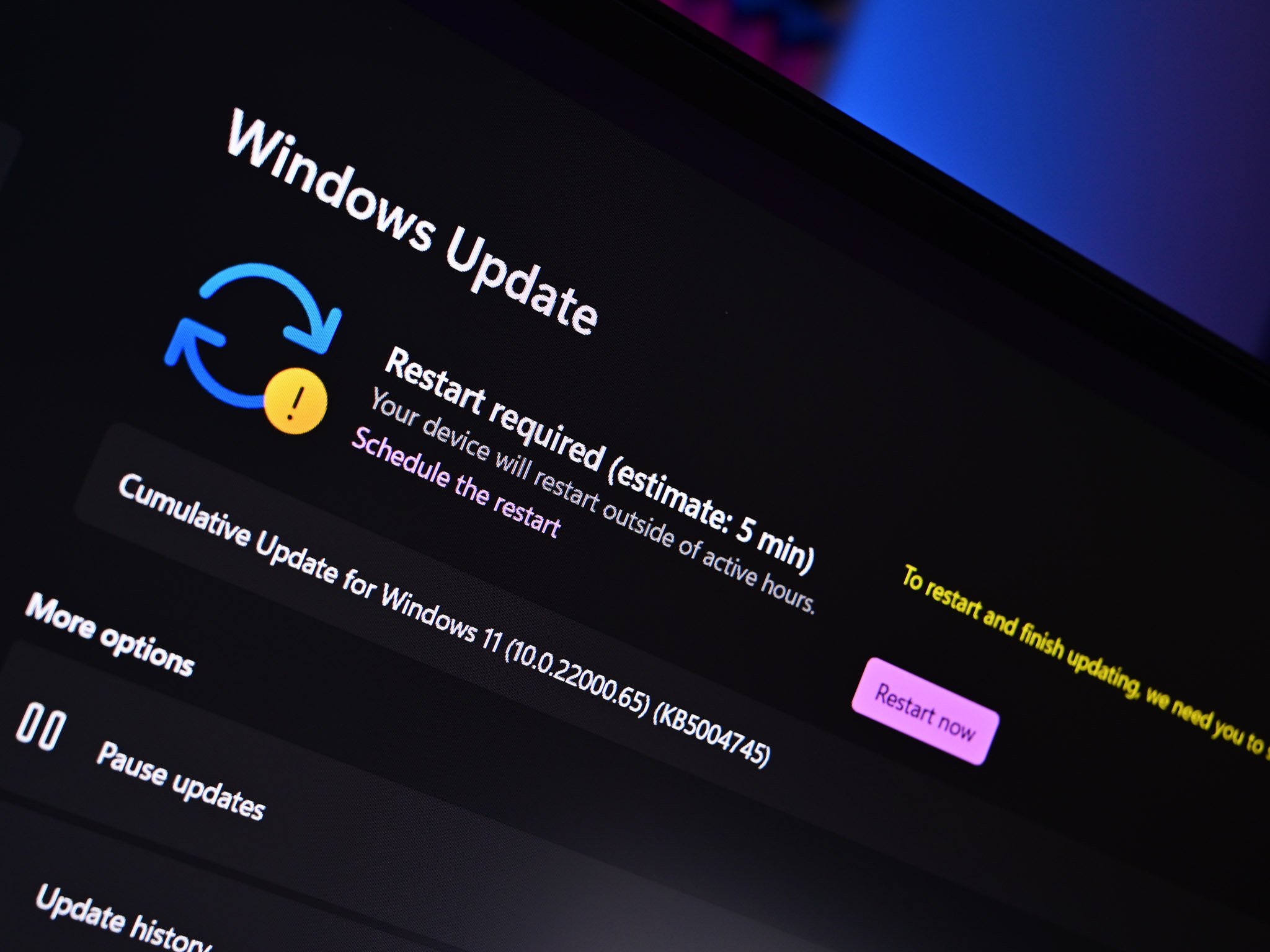
Windows 11
Credits: Windows Central

The updated interface element not only allows you to switch between audio devices but you can also use it to enable spatial sound and adjust volume output on a per-app basis, two things you can’t do with the current design. What’s more, Microsoft has added a dedicated shortcut to make accessing the feature faster. Once you have access to the volume mixer, press the Windows, Ctrl and V keys on your keyboard at the same time to open it.

Testers need to open the Quick Settings panel to access it after clicking the volume icon in the Windows tray or use the new global keyboard shortcut (WIN + CTRL + V) for even faster control. “The updated audio quick settings experience brings a modern volume mixer that allows for quick customization of audio on a per-app basis, with additional control to swap devices on the fly,” the Window Insider team said.

“With this change, you can now tailor your audio experience better with more control and fewer clicks to better manage your favorite apps.” While Redmond just announced it, the feature has been available since at least January (as discovered by Windows Insider PhantomOcean), and it could be enabled using the ViVe tool developed by Windows enthusiast Albacore. If not yet obvious, Microsoft’s implementation is very similar to the highly popular EarTrumpet volume control utility for Windows, but it’s still lacking an audio visualizer.
Microsoft
Credits: Beta News

This isn’t the first time we’ve heard about the new volume mixer. Prior to Microsoft’s official announcement, the feature leaked last month after it was discovered within an experimental flag of a Windows 11 test build. It may also look familiar to anyone who’s used EarTrumpet — a third-party volume control app for Windows created almost five years ago to “fill a number of gaps in the audio management experience on Windows 10.”

There’s currently no word on a public release date for the Windows volume mixer. Microsoft says it isn’t even available to all Insiders in the Dev Channel “just yet,” allowing the company to monitor feedback before making the feature more widely available. Still: better late than never for Microsoft to catch up to third-party options.


Tags: MicrosoftMixerWindows 11
Tweet54SendShare15
Previous Post

Digital Currency Group witnessed looses of $1 billion in 2022

Next Post

Top 10 best AI tools

Om Chaturvedi

Om is a final year Engineering student in Panjab University, Chandigarh. Content Writer by Choice. Special Interest in Crypto, Metaverse and AI. Three Years of Experience in writing and ambitious to bring change with Pen & thoughts.

Recommended For You

How AI Presentation Makers Can Simplify Everyday Business Communication in the Workplace

by Rohan Mathawan
November 2, 2026
0
How AI Presentation Makers Can Simplify Everyday Business Communication in the Workplace

At 9.27 on a Monday morning in a Baner office in Pune, the conference-room laptop is already warm. It is a shared ThinkPad that belongs to nobody, runs...

Read more

Anthropic Adds New Claude Rule Banning Recreations of Existing Games

by Shailja Jha
November 2, 2026
0
Anthropic Adds New Claude Rule Banning Recreations of Existing Games

Anthropic has introduced a new restriction for its AI coding assistant, Claude Code, preventing users from recreating specific existing video games. The move reflects growing concerns across the...

Read more

Supply Chain Companies Are Chasing Visibility Inside AI Search Results

by Rohan Mathawan
November 2, 2026
0
Photo by Jackson Sophat on Unsplash

In the B2B logistics and industrial sector, visibility has traditionally meant ranking at the top of search engine pages for niche terms like "3PL warehousing in Texas" or...

Read more
Next Post
Top 10 best AI tools

Top 10 best AI tools

Please login to join discussion

Techstory

Tech and Business News from around the world. Follow along for latest in the world of Tech, AI, Crypto, EVs, Business Personalities and more.
reach us at info@techstory.in

Advertise With Us

Reach out at - info@techstory.in

Aviator Game India 2026

BROWSE BY TAG

#Crypto #howto 2024 acquisition AI amazon Apple Artificial Intelligence bitcoin Business China cryptocurrency e-commerce electric vehicles Elon Musk Ethereum facebook funding Gaming Google India Instagram Investment iPhone IPO Market Markets Meta Microsoft News OpenAI samsung Social Media SpaceX startup startups tech Tech news technology Tesla TikTok trend trending twitter US

© 2025 Techstory.in

No Result
View All Result
  • News
  • Crypto
  • Gadgets
  • Memes
  • Gaming
  • Cars
  • AI
  • Startups
  • Markets
  • How to

© 2025 Techstory.in

Welcome Back!

Login to your account below

Forgotten Password?

Retrieve your password

Please enter your username or email address to reset your password.

Log In
Are you sure want to unlock this post?
Unlock left : 0
Are you sure want to cancel subscription?