Introduction:
Apple has revolutionized the way we interact with technology, offering a seamless experience across its vast array of products and services. However, there may come a time when you encounter an unexpected charge on your Apple account, whether it’s an unauthorized purchase, an incorrect billing amount, or a subscription you wish to cancel. In such situations, it’s crucial to know how to dispute Apple charges effectively. This comprehensive guide will provide you with the necessary steps to resolve such issues swiftly and efficiently.
Step 1: Identify the Charge:
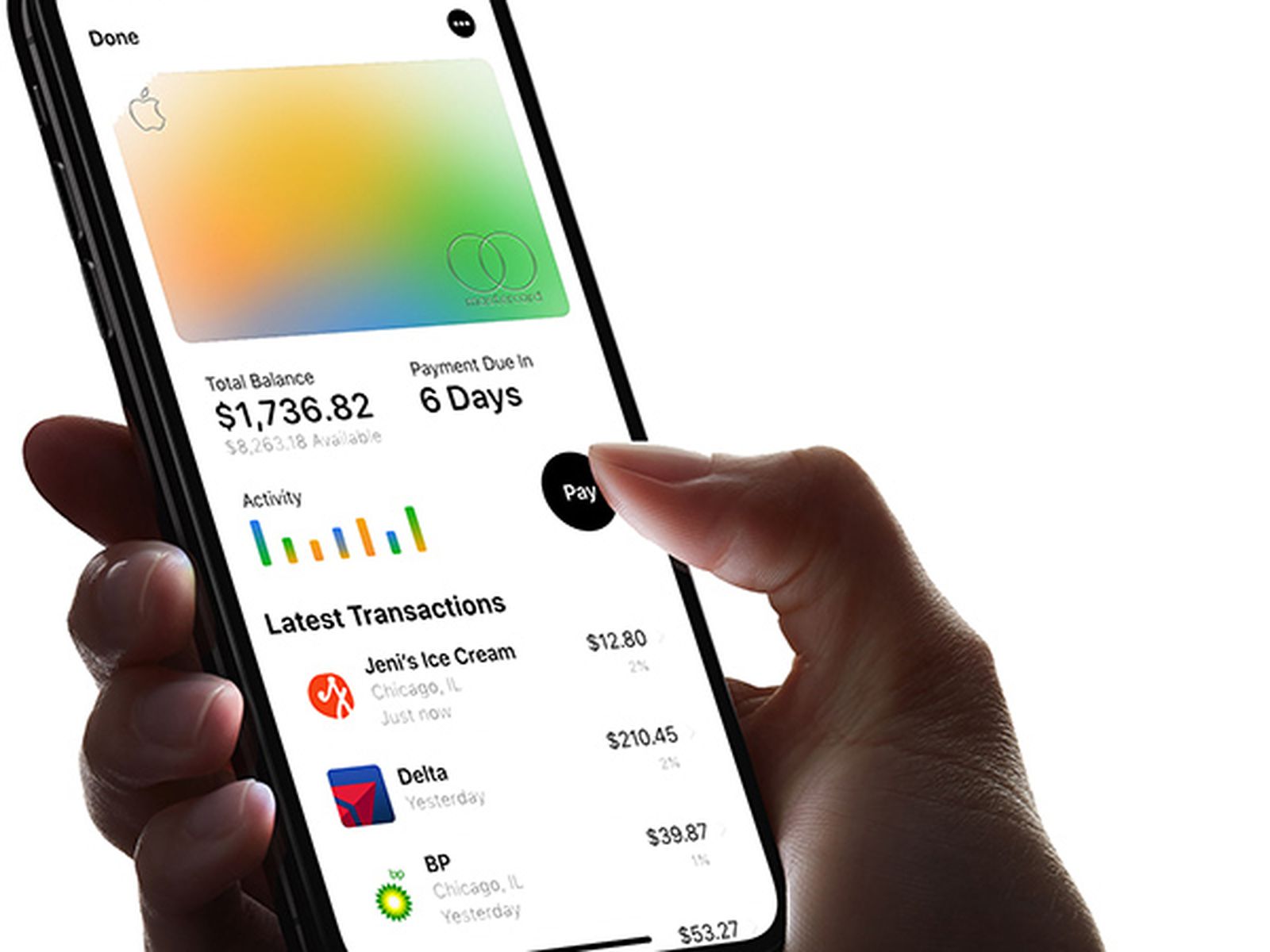
The first step in disputing an Apple charge is to identify and understand the nature of the charge. Review your billing statement or transaction history to determine the specific charge you wish to dispute. Take note of the date, amount, and any associated details, such as the name of the app or service.
Step 2: Gather Evidence:
Before reaching out to Apple, it’s important to gather all relevant evidence to support your dispute. This may include receipts, screenshots, emails, or any other documentation related to the charge. These pieces of evidence will strengthen your case and provide a clear picture of the issue at hand.
Step 3: Contact Apple Support:
To initiate the dispute process, reach out to Apple Support. There are several ways to contact them, including through the Apple Support website, the Apple Support app, or by phone. Choose the method that is most convenient for you and provide a concise explanation of the issue, including all relevant details and evidence.
Step 4: State Your Case Clearly:
When communicating with Apple Support, it’s crucial to state your case clearly and concisely. Explain the disputed charge, provide the supporting evidence, and outline your desired resolution. Remaining calm, polite, and respectful throughout the conversation will help facilitate a smoother resolution process.
Step 5: Be Prepared for Verification:
In some cases, Apple may require additional verification to process your dispute. This could involve confirming your identity, providing further documentation, or answering security questions. Be prepared to provide any necessary information promptly to expedite the resolution.
Step 6: Escalate the Dispute, if Needed:
If the initial contact with Apple Support does not yield a satisfactory resolution, don’t lose hope. Apple offers escalation options, such as requesting to speak with a supervisor or submitting a formal complaint. Persist in expressing your concerns and seek a higher level of assistance if required.
Step 7: Seek Assistance from Your Financial Institution:
If you have been unable to resolve the dispute directly with Apple, consider contacting your financial institution. Explain the situation and provide them with the relevant details. Many banks and credit card companies have dispute resolution procedures in place and can assist you in recovering the disputed amount.
Step 8: Monitor and Document:
Throughout the dispute process, diligently monitor your account activity and keep a record of all communication with Apple and your financial institution. This documentation will be valuable in case you need to refer back to it or provide evidence in the future.
Step 9: Follow Up:
In the event that your dispute is resolved to your satisfaction, don’t forget to follow up and confirm the resolution. This ensures that all parties involved are on the same page and that any necessary actions, such as refunds or cancellations, have been processed accordingly.
Step 10: Take Preventive Measures:
To reduce the likelihood of future disputes, take proactive measures. Regularly review your Apple account activity, enable two-factor authentication for added security, and be cautious when sharing personal information or granting permissions to apps and services.
Conclusion:
Disputing Apple charges may seem like a daunting task, but by following these steps, you can navigate the process with confidence. Remember to remain calm, gather evidence, and clearly communicate your