Introduction
In today’s digitally connected world, location sharing has become a common feature in many social and communication applications. One such application is Find My Friends, a popular location-sharing service available on iOS devices. This article aims to provide an overview of what Find My Friends is and explore the methods to hide your location on the platform, prioritizing privacy and personal security.
Understanding Find My Friends
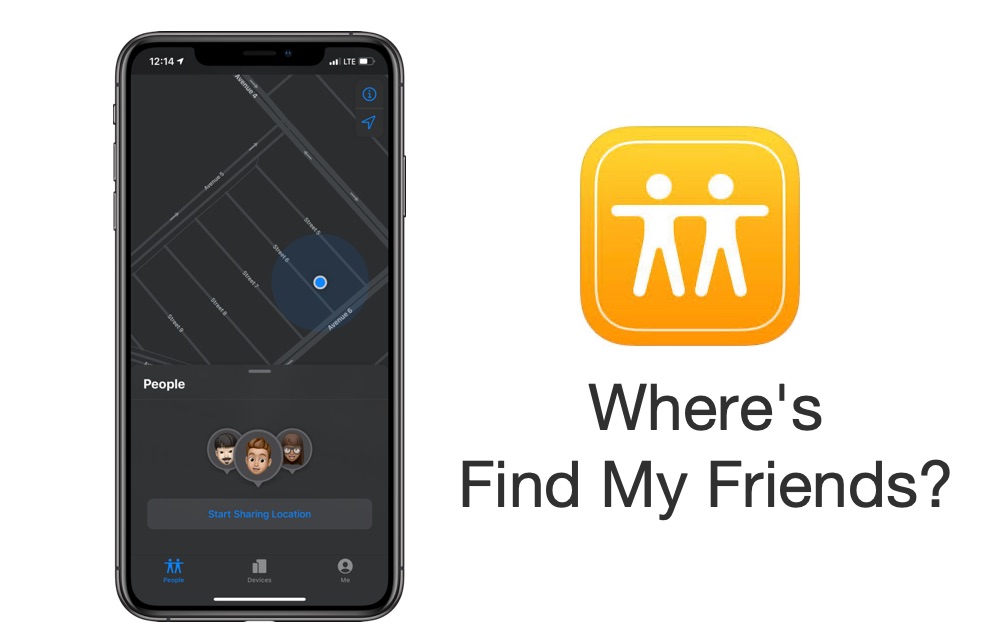
Find My Friends is an application developed by Apple Inc. It allows users to share their real-time location with friends and family members who also use iOS devices. The primary purpose of Find My Friends is to facilitate meeting up with friends, keeping track of loved ones, and ensuring their safety in certain situations. By leveraging the GPS capabilities of mobile devices, Find My Friends provides an intuitive way to stay connected and informed about the whereabouts of your trusted contacts.
Sharing Your Location on Find My Friends
To utilize Find My Friends effectively, you must first understand the process of sharing your location. To start, both you and your friends need to have Find My Friends installed on your iOS devices and be connected through Apple’s iCloud service. Once you’ve ensured these prerequisites, follow these steps to share your location:
- Launch the Find My Friends app on your iOS device.
- Tap on the “Add” button to invite friends to connect with you.
- Select the contacts you wish to share your location with.
- Choose the duration for which you want to share your location (e.g., an hour, until the end of the day, indefinitely).
- Confirm your selection and wait for your friends to accept your invitation.
- Once they accept, they will be able to see your location in real-time on their Find My Friends app.
Steps
While location sharing can be useful in certain scenarios, you may have situations where you prefer to keep your whereabouts private. Find My Friends provides options to control your location visibility effectively. Here are some methods to hide your location:
- Temporary Location Sharing: When sharing your location, you have the option to set a specific duration. By choosing a temporary sharing period, you can limit the time your friends can view your location. Once the set time expires, your location information becomes hidden automatically.
- Pause Location Sharing: Find My Friends allows you to pause location sharing temporarily. This feature is particularly useful if you need privacy for a certain period but still want to retain the ability to share your location later. To pause location sharing, follow these steps:
– On your iOS device, launch the Find My Friends application.
– At the bottom of the screen, tap “Me”.
– Toggle the “Share My Location” switch off to temporarily hide your location.
- Hide Specific Friends: Find My Friends also offers the flexibility to hide your location from specific individuals while sharing it with others. To hide your location from specific friends, follow these steps:
– On your iOS device, launch the Find My Friends application.
– At the bottom of the screen, tap “Me”.
– When you reach the “Hide from Friends” section, scroll down and select “Add Friends.”
– Select the contacts you want to hide your location from and confirm your selection.
- Turn Off Location Services: If you prefer not to share your location at all, you can disable location services for the Find My Friends app. However, keep in mind that this action will prevent you from viewing your friends’ locations as well. To turn off location services for Find My Friends, follow these steps:
– Your iOS device’s “Settings” app should now be open.
-Click “Privacy” after scrolling down.
– Select “Location Services.”
– Find “Find Friends” in the
list of apps and set it to “Never.”
Conclusion
Find My Friends is a valuable tool for staying connected and ensuring the safety of loved ones. However, privacy concerns may arise when sharing your location. Fortunately, Find My Friends offers several options to control and hide your location information. By utilizing features such as temporary sharing, pausing location sharing, hiding specific friends, or disabling location services, you can maintain control over your privacy and determine when and with whom you share your whereabouts. Remember, it is essential to strike a balance between convenience and personal security when using location-sharing services.