Monster Hunter Wilds, the latest installment in Capcom’s renowned action role-playing series, immerses players in a richly detailed world filled with formidable creatures and captivating narratives. Throughout your journey, you’ll encounter numerous cutscenes that enhance the storytelling experience. Whether it’s a breathtaking introduction to a new monster or a pivotal plot twist, these cinematic moments are integral to the game’s allure. Fortunately, if you wish to relive these sequences, Monster Hunter Wilds offers a straightforward method to rewatch them.
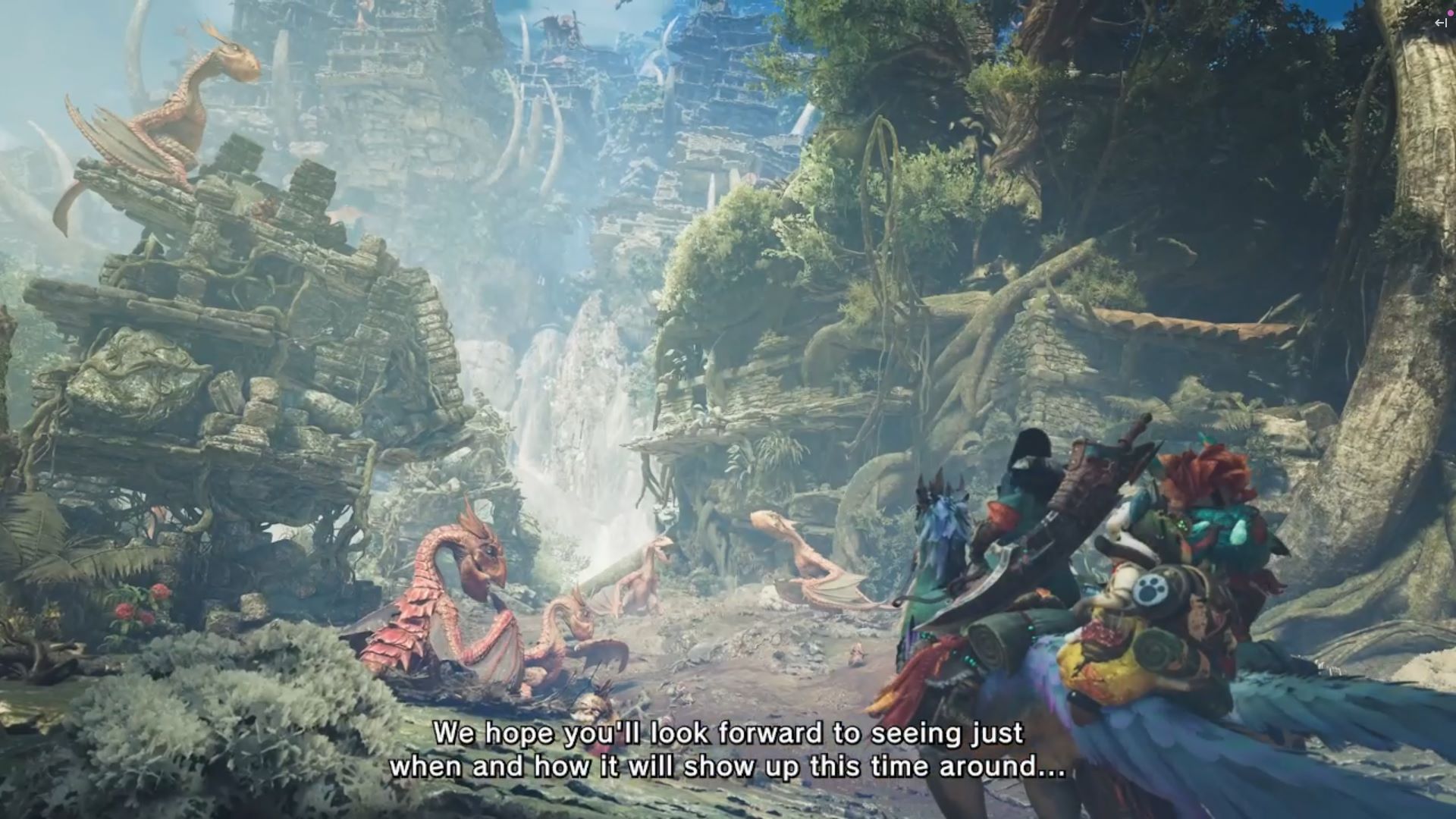
Accessing the Gallery to Rewatch Cutscenes
To revisit any previously viewed cutscenes, you’ll need to navigate to the game’s Gallery feature. Here’s a step-by-step guide to help you access and enjoy these cinematic moments:
- Return to the Title Screen: Begin by exiting your current game session to reach the main title screen of Monster Hunter Wilds. This is the screen you encounter upon launching the game.
- Select the ‘Gallery’ Option: On the title screen, you’ll find several menu options. Use your controller or keyboard to highlight and select the ‘Gallery’ option. This section houses all the cutscenes you’ve unlocked during your gameplay.
- Choose Your Character: If you have multiple characters, the game will prompt you to select the one whose cutscenes you wish to view. Choose the appropriate character to proceed.
- Browse and Play Cutscenes: After selecting your character, a list of unlocked cutscenes will appear. Navigate through this list, select the desired cutscene, and press the confirm button to play it.
Alternative Methods to Rewatch Cutscenes
While the in-game Gallery provides a convenient way to rewatch cutscenes, there are alternative methods available, especially if you’re interested in viewing them outside the game environment:
- Online Platforms: Several gaming communities and content creators upload full compilations of game cutscenes on platforms like YouTube. Searching for “Monster Hunter Wilds all cutscenes” can yield comprehensive videos that showcase the game’s cinematic sequences.
- Community Forums: Engaging with fellow players on forums such as Reddit can provide insights and links to cutscene compilations or discussions about memorable cinematic moments in the game.
Benefits of Rewatching Cutscenes
Revisiting cutscenes isn’t just about reliving epic moments; it offers several advantages:
- Story Comprehension: Rewatching can help clarify intricate plot points or character motivations you might have missed during your initial playthrough.
- Appreciation of Visuals: Monster Hunter Wilds boasts stunning graphics and detailed animations. Viewing cutscenes again allows you to fully appreciate the artistry involved.
- Nostalgia: Re-experiencing pivotal moments can evoke nostalgia, reminding you of the challenges overcome and milestones achieved during your adventures.
Tips for an Enhanced Viewing Experience
To make the most of your cutscene rewatching sessions, consider the following tips:
- High-Definition Viewing: Ensure your display settings are optimized for high-definition playback to fully enjoy the game’s visual fidelity.
- Use Headphones: For an immersive audio experience, use quality headphones to capture the nuances of the game’s soundtrack and sound effects.
- Create a Playlist: If you’re using external platforms like YouTube, consider creating a playlist of your favorite cutscenes for easy access.