Keeping your copy of Splatoon 3 up to date is essential if you want to enjoy all the latest features, weapons, and bug fixes. Whether you’re playing on the Nintendo Switch or the newer Nintendo Switch 2, updating the game is a straightforward process. This guide will walk you through everything you need to know to ensure your game is running the latest version, so you never miss out on new content or improvements.
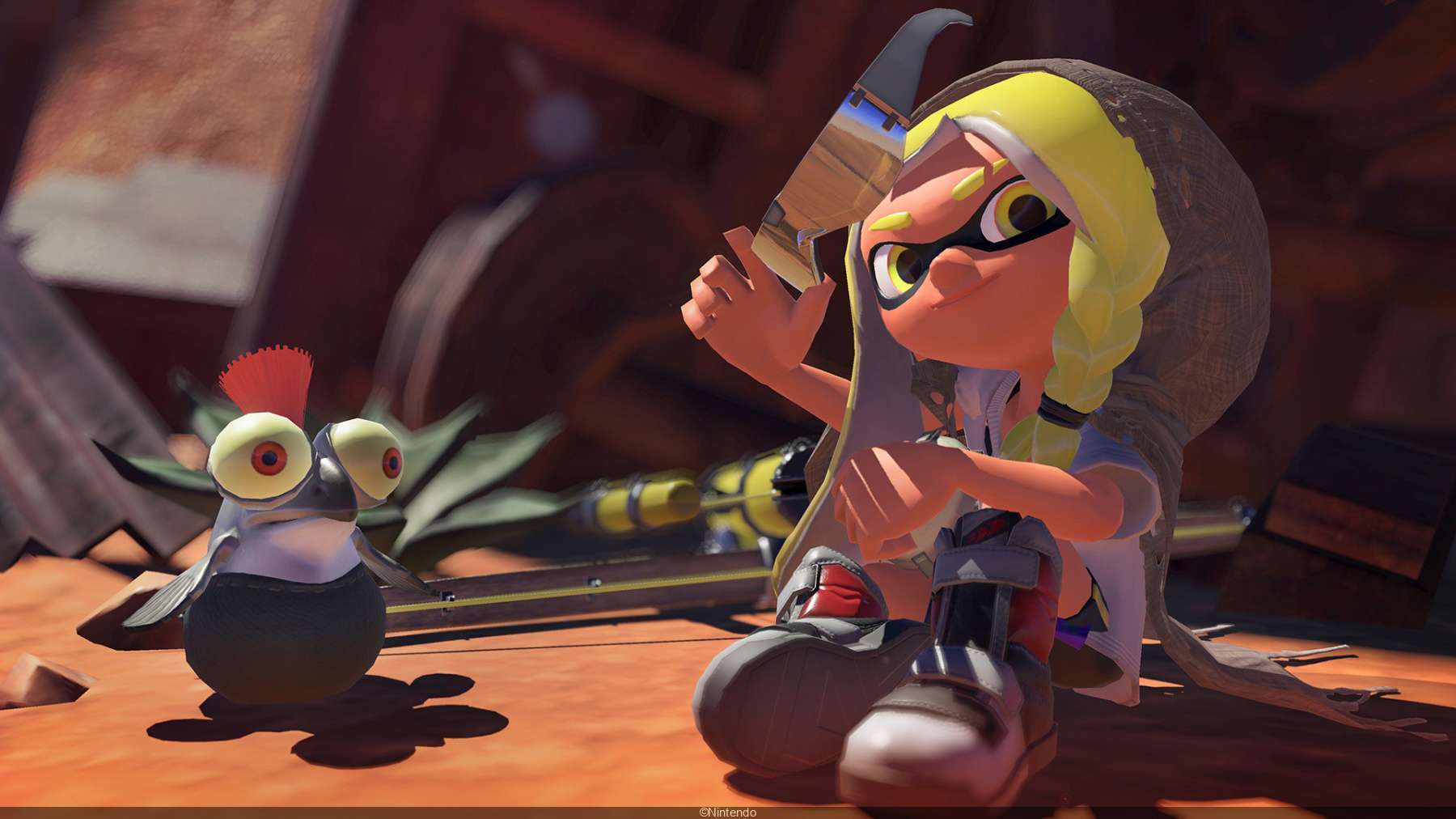
Before we dive into the steps, let’s talk about why updates matter. Nintendo regularly releases patches for Splatoon 3 to introduce new content, balance weapons, and fix bugs. The most recent update, Version 10.0.0, adds exciting features like 30 new weapons, a returning stage (Urchin Underpass), and performance enhancements—especially for Nintendo Switch 2 players. Without updating, you won’t be able to access online multiplayer modes, play with friends on the latest version, or experience smoother gameplay optimizations.
How to Update Splatoon 3 Automatically
If your Nintendo Switch or Switch 2 is connected to the internet, the game can update automatically. Here’s how to make sure this setting is enabled:
- Go to System Settings from the HOME Menu.
- Select Internet and then Internet Settings.
- Ensure your console is connected to a stable Wi-Fi network.
- Return to System Settings and navigate to System.
- Scroll down to Auto-Update Software and turn it on.
With this setting enabled, your console will download updates as soon as they’re available, usually while in Sleep Mode. Just make sure you have enough storage space—if your system memory is full, the update won’t download.
How to Update Splatoon 3 Manually
If automatic updates aren’t working or you prefer to install updates yourself, follow these steps:
- Connect to the Internet – Ensure your console is online.
- Highlight Splatoon 3 on the HOME Menu (don’t open the game).
- Press the + or – Button on your controller to open the options menu.
- Select Software Update, then choose Via the Internet (Switch) or Over the Internet (Switch 2).
- Wait for the download to finish—the game will install the update automatically.
Once the update is installed, the version number will appear on the title screen. If you’re unsure whether the update worked, check the current version in the game’s settings.
Troubleshooting Update Issues
Sometimes, updates don’t go as smoothly as expected. Here are common problems and how to fix them:
- Not Enough Storage Space – Splatoon 3 updates can be large. If your console says there’s not enough space, delete unused games or screenshots, or expand storage with a microSD card.
- Slow Download Speed – Move closer to your Wi-Fi router or pause other downloads to speed things up.
- Update Won’t Start – Restart your console and try again. If the problem persists, check Nintendo’s support page for error codes.
What’s New in the Latest Splatoon 3 Update?
The June 2025 update (Version 10.0.0) is packed with exciting changes:
- 30 New Weapons – The Splatlands Collection introduces fresh gear with unique sub and special weapons.
- Urchin Underpass Returns – A classic stage from the original Splatoon makes a comeback.
- Enhanced Performance on Switch 2 – Smoother animations, better visuals, and optimized gameplay in areas like Splatsville and Salmon Run.
- Balance Adjustments – Weapons like the S-BLAST ‘92 and Crab Tank have been tweaked for fairer battles.
- New Ranked Battle Features – Players in Rank S and above now have Series Weapon Power, which tracks performance per weapon for better matchmaking.
If you’re a competitive player, these updates can significantly impact your gameplay, so staying current is a must.