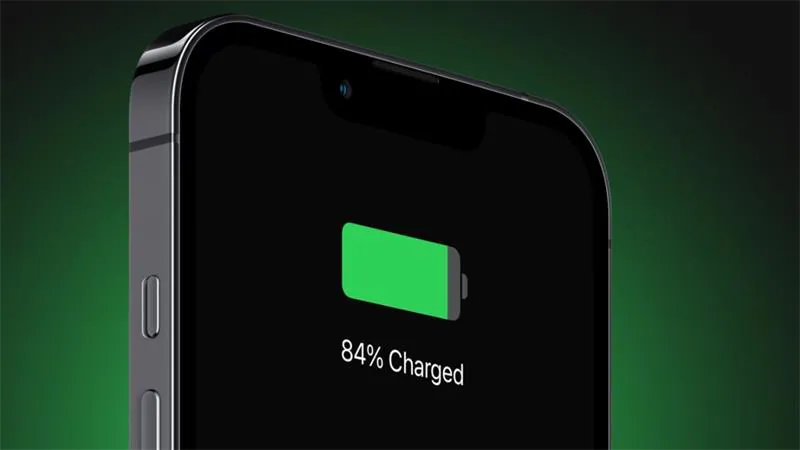
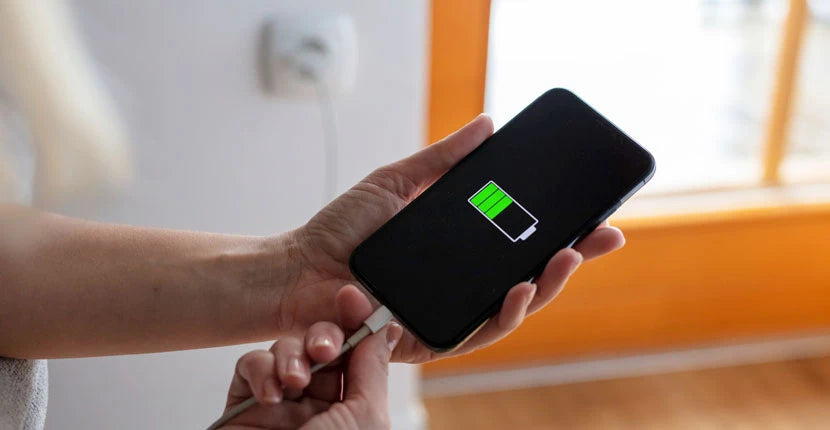
We’ve all experienced it. You plug in your phone, watch the battery percentage race from 20% to 80% in what feels like no time, and then everything slows down. The final 20% seems to take forever.
If you’ve ever wondered whether your charger is faulty or your phone is developing battery issues, the answer is usually much simpler. In fact, this behavior is completely intentional.
Modern smartphones are designed to charge rapidly up to around 80%, then deliberately slow down the charging speed to protect the battery, prevent overheating, and extend the phone’s lifespan. This isn’t a flaw—it’s one of the smartest features built into today’s devices.
Let’s explore why your phone charges so quickly at first, why it suddenly slows down after 80%, and what it means for your battery’s long-term health.
Credits: ESR
Understanding How Smartphone Batteries Work
Nearly every smartphone today uses a lithium-ion (Li-ion) battery. These batteries have become the industry standard because they are lightweight, store a lot of energy, recharge quickly, and can survive hundreds of charging cycles.
Unlike older battery technologies, lithium-ion batteries don’t suffer from the “memory effect,” meaning you don’t need to completely drain them before charging. In fact, they actually perform better when kept between moderate charge levels.
However, lithium-ion batteries have one major weakness: heat and stress accelerate their aging.
Every time you charge your phone, tiny chemical reactions occur inside the battery. Over months and years, these reactions slowly reduce the battery’s ability to hold a charge. Smartphone manufacturers use sophisticated charging systems to slow this aging process—and that’s where the 80% slowdown comes in.
The Two-Stage Charging Process
One of the biggest reasons charging slows near 80% is because lithium-ion batteries follow a carefully controlled two-stage charging method.
Stage 1: Constant Current (Fast Charging)
From around 0% to roughly 70–80%, the battery accepts electricity very efficiently.
During this phase:
- The charger supplies maximum safe current.
- Battery voltage steadily rises.
- Charging speed is at its fastest.
- Heat remains relatively manageable.
This is why phones can gain 50% battery in just 20 or 30 minutes with fast charging technology.
Manufacturers advertise these impressive charging speeds because most of the rapid charging happens during this stage.
Stage 2: Constant Voltage (Slow Charging)
Once the battery reaches approximately 80%, everything changes.
Instead of increasing power, the charging system switches to constant voltage mode.
During this stage:
- Voltage remains fixed.
- Charging current gradually decreases.
- Charging becomes slower.
- Heat generation is minimized.
- Internal battery stress is reduced.
Think of it like filling a glass with water.
At first, you can pour quickly without worrying about spills. As the glass gets close to full, you naturally slow down to avoid overflowing.
Your phone behaves similarly. As the battery nears full capacity, charging must become much more precise.
Why Charging Too Fast at High Battery Levels Is Dangerous
Many people assume that if fast charging works from 20% to 80%, it should continue at the same speed until 100%.
Unfortunately, chemistry doesn’t work that way.
As lithium ions fill the battery, there becomes less available space for additional ions. Forcing them into an already crowded battery creates several problems:
Increased Heat
Fast charging produces heat.
Higher temperatures accelerate chemical degradation inside the battery.
Even an increase of a few degrees can significantly reduce long-term battery life.
Lithium Plating
One of the biggest threats to lithium-ion batteries is a phenomenon called lithium plating.
Instead of safely embedding into the battery material, excess lithium can begin forming metallic deposits on the battery’s surface.
These deposits:
- Permanently reduce battery capacity.
- Increase internal resistance.
- Lower charging efficiency.
- Can eventually create safety risks.
Slowing charging near full capacity helps prevent lithium plating.
Higher Internal Pressure
A nearly full battery experiences greater internal stress.
Continuing to pump high current into it increases pressure inside the battery cells, which speeds up aging.
Manufacturers intentionally reduce charging current to avoid this unnecessary strain.

Credits: Anker
Why 80% Is Considered the Sweet Spot
Battery researchers have long observed that lithium-ion batteries experience the least stress when kept between roughly 20% and 80% charge.
Inside this range:
- Chemical reactions remain relatively stable.
- Heat generation is lower.
- Voltage stays within safer limits.
- Battery wear is minimized.
Above 80%, battery voltage rises sharply.
Higher voltage may seem harmless, but it accelerates the breakdown of the battery’s internal chemistry over time.
That’s why many electric vehicles—including Tesla and other EV manufacturers—recommend charging to around 80% for everyday use.
The same principle applies to smartphones.
Your Phone Is Smarter Than You Think
Modern smartphones contain sophisticated battery management systems (BMS).
These tiny computers constantly monitor:
- Battery temperature
- Voltage
- Current
- Charging speed
- Battery health
- Environmental conditions
Thousands of calculations happen every second to determine exactly how much power your battery should receive.
If the phone detects excessive heat, it may slow charging even before reaching 80%.
Similarly, if you’re using the phone heavily while charging—such as gaming or recording 4K video—the charging speed may be reduced to keep temperatures under control.
Optimized Charging Features
Many smartphones now include intelligent charging features that intentionally delay reaching 100%.
Examples include:
- Optimized Battery Charging
- Adaptive Charging
- Smart Charging
- Battery Protection Mode
These features learn your daily routine.
Suppose you plug your phone in every night at 11 PM and usually wake up at 7 AM.
Instead of charging immediately to 100%, your phone may:
- Charge quickly to around 80%.
- Pause charging for several hours.
- Finish charging shortly before your alarm.
This keeps the battery from sitting at maximum voltage all night, reducing long-term wear.
While it may seem like your phone isn’t charging properly, it’s actually protecting itself.
Does Fast Charging Damage Your Battery?
This is one of the most common myths surrounding smartphones.
The answer is: not significantly—provided you’re using certified chargers and cables.
Modern fast-charging systems include numerous safety protections.
The charger, phone, and battery constantly communicate with each other to determine safe charging speeds.
If temperatures rise too high, charging automatically slows down.
Problems usually occur when using:
- Cheap counterfeit chargers
- Poor-quality cables
- Damaged charging accessories
- Unsupported charging standards
Using original or certified accessories allows fast charging to remain both safe and efficient.
![Phone Not Charging Past 80%? Quick Fix [2026]](https://www.vegerpower.com/cdn/shop/articles/phone-not-charging-past-80.png?v=1768980476&width=2048)
Credits: VEGER
Why Wireless Charging May Feel Even Slower
If you’ve noticed wireless charging slowing dramatically near 80%, that’s also normal.
Wireless charging is inherently less efficient than wired charging.
Some energy is lost as heat during transmission.
Since heat is one of the biggest enemies of battery health, phones often reduce wireless charging speeds even more aggressively than wired charging.
Many wireless chargers also include cooling systems or fans to help manage temperatures.
Should You Charge Your Phone to 100%?
Yes—but not necessarily every day.
Occasionally charging to 100% is perfectly fine.
However, constantly keeping your battery at full charge for extended periods increases battery wear over the long term.
If you mainly use your phone for everyday activities and have easy access to charging, stopping around 80–90% can help preserve battery health.
On the other hand, if you’re traveling, attending long events, or expect to be away from a charger all day, charging to 100% is completely reasonable.
Think of battery health as a marathon rather than a sprint. One full charge won’t noticeably damage your battery, but repeating it every day for years contributes to gradual capacity loss.
Tips to Keep Your Phone Battery Healthy
You don’t need to obsess over every percentage point, but a few simple habits can significantly extend your battery’s lifespan:
Avoid Excessive Heat
Heat is the biggest enemy of lithium-ion batteries.
Avoid leaving your phone:
- Inside a parked car
- Under direct sunlight
- On hot surfaces while charging
Use Certified Chargers
Stick with original chargers or reputable third-party accessories that support your phone’s charging standards.
Cheap chargers may not regulate power properly.
Avoid Frequent Complete Discharges
Running your battery to 0% regularly places additional stress on the cells.
It’s generally healthier to recharge when the battery reaches around 20–30%.
Remove Thick Cases While Fast Charging
Heavy gaming or charging inside thick protective cases can trap heat.
If your phone becomes noticeably warm while fast charging, removing the case may help improve cooling.
Enable Battery Protection Features
If your phone offers battery protection modes or optimized charging, it’s usually worth keeping them enabled.
These features are specifically designed to maximize battery lifespan with minimal impact on daily use.
Credits: Popular Science
The Bottom Line
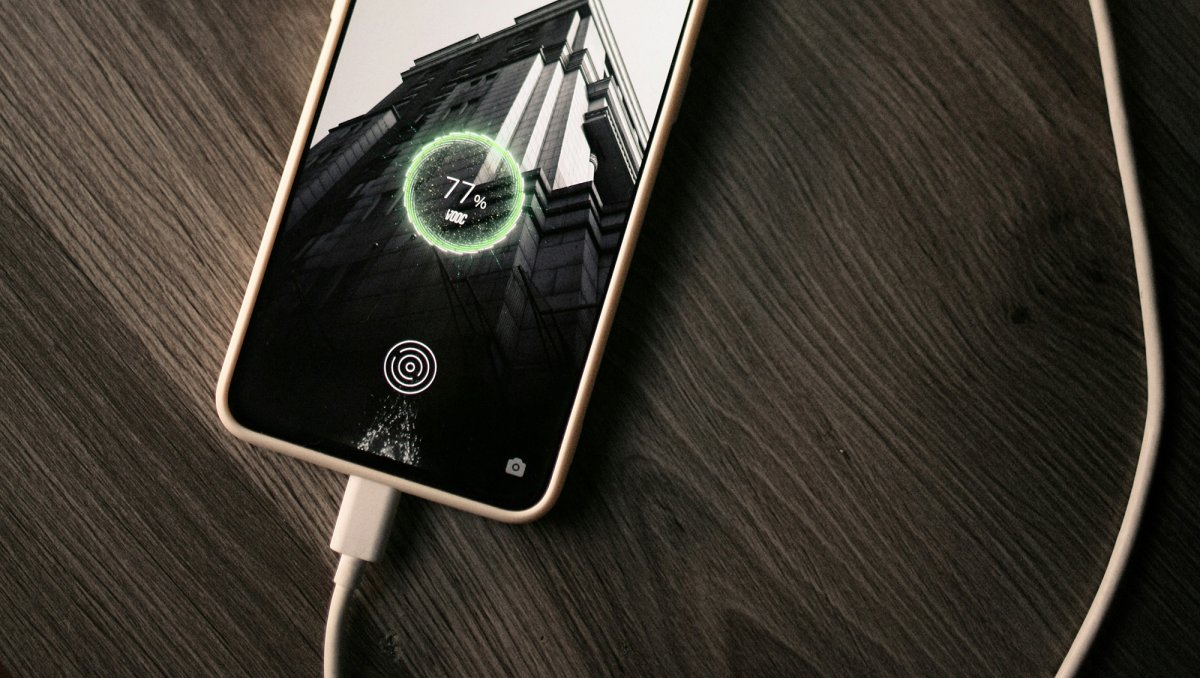
If your phone seems to crawl from 80% to 100%, don’t worry—it’s doing exactly what it was designed to do. The rapid charging phase gets you back up and running quickly, while the slower final stretch protects the delicate chemistry inside the lithium-ion battery.
By reducing charging speed after around 80%, your phone limits heat, prevents excessive voltage stress, minimizes long-term battery degradation, and helps preserve overall battery capacity. Combined with intelligent battery management systems and optimized charging features, this approach ensures your device remains reliable for years rather than months.
In other words, that seemingly slow final 20% isn’t wasted time—it’s an investment in your phone’s future. So the next time you notice charging slowing down near 80%, you can rest assured that your smartphone isn’t malfunctioning. It’s simply taking the smarter, healthier route to a full battery.