
Imagine buying a new phone, signing in with your Apple ID or Google account, and discovering that all your saved passwords, payment cards, and even your passkeys are already there. There’s no need to create new credentials or go through lengthy account recovery processes. Everything simply works.
This convenience is possible because of passkey sync, one of the biggest advancements in passwordless authentication. While passkeys are already more secure than traditional passwords, syncing them across devices removes one of the biggest hurdles people once faced with hardware-based authentication—being tied to a single device.
Today, whether you switch between your smartphone, tablet, laptop, or desktop, passkeys can follow you securely, making passwordless sign-ins both practical and highly secure.
But how exactly does passkey synchronization work? Does it mean your private keys are floating around in the cloud? And is syncing them across devices actually safe?
Let’s take a closer look.
Credits: Woodstock IT
What Is Passkey Sync?
Passkey sync is the secure process of synchronizing passkeys across a user’s trusted devices through encrypted cloud credential managers.
Instead of creating separate login credentials for every device you own, passkey sync ensures your passkeys automatically become available on all devices connected to the same trusted account.
For example:
- Create a passkey on your iPhone.
- It automatically becomes available on your iPad and Mac through iCloud Keychain.
- Similarly, a passkey created on an Android phone can sync to other Android devices using Google Password Manager.
- Windows users can also sync credentials through Microsoft services depending on the authentication platform.
The experience feels almost magical, but behind the scenes, multiple layers of cryptography keep everything protected.
How Passkeys Work in the First Place
Before understanding synchronization, it’s important to know how a passkey itself works.
Every passkey consists of two cryptographic keys: public and private key.
When you register a passkey:
- Your device generates a unique key pair.
- The website stores only the public key.
- The private key never leaves your secure device in plain form.
- During login, your device proves it owns the private key without revealing it.
Unlike passwords, there is nothing for attackers to steal from a company’s database that could let them log into your account.
The Challenge Before Passkey Sync
Earlier authentication methods often tied credentials to a single physical device.
If you:
- lost your phone,
- upgraded your laptop,
- or purchased a new tablet,
you often had to register every account again.
This wasn’t just inconvenient—it slowed adoption of passwordless authentication because users expected their credentials to move with them, just like contacts or photos.
Cloud synchronization solved this usability problem without compromising the underlying cryptographic security.
How Passkeys Sync Across Devices
At first glance, syncing a private key sounds risky.
After all, the private key is supposed to remain secret.
The solution lies in encryption.
Instead of uploading the private key directly to cloud servers where anyone could potentially read it, the credential manager encrypts the passkey before synchronization.
Credits: Enpass
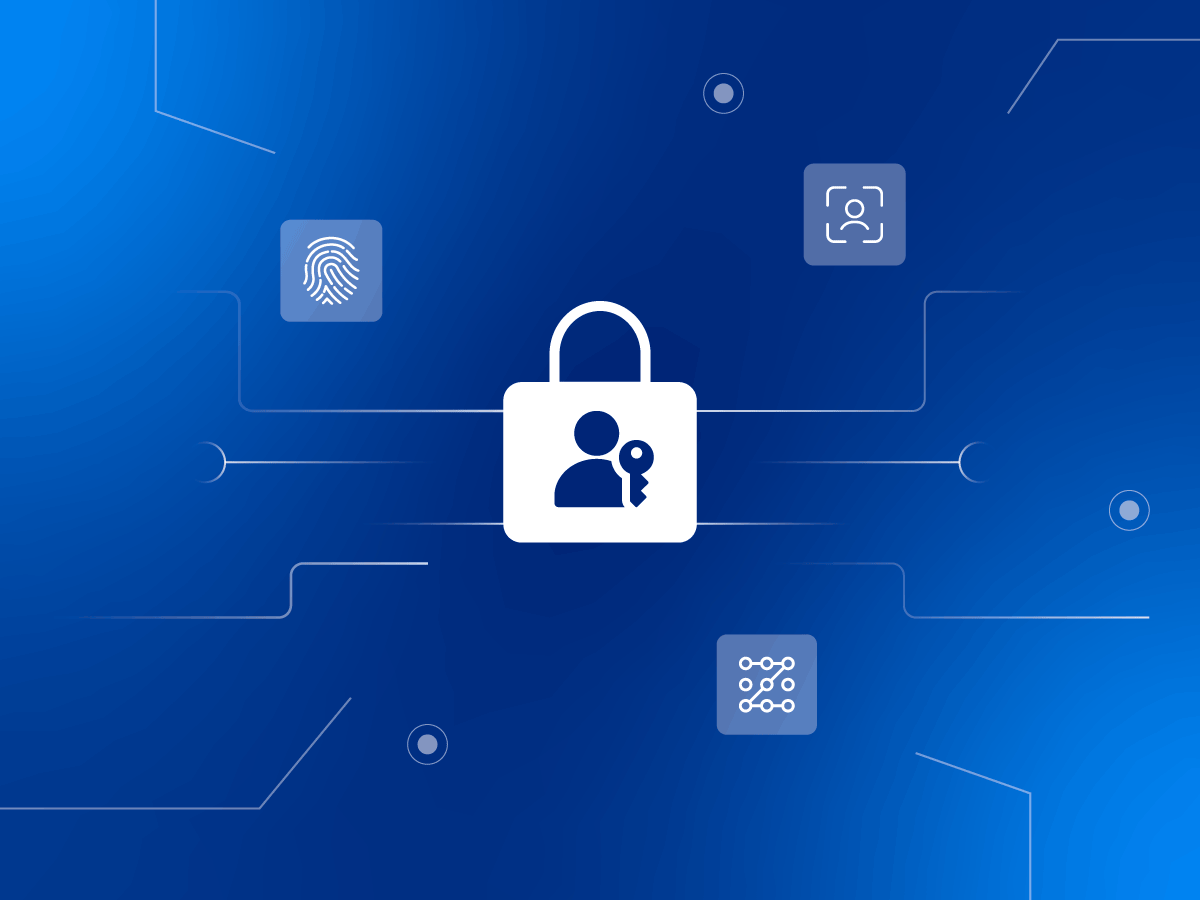
A simplified version of the process looks like this:
Step 1: A Passkey Is Created
You create an account using a passkey.
Your device generates a unique public-private key pair inside its secure hardware.
Step 2: The Private Key Is Protected
Before synchronization begins, the private key is encrypted using keys tied to your account and your trusted devices.
This encrypted version cannot be read by the cloud provider.
Step 3: Secure Cloud Synchronization
The encrypted credential is uploaded to services like:
- Apple iCloud Keychain
- Google Password Manager
- Microsoft credential storage
Because the passkey remains encrypted, the cloud mainly acts as a secure delivery system rather than a place where secrets are stored in readable form.
Step 4: Another Trusted Device Retrieves It
When you sign into your account on another trusted device, the encrypted passkey downloads automatically.
Only that authenticated device has the cryptographic ability to decrypt and use it.
Step 5: Authentication Happens Locally
When logging into a website:
- your fingerprint,
- facial recognition,
- or device PIN
unlocks the passkey locally.
The authentication challenge is completed without exposing the private key to the website or the cloud.
Why Syncing Doesn’t Mean Less Security
Many people assume storing anything in the cloud automatically makes it less secure.
Passkey sync works differently.
Several safeguards work together:
End-to-End Encryption
The cloud provider cannot simply open and read your synced passkeys.
Everything remains encrypted during storage and transfer.
Device Authentication
A synced passkey only works after verifying the user with:
- Face ID
- Touch ID
- Windows Hello
- Android biometrics
- Device PIN
Even if someone steals your phone, they still need to bypass local authentication.
Trusted Devices Only
Synchronization only occurs between devices connected to your verified account.
Unknown devices cannot silently download your credentials.
Hardware Security
Modern devices store cryptographic material inside secure hardware components like:
- Secure Enclave
- Trusted Platform Module (TPM)
- Titan Security Chip
These chips are specifically designed to protect sensitive authentication data from software attacks.

Credits: QLS Proctor
Benefits of Passkey Sync
A Seamless User Experience
Perhaps the biggest advantage is convenience.
You can:
- buy a new phone,
- replace a laptop,
- restore a device,
- or switch between multiple devices
without registering every account again.
Everything follows your trusted account automatically.
Fewer Password Resets
Forgotten passwords generate millions of support tickets every year.
Since passkeys eliminate passwords entirely, users rarely need account recovery simply because they forgot a login credential.
Better Protection Against Phishing
Traditional phishing attacks trick users into typing passwords into fake websites.
Passkeys simply won’t authenticate with fake domains.
If the website isn’t genuine, the passkey refuses to work.
This dramatically reduces phishing risks.
Stronger Security
Each website receives its own unique passkey.
Even if one service is compromised, attackers cannot use that credential elsewhere.
Unlike passwords, there is nothing to reuse.
Easier Device Upgrades
Changing devices becomes much less stressful.
Users no longer have to manually export credentials or reset dozens of online accounts.
Are There Any Risks?
No technology is completely risk-free.
Passkey sync introduces a few considerations.
Cloud Account Security Matters
If your Apple, Google, or Microsoft account is compromised, attackers may attempt to access your synced credentials.
This is why protecting your primary account with strong authentication remains essential.
Device Security Is Critical
Passkeys are only as secure as the devices storing them.
Using strong screen locks, biometrics, and encrypted storage helps protect synced credentials.
Ecosystem Lock-In
Some users own devices from multiple manufacturers.
Although cross-platform support is improving, synchronization may work more smoothly within the same ecosystem.
For example:
- Apple devices sync naturally through iCloud Keychain.
- Android devices sync through Google Password Manager.
- Windows integrates with Microsoft’s authentication ecosystem.
Fortunately, the FIDO Alliance continues working toward broader interoperability.
How Enterprises Benefit from Passkey Sync
Businesses are rapidly adopting passkeys because they reduce both security risks and IT costs.
For organizations, passkey sync offers several advantages:
Lower Help Desk Costs
Password reset requests consume valuable IT resources.
Passwordless authentication significantly reduces these support tickets.
Stronger Zero Trust Security
Modern Zero Trust architectures assume that every login attempt must be verified.
Passkeys align perfectly with this approach by requiring possession of a trusted device alongside biometric or PIN verification.
Better Employee Experience
Employees often work across multiple devices throughout the day.
Passkey sync allows them to move between laptops, tablets, and smartphones without repeatedly enrolling new credentials.
Easier Compliance
Many industries require strong authentication to protect sensitive information.
Passkeys help organizations meet these requirements while simplifying the user experience.

Credits: OmniDefend
The Future of Passwordless Authentication
Passkeys are quickly moving from an optional feature to a mainstream authentication method.
Major technology companies—including Apple, Google, Microsoft, and many leading online services—now support passkeys, and adoption continues to grow.
As more websites and apps embrace passwordless login, passkey sync will become even more important. Users increasingly expect their digital identities to move effortlessly across devices without sacrificing security. Advances in cross-platform compatibility, identity standards, and secure cloud infrastructure will make switching between ecosystems easier while maintaining the strong protections that passkeys provide.
Eventually, passwords may become the exception rather than the rule. Instead of remembering dozens of complex credentials or relying on password managers, users will simply unlock their devices with a fingerprint, face scan, or PIN and sign in securely from anywhere.
Conclusion
Passkey sync represents the perfect balance between convenience and security. It solves one of the biggest challenges of passwordless authentication by allowing secure credentials to follow users across their trusted devices without exposing private keys or weakening cryptographic protections.
Through end-to-end encryption, secure hardware, biometric authentication, and trusted cloud ecosystems, passkey synchronization enables a login experience that is both effortless and highly resistant to phishing, credential theft, and password reuse attacks.
Whether you’re replacing an old phone, switching between work and personal devices, or managing authentication across an enterprise, passkey sync removes unnecessary friction while strengthening your overall security posture. As passwordless authentication becomes the industry standard, understanding how passkeys sync across devices offers a glimpse into the future of digital identity—one where logging in is simpler, faster, and significantly safer than ever before.