

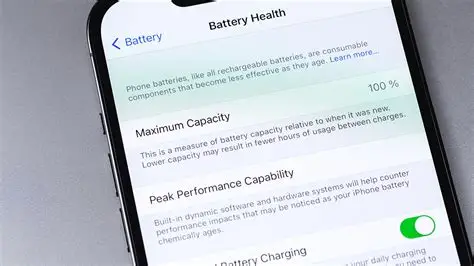
Do you ever feel like the battery in your phone is draining more than usual? That happens over time and also because of things that we sometimes overlook. Let us have a glance at some ways to improve the life and health of your phone battery.
Is it possible to improve the health of a phone battery without changing it?
Well, as easy as it sounds, unfortunately, you can’t actually restore chemical health to an old phone battery once it has degraded. The physical parts inside wear down over time, and that is permanent. But if you have a functional battery, you can make your current battery capacity stretch much further each day. There are a few things you can practice and a few tricks that you can use to make things work. Turning off background app refresh, lowering your screen brightness, and avoiding hot environments are a few examples that can be taken care of. But we shall dive deeper into this in the next section.
Steps to improve the phone’s battery health
If you want to improve the health of your phone’s battery, then these are a few ways you can follow.
- The first thing is to watch your charging percentages. The golden rule for lithium-ion batteries is to keep the charge between 20 percent and 80 percent. Charging all the way to 100 percent or letting it drop to zero puts the most physical stress on the internal components.
- You can also choose to turn on optimized battery charging. Both iPhone and Android have built-in settings for this. The phone learns your daily routine and will pause charging at 80 percent, only finishing the last 20 percent right before you usually unplug it. But this only works if you have a routine that you choose to stick to.
- Don’t let your battery and phone heat up. Extreme heat is the worst enemy of your battery. Avoid leaving your phone in a sunny area, using heavy gaming apps while plugged into a charger, or using thick cases that trap heat.
- You can also do the additional push by trimming background activity. Go into your settings and disable background app refresh for apps that do not need it. If an app is constantly fetching data, syncing, and tracking your location while your screen is off, it is draining the battery.
- Don’t put too much on your screen. The display drains power really quickly. Lower your brightness manually, turn on auto-brightness, and switch to dark mode if your phone has an OLED screen, and that should help.
- Use reliable and quality charging gear. Cheap chargers and cables often deliver unstable voltage, which degrades the battery cells much faster and ruins the battery.



