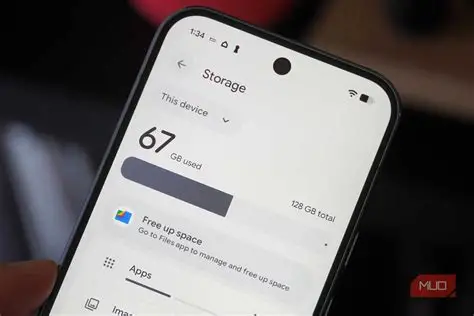
If you want to make room on your device storage without deleting files, it can seem like a daunting task. But to an extent, it is still doable. If you want to do the same, let’s get started and see how it goes.
Ways to free up storage- without deleting important files
This process starts with assessing the possible reasons behind this. Let’s jump in.
- Know where it could possibly be wrong. Clear out your application caches. Over time, apps like social media and web browsers save temporary files that you do not actually need, which can easily take up several gigabytes of space, and you keep wondering what happened.
- You have to delete your duplicate downloads. Sometimes images and videos are found so similar to others of their kind. Check your downloads folder for multiple versions of the same PDFs or installers that you opened more than once.
- Review large messaging attachments as they take up a lot of space. Open apps like WhatsApp or iMessage and look at their storage settings to remove huge files or clips people sent you, without losing the text chats.
- Offload unused applications. Rather than a new term, it is a counter to overconsumerism. Both iPhones and Androids let you archive apps you rarely open, which deletes the massive app itself but securely keeps all your personal data intact for when you redownload it.
- If you want to safeguard it even further, it can be understood as moving media to cloud storage. You can set services like Google Photos or iCloud to back up your camera roll and then remove the local files from your actual device hardware.
- Delete streamed content, especially if you are working on social media. Check your video and music apps for downloaded movies or albums you’ve already finished and forgotten are sitting offline.
- Check the recycle bin, as the deleted files go to this bin and stay there for 30 days.
How to increase the storage size of a device?
The easiest way to scale up without changing your hardware is by turning to cloud storage. Signing up for services like Google One, iCloud, or OneDrive instantly gives you a huge digital locker in the sky. Moving your heavy files, photo libraries, and even the automatic backups off your local drive and into the cloud takes the load off your local drive. And the best part is that you can access everything whenever you are connected to the internet, and you can upgrade your plan to hundreds of gigabytes or even terabytes whenever you need more space, irrespective of the cloud storage.