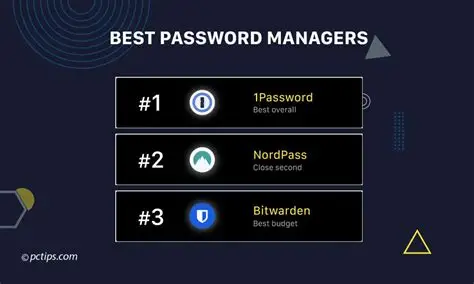
Wanting a password manager for your device and the passwords it contains? We’ve got you. Follow the guide to learn how you can pick the right password manager for you. It’s really simple when you know what you want. So, let’s get started.
What’s a password manager?
A password manager is basically a digital vault that remembers all your login details so you do not have to manually enter them every time. Instead of reusing the same password for everything or even having to write them down on sticky notes, it creates long, random passwords for every site and stores them behind one master password that only you know.
When you visit a website or open an app, the manager automatically fills in your username and password for you. It syncs across your phone, laptop, and tablet, making logging in easier wherever you want to. And that is just half of it. Beyond convenience, it also protects you from phishing scams because it will not autofill your credentials on fake websites that try to steal your information.
Steps to choose a password manager
If you want to choose a password manager, then these are the steps you need to follow.
- The first thing to do is to check platform compatibility. Make sure the software runs smoothly across all your devices, irrespective of whether you use Windows, macOS, iOS, Android, or specific web browsers like Chrome or Firefox.
- Also, make sure that you prioritize zero-knowledge security. We are looking for end-to-end encryption where only you hold the master key, ensuring that even the provider cannot read or decrypt your sensitive data.
- Do it your way. Identify core features you need. Essential functions may include reliable auto-fill, built-in two-factor authentication codes, and safe sharing options for family members or close friends.
- When you have to use them on devices, make sure that you check the user experience and convenience. For that reason, pick an app that goes smoothly rather than making you wait and face buffering.
- The plan matters. You can compare the free plans against paid subscriptions. Decide if a free tier offers enough features for your setup or if paid perks like extra storage and emergency access are worth what you need.
- Look for companies with transparent security records, regular third-party security audits, and a clean history regarding major data breaches. This is an important and unskippable step.
- Also, to make sure all’s fine, run a quick test drive. You can use the free trials to import a handful of test logins, try the mobile app, and make sure of the smooth operation before diving into it.