

• Send Us A Tip
  • Calling all Tech Writers
  • Advertise
Saturday, September 12, 2026
  • Login
TechStory
  • News
  • Crypto
  • Gadgets
  • Memes
  • Gaming
  • Cars
  • AI
  • Startups
  • Markets
  • How to
No Result
View All Result
  • News
  • Crypto
  • Gadgets
  • Memes
  • Gaming
  • Cars
  • AI
  • Startups
  • Markets
  • How to
No Result
View All Result
TechStory
No Result
View All Result
Home Gaming

How To Play Pokémon Unbound

by Khilav Jadav
September 12, 2026
in Gaming, How to
Reading Time: 3 mins read
0
How to Check Pokemon Center Queue Position

Credits - TokyoExcess

TwitterWhatsappLinkedin

Pokémon Unbound is one of the most ambitious Pokémon ROM hacks available for the Game Boy Advance. It is built around Pokémon FireRed, but offers a new region, original story, modern mechanics, challenging missions, and post-game content. If you have never played a ROM hack, getting started can seem confusing. The setup is simple once you know the files.

You might also like

How to Get Loot Hacker Sprites in Fortnite

How to Pre Order iPhone 18 Pro Max

How to Start FL4K and the Last Resort in Borderlands 4

Credits – TokyoExcess

What You Need To Play Pokémon Unbound

Pokémon Unbound is not normally distributed as a complete Game Boy Advance ROM. Instead, you apply an official patch to a compatible Pokémon FireRed ROM and then play the resulting file through a GBA emulator.

You will need:

• The Pokémon Unbound patch
• A clean Pokémon FireRed 1.0 ROM, commonly identified as the 1636 Squirrels version
• A ROM patching tool
• A Game Boy Advance emulator

The Pokémon FireRed ROM is the base file used to create Unbound. Since it is copyrighted, obtain a copy legally rather than downloading it from an unofficial website.

How To Patch Pokémon Unbound

First, download the latest Pokémon Unbound patch from a trusted project source and extract the archive if necessary. You should find the patch file, usually in UPS format.

Next, make sure your Pokémon FireRed base ROM is the correct version. Unbound is designed to work with a clean Pokémon FireRed 1.0 ROM, commonly known as FireRed Squirrels or revision 1636. Using a different version can cause the patch to fail or create problems while playing.

Open a compatible patching program or an online ROM patcher. Select your clean Pokémon FireRed ROM as the ROM file, then select the Pokémon Unbound UPS file as the patch. Apply the patch.

After the process finishes, you should have a new GBA file. Name it something clear, such as Pokémon Unbound.gba. Do not open the UPS patch directly in your emulator; it needs the patched GBA file.

Choose A Pokémon Unbound Emulator

Once the patch is complete, you need an emulator.

For Windows, mGBA is a strong choice because it is modern and accurate. Android users can use a compatible GBA emulator such as My Boy! or Pizza Boy. On iPhone and iPad, Delta is another popular choice.

Install the emulator, open it, and select the patched Pokémon Unbound GBA file.

What Makes Pokémon Unbound Different?

Pokémon Unbound is much more than a simple Pokémon FireRed remake. The game takes place in the Borrius region and follows an original story involving the Shadows.

You can encounter Pokémon from multiple generations, use Mega Evolution, choose difficulty levels, complete missions, and explore a world filled with optional activities.

The battle system has also been heavily upgraded. Modern mechanics, reusable TMs, abilities, and the Physical/Special move split make battles feel closer to newer Pokémon games.

Tips For New Players

If this is your first time, keep these tips in mind:

• Choose your difficulty carefully. The game can be considerably harder than classic Pokémon titles.
• Save regularly, especially before major battles.
• Explore towns and routes instead of rushing through the story. Missions and useful items are often easy to miss.
• Build a balanced team rather than relying on one powerful Pokémon.
• Pay attention to move types, abilities, and held items. They become increasingly important later.
• Keep backup copies of your save file when updating the game.

 

Tags: PokemonPokémon UnboundUnbound
Tweet54SendShare15
Previous Post

Anthropic Says Iran Used Its American AI Model to Target U.S. Navy Warships

Next Post

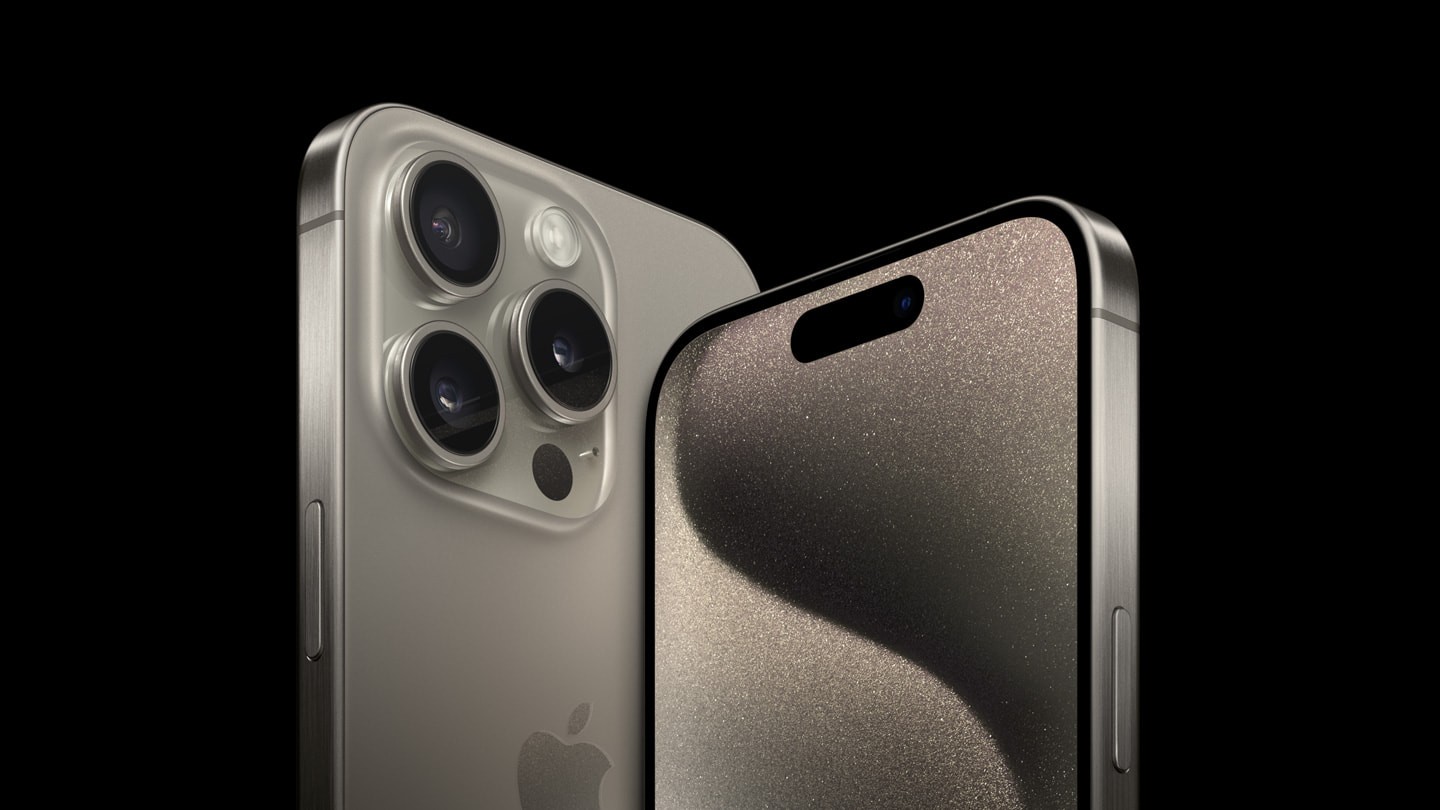
How to Pre Order iPhone 18 Pro Max

Khilav Jadav

Content writer at Techstory Media with a passion for gaming and finance. Currently pursuing a degree in data science, exploring the latest gaming titles and analyzing financial trends.

Recommended For You

How to Get Loot Hacker Sprites in Fortnite

by Khilav Jadav
September 12, 2026
0
How to Turn on Cross-Platform Play for Fortnite on Xbox

Loot Hacker Sprites are a new Sprite variant in Fortnite Chapter 7 Season 4: Override. Each one has a blue, digital look with scanning lines. Credits - Xbox...

Read more

How to Pre Order iPhone 18 Pro Max

by Khilav Jadav
September 12, 2026
0
How To Pre Order iPhone 15

Apple has opened pre orders for the iPhone 18 Pro Max. In India, pre orders begin on September 12, 2026, at 5:30 PM IST. The phone will be...

Read more

How to Start FL4K and the Last Resort in Borderlands 4

by Khilav Jadav
September 11, 2026
0
How to Get Clearance for Elevator Borderlands 4

Borderlands 4 has received its second major Story Pack, FL4K and the Last Resort, giving players an adventure on the tropical island of Providence. If you have installed...

Read more
Next Post
How To Pre Order iPhone 15

How to Pre Order iPhone 18 Pro Max

Please login to join discussion

Techstory

Tech and Business News from around the world. Follow along for latest in the world of Tech, AI, Crypto, EVs, Business Personalities and more.
reach us at info@techstory.in

Advertise With Us

Reach out at - info@techstory.in

Aviator Game India 2026

BROWSE BY TAG

#Crypto #howto 2024 acquisition AI amazon Apple Artificial Intelligence bitcoin Business China cryptocurrency e-commerce electric vehicles Elon Musk Ethereum facebook funding Gaming Google India Instagram Investment iPhone IPO Market Markets Meta Microsoft News OpenAI samsung Social Media SpaceX startup startups tech Tech news technology Tesla TikTok trend trending twitter US

© 2025 Techstory.in

No Result
View All Result
  • News
  • Crypto
  • Gadgets
  • Memes
  • Gaming
  • Cars
  • AI
  • Startups
  • Markets
  • How to

© 2025 Techstory.in

Welcome Back!

Login to your account below

Forgotten Password?

Retrieve your password

Please enter your username or email address to reset your password.

Log In
Are you sure want to unlock this post?
Unlock left : 0
Are you sure want to cancel subscription?