Seven features decide whether a home printer suits card-making: borderless printing, custom paper sizes, paper handling, colour resolution, ink yield, a flatbed scanner and phone printing. Get these right, and you have the best printer for handmade cards for your home.
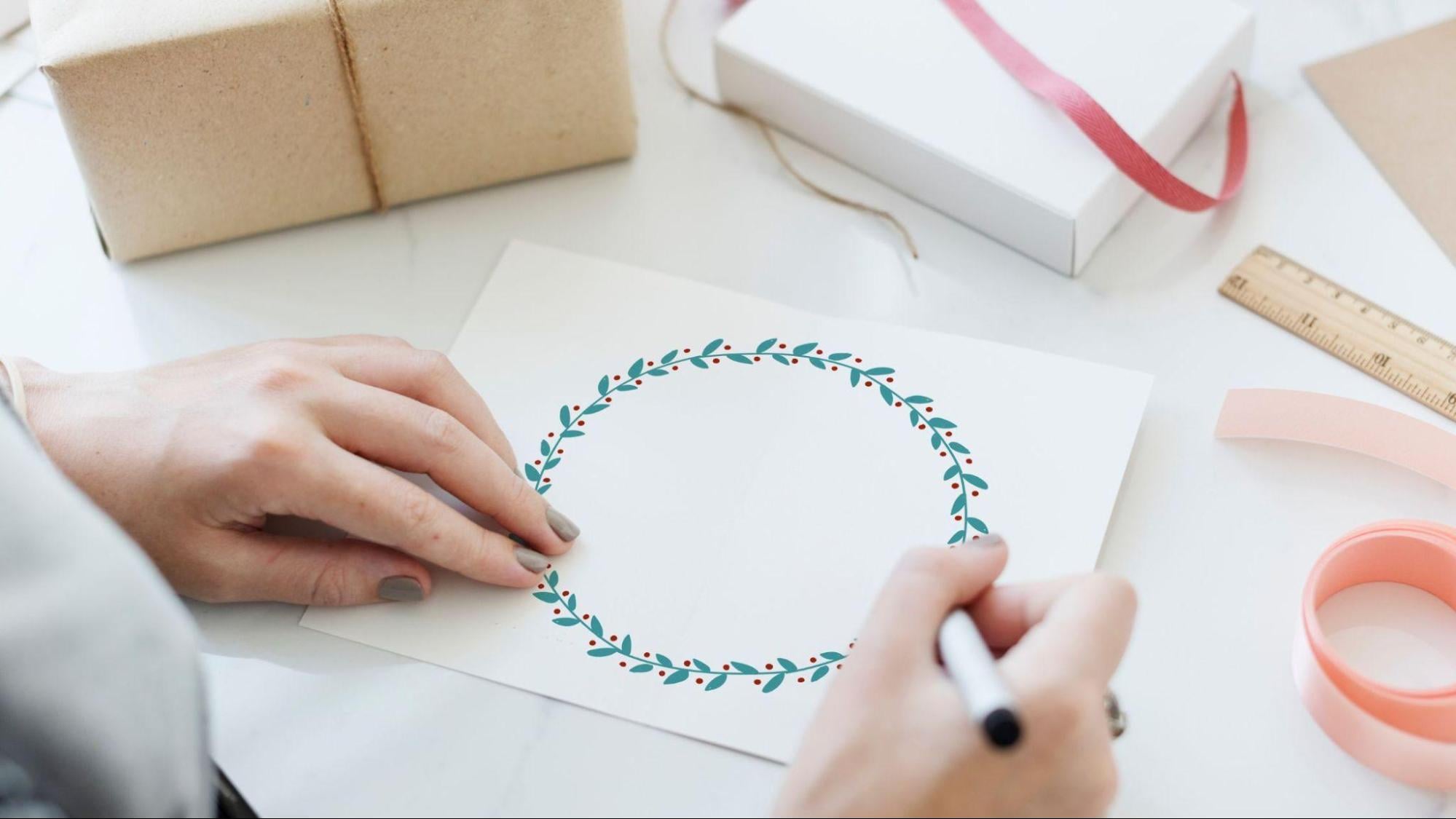
A handmade card usually goes through three stages: you design it, print it, and then finish and post it. A printer that struggles at any stage turns a fun project into a frustrating one. So it helps to follow the card itself and see what each stage needs.
Stage One: Designing the Card
Two features decide how easily your ideas move from screen or paper to the printer.
1. Phone and App-Based Printing
Many people now design cards on their phones. Wi-Fi printing through an app sends the finished design straight to the printer; no laptop is needed.
2. A Flatbed Scanner for Handmade Elements
Pressed flowers, hand-lettered greetings and children’s drawings can be scanned once and reused across many cards. A flatbed keeps delicate pieces flat and safe while you scan. The same scanner is just as handy for scrapbook photo printing, where old family prints need copying before they go into an album.
Stage Two: Printing the Card
Print settings, paper and ink all come together here. Three features matter most.
3. Borderless Printing
A white strip around the design makes a card look unfinished. Borderless printing lets colour run right to the edge of the sheet, so you don’t have to trim each card by hand.
4. Colour Resolution
Festive cards lean on deep reds, warm yellows and rich blues. Higher optimised colour resolution makes gradients and fine details appear smoother. Bear in mind that results also depend on your design file, paper and print settings, not just the printer.
5. Ink That Keeps Up with Festive Batches
Before Diwali, Raksha Bandhan or a family wedding, you may print a whole stack in one evening. Ink tank printers use refillable bottles, so the number of colour pages per set of tanks is more important than the purchase price.
Stage Three: Finishing and Posting
The final stage is all about paper, and it is where card-makers most often get caught out.
6. Paper Weight and Media Types
Every printer lists a recommended paper weight, and very thick card stock may not feed smoothly. A dependable approach is to print on photo or brochure paper and mount it on a sturdier card base.
If you are also hunting for the best printer for DIY stickers to decorate envelopes, check that the printer accepts speciality inkjet media and use sticker sheets made for inkjet printers.
7. Custom Sizes and Envelope Support
Handmade cards rarely follow office paper sizes. Custom size support gives you room for tags, inserts and folded cards, while envelope support lets you print addresses and small motifs to match.
Matching the Printer to the Card-Maker
Here is how a few HP Smart Tank models fit, each with wireless printing, a flatbed scanner and borderless printing up to A4.
The Parent Who Crafts with the Kids: HP Smart Tank 580
Built around home and learning for families with school-going children, it handles school projects during the week and festive cards at the weekend. Expect up to 8,000 black and 6,000 colour pages per set of tanks, plus a 1+1 year warranty.
Worth knowing: Two-sided printing is manual, so printing inside a folded card means flipping the sheet yourself.
The Student Who Loves Stickers and Small Crafts: HP Smart Tank 585 / 589
Students searching for the best printer for DIY stickers and small crafts can consider either. Both offer up to 8,000 black and 6,000 colour pages, with a 1-year warranty. The 585 is available across all retail platforms, while the 589 is sold on online platforms.
Worth knowing: HP’s recommended paper weight here is on the lighter side, so avoid heavy card stock.
The Festive Bulk-Maker: HP Smart Tank 675
Automatic two-sided printing lets you print the front design and the inside message in one pass. It gives up to 12,000 black and 8,000 colour pages and a 1-year warranty.
Worth knowing: If you make only a few cards a year, that extra yield may go unused.
The All-Rounder Household: HP Smart Tank 720
It pairs automatic two-sided printing with up to 12,000 black and 8,000 colour pages and a 1-year warranty, so card-making can share one printer with everyday documents
Worth knowing: It is a document-first, all-in-one, and a dedicated photo printer may suit you better if photo prints are the main goal.
Your Pre-Purchase Checklist
Run through these questions before you pick a model:
- Can I print and scan straight from my phone?
- Does it print borderless at the card size I want?
- Will it accept my preferred paper and sticker sheets?
- Can it handle custom sizes and envelopes?
- Do I need automatic two-sided printing for folded cards?
- How many colour pages will one set of tanks give me?
- What warranty comes with it?
Conclusion
A good card-making printer quietly removes the friction between your idea and the finished card in your hand.
Think of the card’s whole journey rather than one standout spec. Phone printing and a flatbed scanner make designing easier, borderless printing and generous colour yield keep the printing stage smooth, and the right paper handling ensures a polished finish.
Match these to how often you craft. That is a practical way to find the best printer for handmade cards, whether you make a handful each Diwali or a fresh batch for every family celebration.