• Send Us A Tip
  • Calling all Tech Writers
  • Advertise
Monday, August 24, 2026
  • Login
TechStory
  • News
  • Crypto
  • Gadgets
  • Memes
  • Gaming
  • Cars
  • AI
  • Startups
  • Markets
  • How to
No Result
View All Result
  • News
  • Crypto
  • Gadgets
  • Memes
  • Gaming
  • Cars
  • AI
  • Startups
  • Markets
  • How to
No Result
View All Result
TechStory
No Result
View All Result
Home Tech

How to Transcribe Audio to Text

by Ayush Bansal
June 18, 2022
in Tech
Reading Time: 2 mins read
0
How to Transcribe Audio to Text
TwitterWhatsappLinkedin
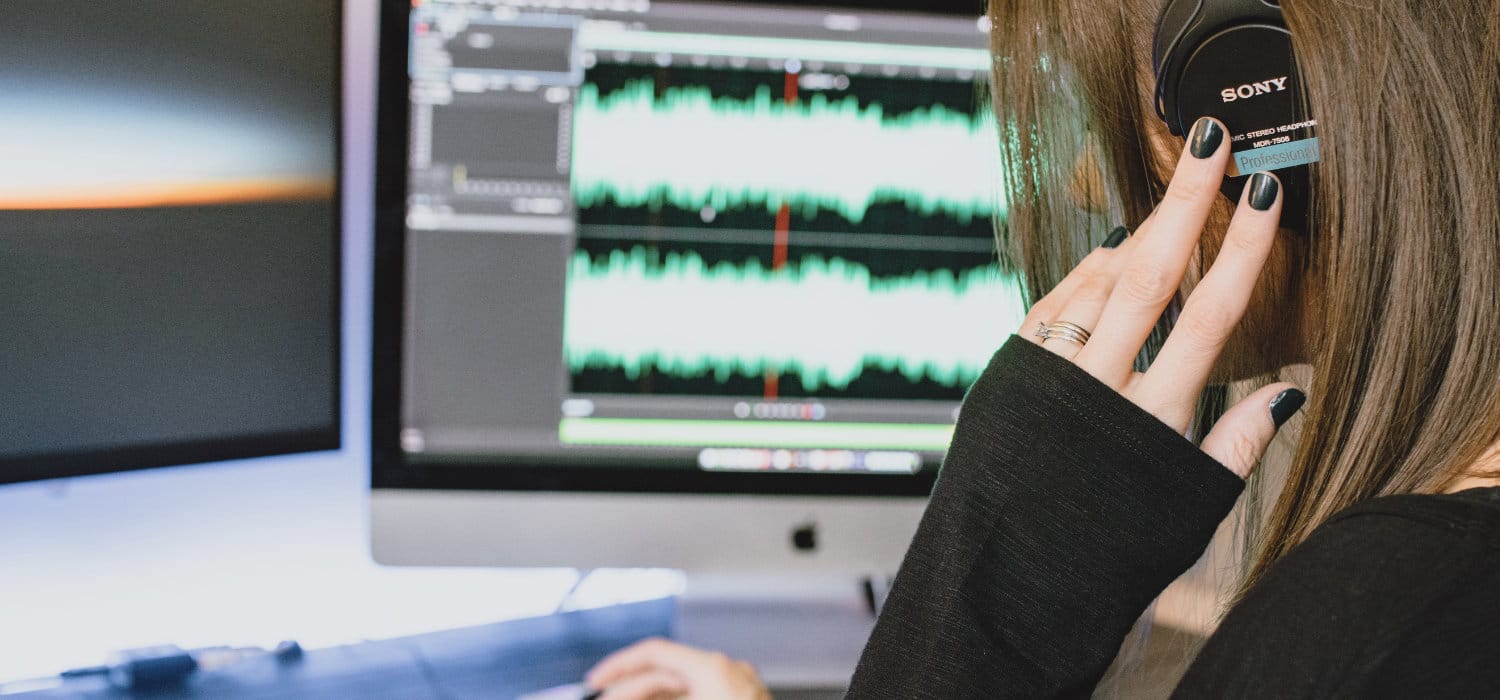
How do you transcribe audio files to text? | Amberscript
Image: Amberscript

Audio transcription is the process of converting an audio file into a text file. That may be any audio recording, such as an interview, academic study, a music video clip, or a conference recording.

You might also like

Lawsuit Demands Logitech Hand Tariff Refunds Over to Customers

Weekly Technology News

China Moves Government Desktops From Windows to Linux

There are plenty of scenarios where having a text file is more convenient than an audio recording. Transcription is useful for podcasts, research, subtitling, transcribing phone calls, dictation, etc.

You can always go the old-school route of transcribing it yourself, which could take you hours. Or you can opt to use a transcription service to convert audio files to text. There are plenty of free or low-cost options to choose from, and most of them work in minutes.

Try transcribing audio to text or video to text and see how it improves your workflow, no matter if you’re a journalist, researcher, interviewer, educator, in the entertainment industry, or just need to take meeting notes. So, if you’re interested in transcribing an audio file or online audio to text, here’s everything you need to know.

1. Upload Your Audio File

Paste the URL of your audio media file, or upload the recorded audio file itself to our safe and secure network. You can upload voice recordings, recorded phone calls, podcasts, or anything that can be recorded to a digital file format and played with a media player.

With our uploader, you can import your file from anywhere, whether it’s on your laptop, Google Drive, Youtube, or Dropbox. The first 10 minutes are free. You will be asked to choose between automatic or human transcription.

Remember that you have 10 minutes of automatic transcription for free. Once the upload is finished just hit the “Transcribe” button and your audio will be processed.

2. Receive Your Transcript

Our automatic transcription software will convert your audio to text in just a few minutes (depending on the length of your file). If you select our human service, your transcript will be ready within 24 hours. Once the transcript is ready you will be able to proofread it from your user dashboard.

3. Proofread and Export the Transcript

In case you have selected automatic transcription, you might need to proofread and edit the final transcript. Thanks to our transcription editor proofreading your transcripts is much easier. Using the rewind feature, you can play your audio as many times as you want.

You will also be able to add speaker names, display the time code… etc. Once you have ensured everything is fine, you can proceed to download the transcript. You will be able to export the file in multiple texts or subtitle formats.


Tags: #iOS_14.2androidtech
Tweet54SendShare15
Previous Post

Weekly Start-up Funding Roundup

Next Post

Fired From TCS, Man Wins Court Battle to Get His Job Back

Ayush Bansal

Recommended For You

Lawsuit Demands Logitech Hand Tariff Refunds Over to Customers

by Shailja Jha
August 23, 2026
0
Lawsuit Demands Logitech Hand Tariff Refunds Over to Customers

Logitech is facing a lawsuit that could force the technology company to return millions of dollars in tariff-related savings to customers after raising prices on a wide range...

Read more

Weekly Technology News

by Shailja Jha
August 22, 2026
0
Weekly Technology News

Nvidia Invests in Data Center Developer Cloverleaf Infrastructure Nvidia has invested in data center developer Cloverleaf Infrastructure as the AI chipmaker continues to expand its presence across the...

Read more

China Moves Government Desktops From Windows to Linux

by Ishaan Negi
August 22, 2026
0
China Moves Government Desktops From Windows to Linux

China is taking another major step toward reducing its dependence on American technology. According to a Bloomberg report, the Chinese government has ordered some state agencies to replace...

Read more
Next Post
TCS by NDTV

Fired From TCS, Man Wins Court Battle to Get His Job Back

Please login to join discussion

Techstory

Tech and Business News from around the world. Follow along for latest in the world of Tech, AI, Crypto, EVs, Business Personalities and more.
reach us at info@techstory.in

Advertise With Us

Reach out at - info@techstory.in

Aviator Game India 2026

BROWSE BY TAG

#Crypto #howto 2024 acquisition AI amazon Apple Artificial Intelligence bitcoin Business China cryptocurrency e-commerce electric vehicles Elon Musk Ethereum facebook funding Gaming Google India Instagram Investment ios iPhone IPO Market Markets Meta Microsoft News OpenAI samsung Social Media SpaceX startup startups tech technology Tesla TikTok trend trending twitter US

© 2025 Techstory.in

No Result
View All Result
  • News
  • Crypto
  • Gadgets
  • Memes
  • Gaming
  • Cars
  • AI
  • Startups
  • Markets
  • How to

© 2025 Techstory.in

Welcome Back!

Login to your account below

Forgotten Password?

Retrieve your password

Please enter your username or email address to reset your password.

Log In
Are you sure want to unlock this post?
Unlock left : 0
Are you sure want to cancel subscription?