This guide talks about how to reset Oculus Quest 2, Assuming that you have Oculus Phone App installed on your phone, are signed in, and Oculus Quest 2 is listed as one of your registered devices within the app, it is easy to do a Factory Reset. Similar to PCs, cell phones, and tablets, performing a factory reset usually fixes a wide variety of different problems, and eventually sets The Oculus Quest 2 for a new start. A factory reset wipes out all data on the Oculus Quest, including account info, but it is usually the best way to address software crashes.
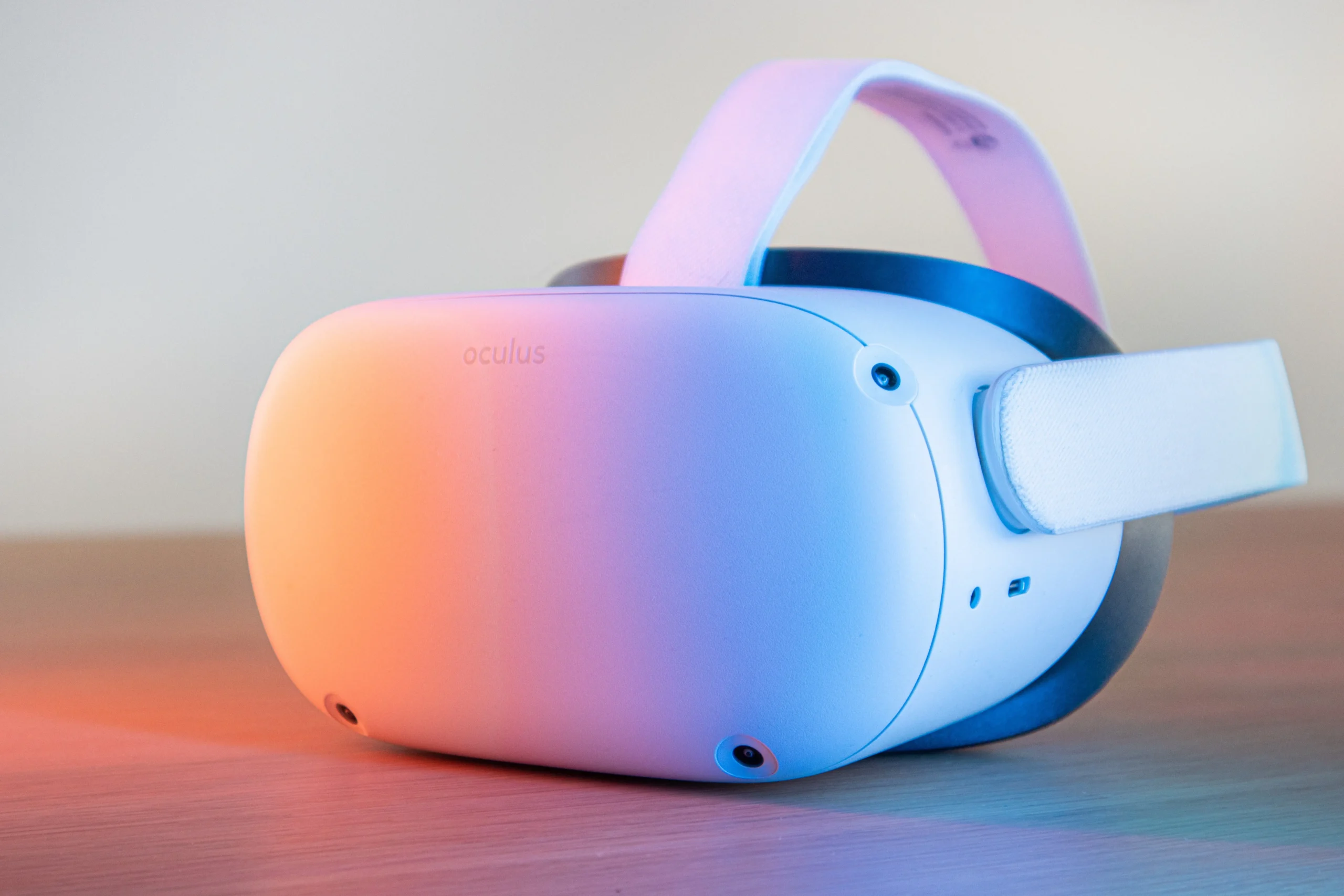 As with any electronics, there may come a time when you wish to do a complete factory reset and wipe the Oculus Quest clean, allowing you to start from the beginning and configure the device from scratch. You can perform a factory reset of your Oculus Quest using a button on your Oculus Quest itself, or using the Oculus App on an iPhone or Android device.
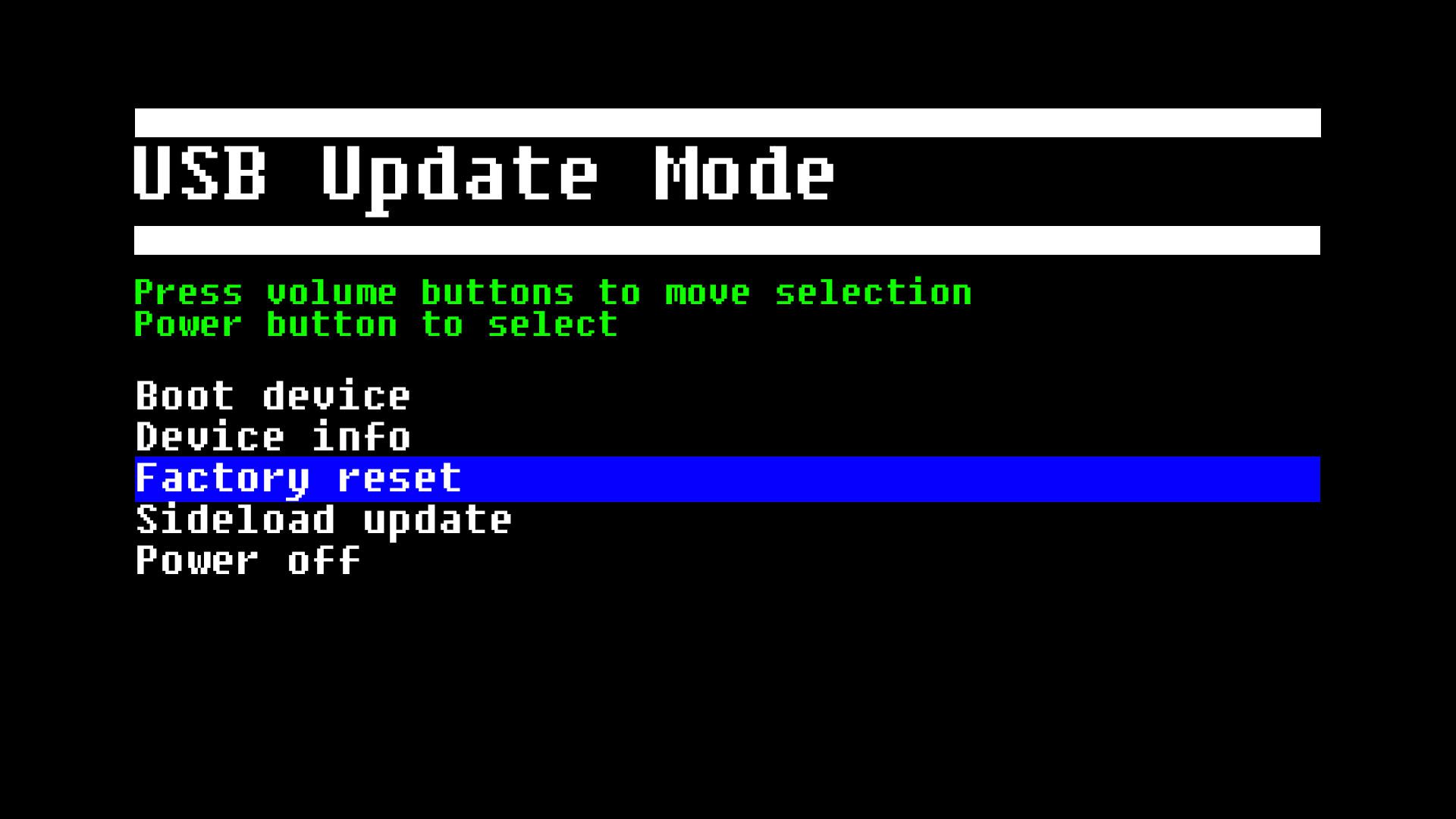
You can perform a factory reset on an Oculus Quest 2 by holding the power and volume buttons down on the headset, or going to Advanced settings on the Oculus app on a mobile device. Select Factory Reset from the list of options that appears on the screen, using both volumes to navigate through the menu. Select Reset to confirm that you want to reset your chosen Oculus device or controller back to the factory defaults. Navigate to Advanced Settings once you have selected an Oculus device that you want to upgrade or reset. Once you have your gaming data backed up, you can continue with a device reset.
 Once it is done, you will need to configure the headset beforehand if you plan on using the headset again. You can also use factory resets to wipe out all of your data before selling or giving your headset away. You can then use the Oculus app to re-run the headset’s initial setup process.
As mentioned earlier, your headset data will be erased, and you will have to do the initial process all over again in order for Oculus Quest 2 to function. This is the most convenient way to reset your Quest headset, but will not always work if you are having issues with your headset.
If you are experiencing issues with a VR headset, and they continue to happen after restarting your VR headset, you can just reset it to get it working again. It is important to note that when you decide to reset your Oculus Quest 2 controller back to the factory settings, none of your custom settings or preferences will be saved in the firmware.