• Send Us A Tip
  • Calling all Tech Writers
  • Advertise
Sunday, July 26, 2026
  • Login
TechStory
  • News
  • Crypto
  • Gadgets
  • Memes
  • Gaming
  • Cars
  • AI
  • Startups
  • Markets
  • How to
No Result
View All Result
  • News
  • Crypto
  • Gadgets
  • Memes
  • Gaming
  • Cars
  • AI
  • Startups
  • Markets
  • How to
No Result
View All Result
TechStory
No Result
View All Result
Home How to

How to check subscriptions on an iPhone?

by Afeefa Ansari
March 13, 2025
in How to
Reading Time: 2 mins read
0
Subscriptions Apple

Credits - descriptive.audio

TwitterWhatsappLinkedin

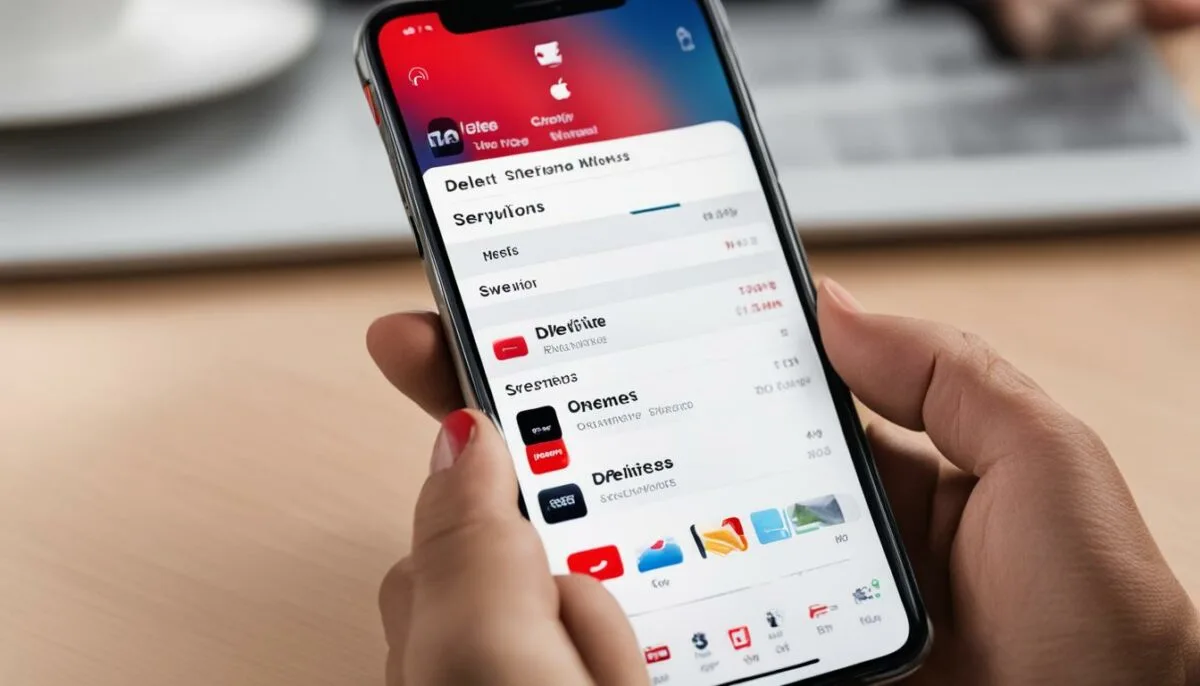
Ever wondered if you can manage and view all your subscriptions under one category? Well, Apple makes it possible for you. In this guide, we will discuss how one can check their subscriptions on an iPhone in a few simple steps. We will also talk about the methods to cancel them, renew them, and do much more than just that. Let us have a look at the guide to see that for ourselves.

You might also like

How to Beat Legendary Ships in Assassin’s Creed IV: Black Flag

How to Get Ancient Civilization Core in Palworld

How to Get Cube Sprites in Fortnite

Subscriptions offered by Apple

Apple offers a range of subscription services across its ecosystem, providing users with access to exclusive content, apps, and features. These subscriptions include services like Apple Music, Apple TV+, Apple Arcade, iCloud storage, and Apple News+. They are typically billed on a monthly or annual basis and can be managed directly through the Apple ID account settings. Apple’s subscription model often includes free trial periods, allowing users to test services before committing. Additionally, many Apple devices come with promotional offers or bundled subscriptions, such as the Apple One bundle, which consolidates multiple services into one plan for a reduced price. These subscriptions enhance the user experience by offering a seamless and integrated way to access content across all Apple devices.

How can I check my subscriptions on an iPhone?

If you want to check your subscriptions on an iPhone, then these are the steps that you can follow –

  • Open the ‘Settings’ app on your iPhone and visit your ‘Profile’.
  • Now choose ‘Subscriptions’ and wait for the subscriptions page to appear.

This is the section where you can find all the information about your subscriptions. These can be your current ones, the ones that have expired, or the subscriptions that you can renew. All it takes is a click from you if you have a mind to manage either of them.

How can I cancel subscriptions on my iPhone?

It is equally simple to cancel your subscriptions on your iPhone. Just follow these steps and you will be good to go. Go to the ‘Settings’ app and then repeat the steps that are mentioned above. Here you can find all your active subscriptions in the form of a list (if multiple). Now you can pick the one you would like to cancel for now. Remember, that you can change this anytime just by updating these settings.

Can I use the respective websites to cancel my subscriptions?

Sure! It is also possible for the users to take the help of the official websites of the respective subscription providers or even third-party apps (that are reliable) to help them out here. They can be trusted with the cancellation of these active subscriptions and are equally easy. It is just that one can find it more manageable to have all the subscriptions under the same roof on one’s phone. That is the entire point of understanding this guide, which we hope will help you as well.

And that is just how you can check and even cancel your subscriptions on your iPhone. If you still want to get help from an app, you can.

Tags: #howtoAppleApple subscriptionsCancel subscriptionsiPhone
Tweet57SendShare16
Previous Post

End of an Era: Ford Focus Production to Cease in November 2025

Next Post

Trump Criticizes CHIPS Act, Raising Concerns Over U.S. Semiconductor Industry

Afeefa Ansari

Recommended For You

How to Beat Legendary Ships in Assassin’s Creed IV: Black Flag

by Khilav Jadav
July 25, 2026
0
How to Get Keys in Assassin’s Creed Shadows

The Legendary Ships are among the hardest naval challenges in Assassin’s Creed IV: Black Flag. There are four encounters, but one battle features two ships at once, giving...

Read more

How to Get Ancient Civilization Core in Palworld

by Khilav Jadav
July 25, 2026
0
How to Increase Inventory in Palworld

The Ancient Civilization Core is one of the most valuable late-game materials in Palworld. It is a Legendary crafting resource used for powerful equipment, advanced technology, and several...

Read more

How to Get Cube Sprites in Fortnite

by Khilav Jadav
July 25, 2026
0
How To Archive Items in Fortnite

Cube Sprites are a new collectible type added to Fortnite Chapter 7 Season 3. They are connected to the season’s cube-themed content and are based on the mysterious...

Read more
Next Post
Trump Suggests Canada Become the 51st State Amid Escalating Trade Tensions

Trump Criticizes CHIPS Act, Raising Concerns Over U.S. Semiconductor Industry

Please login to join discussion

Techstory

Tech and Business News from around the world. Follow along for latest in the world of Tech, AI, Crypto, EVs, Business Personalities and more.
reach us at info@techstory.in

Advertise With Us

Reach out at - info@techstory.in

Aviator Game India 2026

BROWSE BY TAG

#Crypto #howto 2024 acquisition AI amazon Apple Artificial Intelligence bitcoin Business China cryptocurrency e-commerce electric vehicles Elon Musk Ethereum facebook funding Gaming Google India Instagram Investment ios iPhone IPO Market Markets Meta Microsoft News OpenAI samsung Social Media SpaceX startup startups tech technology Tesla TikTok trend trending twitter US

© 2025 Techstory.in

No Result
View All Result
  • News
  • Crypto
  • Gadgets
  • Memes
  • Gaming
  • Cars
  • AI
  • Startups
  • Markets
  • How to

© 2025 Techstory.in

Welcome Back!

Login to your account below

Forgotten Password?

Retrieve your password

Please enter your username or email address to reset your password.

Log In
Are you sure want to unlock this post?
Unlock left : 0
Are you sure want to cancel subscription?