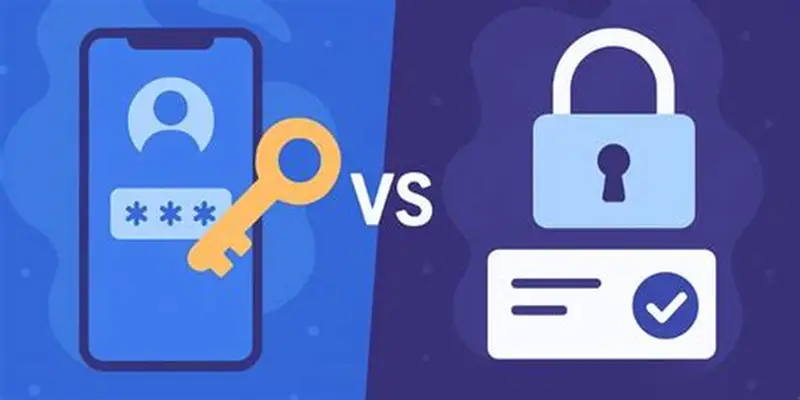
Ever wondered how passkeys work when you don’t use passwords? Here are the mechanisms that will shock you! Read on to know how you can understand this and how it works. So, let’s get started.
What are passkeys?
Passkeys are known to be a modern, highly secure replacement for traditional passwords. In this case, you don’t have to memorize a complex string of letters, numbers, and symbols. Instead, a passkey lets you log into apps and websites using the exact same methods you use to unlock your phone or computer. This means you can sign in with your fingerprint, a facial scan, or your device lock PIN. This is something that you set yourself or use your biometrics to log in.
To understand it better, we must understand that passkeys rely on public key cryptography. When you create a passkey for a website, your device generates a unique pair of cryptographic keys. One is a public key, which is shared with the website, and the other is a private key, which stays safely locked inside your device and is never shared with anyone, not even the website itself. This is important. You shouldn’t share it with anyone else, either, as it should always be in the right hands. When you try to log in, the website challenges your device to prove it has the private key, which you authorize with your biometrics.
The biggest benefit of passkeys is their security against modern cyber threats. Because there is no actual password to type out, they are entirely immune to phishing attacks. It means that there is almost a negligible possibility of falling for a phishing scam where a hacker tries to trick you into revealing a passkey on a fake website. They also eliminate the danger of credential stuffing, where hackers reuse stolen passwords across different platforms. Most major tech ecosystems back up these passkeys to your secure cloud account, allowing them to sync automatically across your personal devices so you never get locked out of your digital life. It is really important that you set strong passkeys if they are not biometrics.
How do passkeys work without passwords?
The entire foundation relies on a pair of cryptographic keys. When you register a passkey for a website or an app, your device generates two mathematically linked but entirely separate keys. One is a public key, and the other is a private key, as we said above. The public key is sent over the internet and stored openly on the website server. This key is useless on its own, and there is nothing one can do with it alone. It acts like a digital padlock that can only be unlocked by one specific key in the universe. The company can display this public key anywhere, and it poses zero security risk.
- The private key is the true secret, and it never leaves your physical device. It is securely written into your phone or computer hardware, often inside a dedicated security chip like Apple Secure Enclave or Google Titan M, where it stays. The website never sees this private key, and it is never transmitted across the network. Only your device has it, and you can use it safely.
- Also, to bridge the gap between these two keys, your device uses your existing biometrics or screen lock. When you want to log into a site, your device asks you to scan your face, touch the fingerprint reader, or enter your device PIN. This action does not send your fingerprint to the website; it simply unlocks your device’s local permission to use its stored private key.
- You must know that once you grant local biometric permission, the authentication process officially begins. The website server generates a unique, one-time digital challenge and sends it over the internet to your phone or computer. This challenge is essentially a random mathematical puzzle that can only be solved using your specific private key. Yes, it is no less than a challenge that feels like a mini-game.
- Your device receives this challenge, applies your private key to it, and signs the puzzle. This cryptographic signature proves beyond a doubt that your device possesses the correct private key, without ever revealing what the private key actually is. This makes it all the more safe, not even being able to read it.
- Your device sends this signature back to the website server. The server uses its copy of your public key to verify the signature. If the math checks out perfectly, the website knows you are exactly the same as you identified yourself to be, and it instantly logs you into your account.
- Because the website only stores the public key, there is nothing for hackers to steal. If a major company suffers a massive data breach, your account remains secure because the hackers will only find useless public keys that cannot be used to log into anything.
- This structure also makes passkeys completely immune to phishing attacks. Traditional hackers love creating fake lookalike websites to trick you into typing your password. They can be sent to you via email or something that would look like a genuine link or webpage. With passkeys, your device manages the login process and checks the website domain against the registration record. If you land on a fake phishing site, your device will recognize that the domain does not match, and it will refuse to offer the private key.
- To make things all the more easier, passkeys are built to sync seamlessly across your personal tech ecosystem. Major platforms use secure cloud services, like iCloud Keychain, Google Password Manager, or 1Password, to encrypt your private keys and sync them across your other devices. If you buy a new phone, your passkeys are pulled down securely so you do not lose access to your accounts.
- If you need to log in to a website on a device you do not own, like a public library computer, passkeys use a local proximity check. Yes, it gets interesting over here! The foreign computer will display a QR code on the screen. You scan that QR code with your phone camera, and the two devices establish a brief, secure Bluetooth connection to verify you are physically standing in front of that computer before completing the login. And that is simply how the passkeys work!