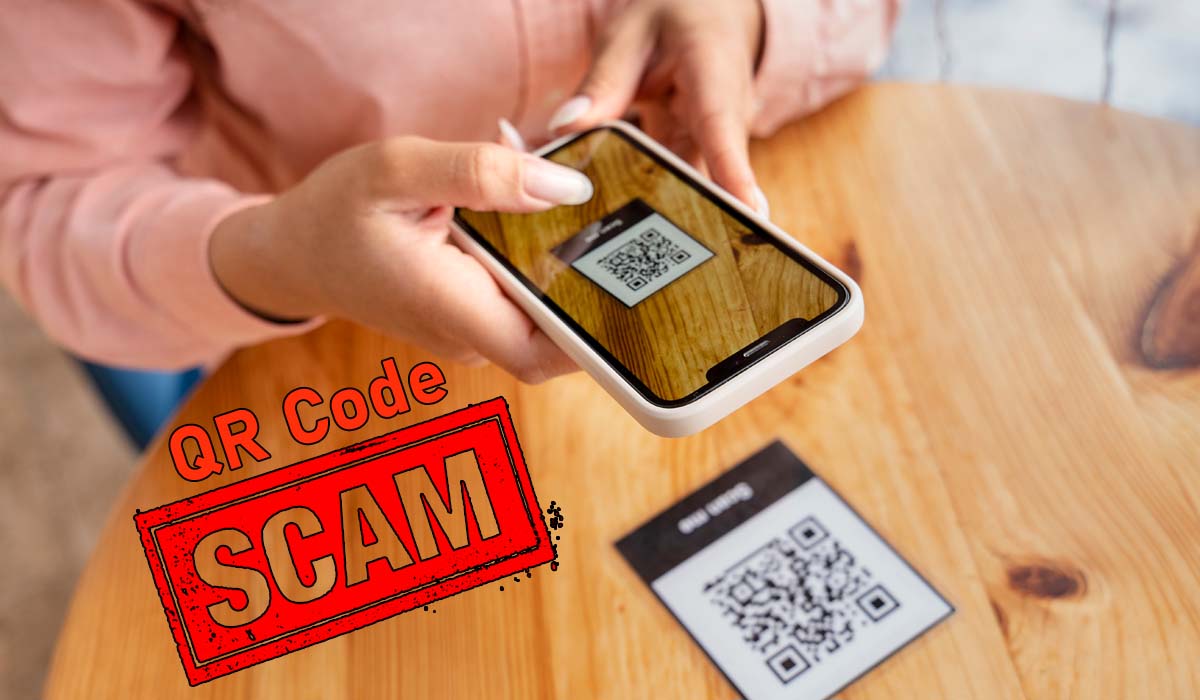
With scamming taking place in heavy amounts every day, it is always a good idea to be thoroughly prepared beforehand. So, let’s learn how we can protect ourselves from the QR code scams that are another type of phishing scam.
What is a QR Code scam?
A QR code scam, which is often called quishing, happens when attackers manipulate those square barcodes to trick you into visiting malicious sites or handing over sensitive information. Because human eyes cannot read a QR code’s destination directly, fraudsters take advantage of our trust. They might paste fake stickers over legitimate codes on public parking meters, restaurant menus, or utility bills. They also send phishing emails containing QR codes to bypass traditional security filters that scan text links. When you scan the tampered code, it can redirect your phone to a convincing fake login page designed to steal your passwords, prompt a fraudulent payment, or download malware onto your device before you realize anything is wrong.
Ways to protect yourself from QR Code Scams
If you want to stay aware and protect yourself from QR Code scams, then these are some ways you can follow.
- Physical checking comes first. Inspect physical codes closely before scanning. Check if a sticker has been pasted over an original QR code on parking meters, public payment kiosks, or restaurant tables. If it feels raised or looks tampered with, do not scan it.
- Preview the web link before opening it as it hovers. Most smartphone cameras show the full URL on screen after reading a code. While doing so, you must look carefully at the web address to ensure it matches the official business site and does not use misspellings or shady domains that would make you feel bad later on.
- A very big piece of advice! Avoid downloading apps directly through QR codes. Real apps should always be downloaded by searching directly inside official app stores like Google Play or the Apple App Store rather than such methods that bypass the standard security methods and end up making the subject susceptible.
- Use built-in camera apps instead of third-party scanners. Your phone’s default camera includes built-in security features that can help you verify this in this case.
- Finally, never enter sensitive logins or personal information on a page you reached via a public QR code. This simply means that it may be a phishing attempt. If a code forces you to log in to an account, close the browser and go there yourself.