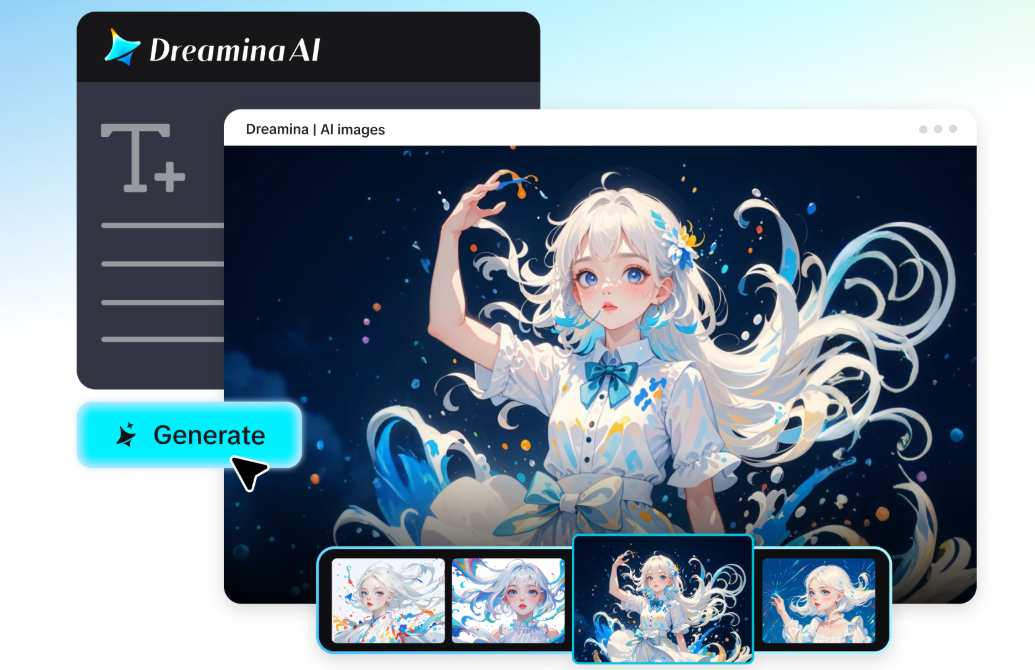
Every genre carries its own unmistakable visual shorthand: the gritty urban energy of hip hop, the ethereal softness of ambient folk, the neon chaos of electronic music. Building cover art that actually matches a genre’s visual language used to mean hiring a designer who already understood that world. A free AI image maker online changes that entirely, letting any artist or label explore genre-accurate cover concepts directly.
Dreamina, powered by its advanced Seedream 5.0 Pro image generation model, is genuinely capable of capturing these distinct genre identities with real visual nuance. Here’s how to build cover art that sounds like your music looks.
Reading a genre’s established visual vocabulary
Before designing anything, it helps to study what visual choices a genre’s fans already associate with that sound: specific color families, recurring imagery, a particular mood. This existing vocabulary gives your cover a head start on feeling authentic rather than generic.
Matching color and texture to genre energy
A few genre-color pairings consistently resonate with listeners:
-
Hip hop favors bold contrast, strong typography space, and urban texture
-
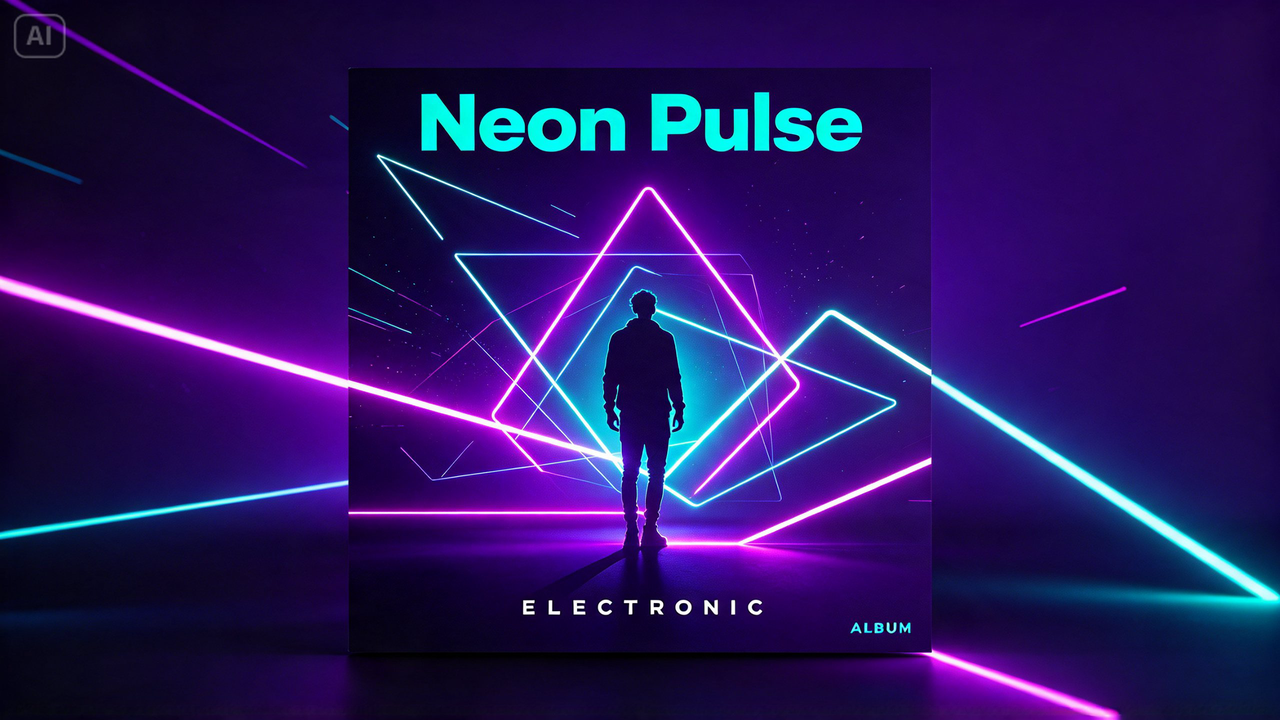
Electronic and dance favor neon color and geometric, futuristic shapes
-
Folk and acoustic favor warm, muted natural tones and organic texture
-
Metal and rock favor dark, dramatic contrast and intense, jagged imagery
Deciding between a figurative or abstract approach
Some genres lean toward a clear central figure, often the artist, styled to match the sound’s mood, while others lean entirely abstract, relying on color and form alone. Committing to one direction clearly, rather than blending both halfway, produces a more cohesive final cover.
Your 3-step cover build with Dreamina
Step 1: Write a text prompt
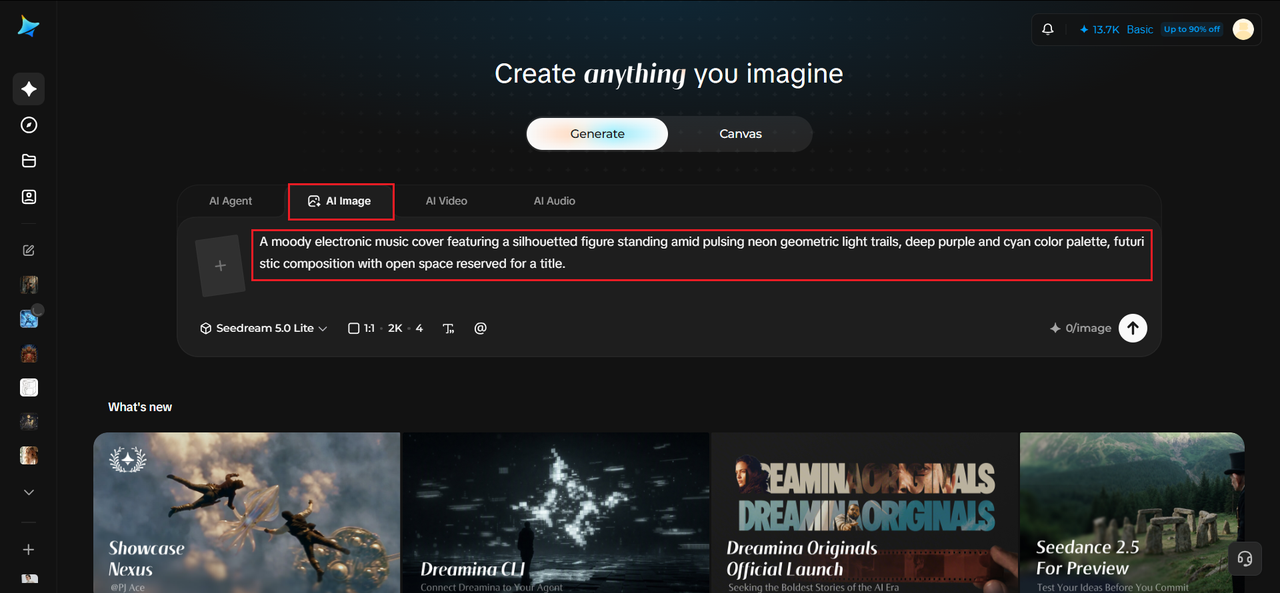
Navigate to Dreamina and write a detailed text prompt describing a figure or abstract scene styled to match your chosen genre’s established visual mood, specifying color and texture choices tied to that sound.
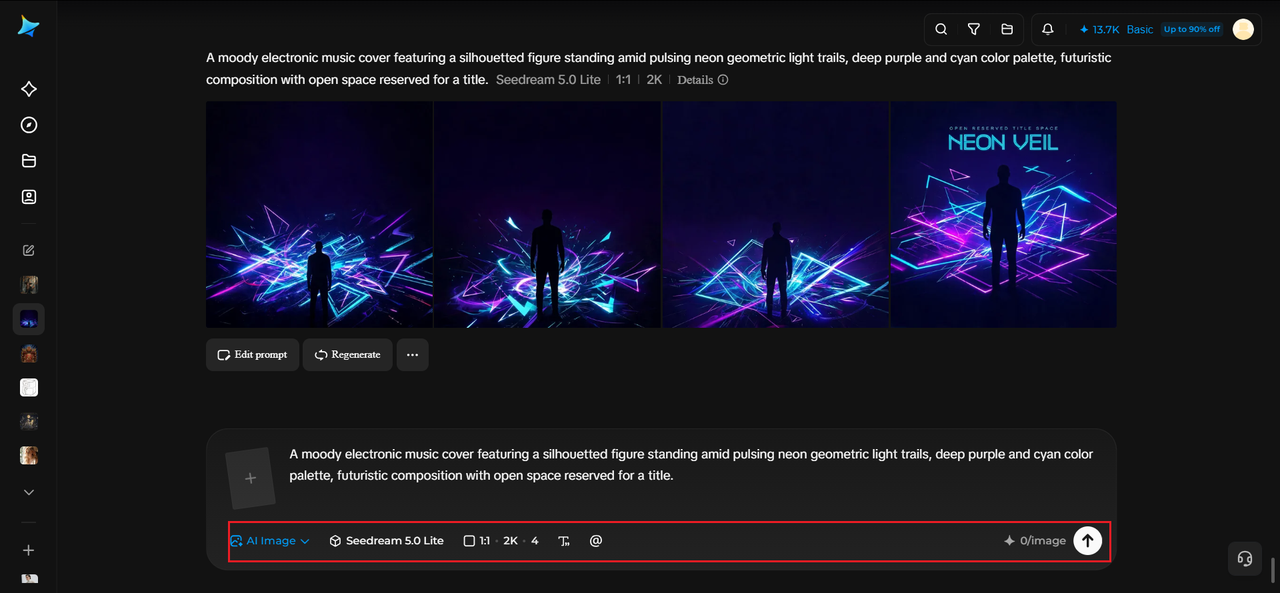
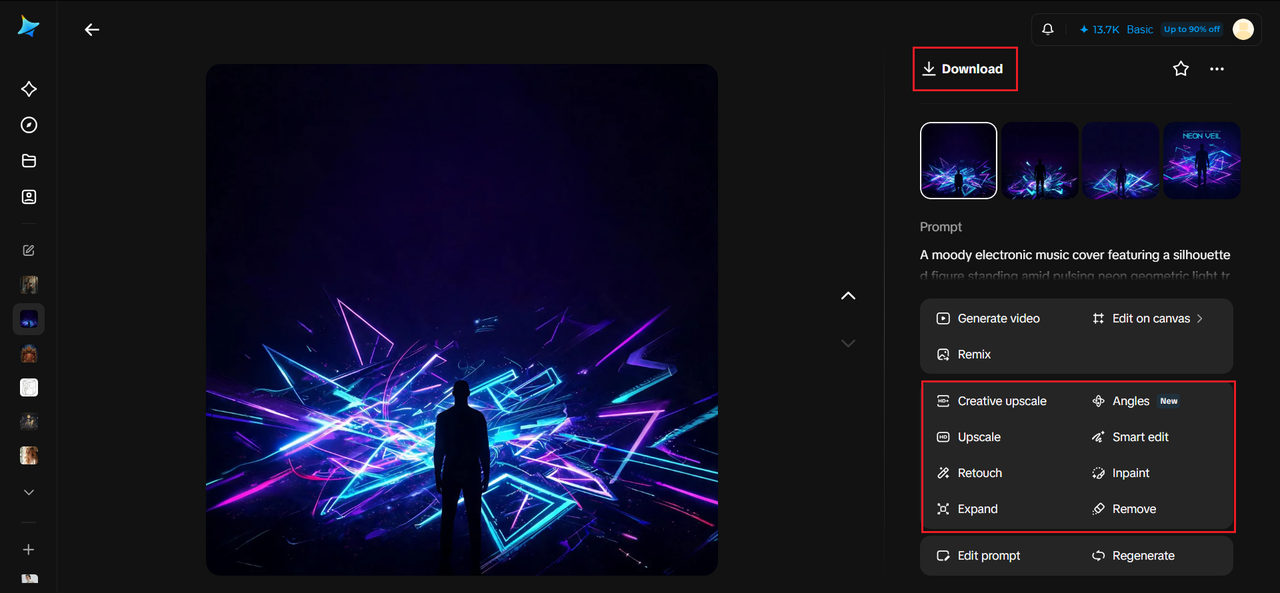
A strong sample prompt might read: A moody electronic music cover featuring a silhouetted figure standing amid pulsing neon geometric light trails, deep purple and cyan color palette, futuristic composition with open space reserved for a title.
Grounding your prompt in genre-specific color and mood language is what makes the cover instantly recognizable within its category.
Step 2: Adjust parameters and generate
Before generating, set your parameters. Choose your model: Image 5.0 Pro by Seedream 5.0 Pro handles bold color and dramatic lighting with real range, then select your aspect ratio, image size, and resolution, using a square ratio to match streaming platform requirements and 2K resolution for crisp detail. Click Dreamina’s generate icon to produce your cover.
Step 3: Customize and download
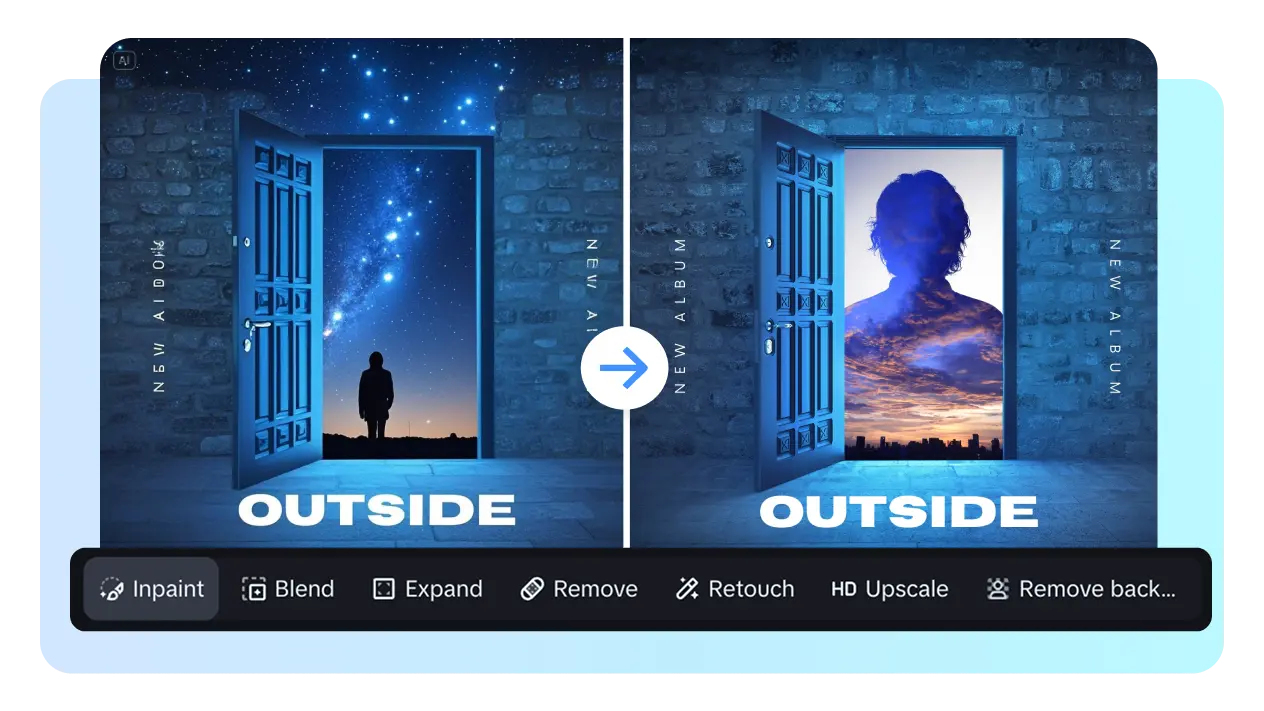
Once your cover generates, refine it using Dreamina’s AI customization tools — inpaint to adjust specific color or lighting details, expand to open space for the title, remove to clean up anything cluttering the composition, and retouch to sharpen overall mood. When it genuinely sounds like your genre looks, click the Download icon to save it.
Blending two genres into one cover concept
For artists working across genre boundaries, combining visual elements from both influences- folk’s warmth with electronic’s geometric structure, for instance- creates a cover that genuinely reflects a hybrid sound rather than forcing the art into just one established category.
Seedream 5.0 Pro’s strengths for genre-accurate design
As Dreamina’s most advanced image model, Seedream 5.0 Pro brings particular strength to this kind of mood-driven cover work. Its deep reasoning generation analyzes how color, lighting, and composition should relate to the emotional tone you’re describing, which matters enormously when a genre’s whole identity depends on getting that mood right rather than just rendering a technically nice image.
Its multi-layer visual control also separates the central artwork from title space, making adjustments simple once the core concept is locked in.
Testing how the cover reads at thumbnail size
Since most listeners first encounter a cover as a tiny streaming thumbnail, checking how your design holds up at that reduced size, rather than judging only the full-resolution version, catches details that disappear once shrunk down.
Building a consistent visual identity across a discography
If this release is part of a larger body of work, keeping a recognizable color thread or compositional habit across covers helps listeners identify an artist’s evolving catalog at a glance, even as individual releases explore slightly different genre territory.
Where genre-accurate cover art earns its impact
Strong genre-specific artwork pays off across several release touchpoints:
-
Streaming platform covers and playlist placements
-
Social media release announcements and promotional content
-
Physical merchandise for genre-specific fan communities
-
Press kits distributed to genre-focused media outlets
Final thoughts
A genre’s sound deserves cover art that actually looks like it, and a free AI image maker online makes exploring that genre-accurate visual language genuinely achievable for any artist.
With Dreamina and its advanced Seedream 5.0 Pro image generation model, a track’s actual energy can find its visual match.
Study your genre’s established language, commit to a clear mood, and let Dreamina help your next release look exactly like it sounds.