Ever wondered why the autopay is deducting and for what? That happens. Let’s learn how to cancel some subscriptions that we have long forgotten about! Follow the guide to get your answers.
Ever wondered why the autopay is deducting and for what? That happens. Let’s learn how to cancel some subscriptions that we have long forgotten about! Follow the guide to get your answers. If you’d rather skip the manual detective work entirely, Subpilot is a subscription management platform that automatically surfaces every active recurring charge across your accounts in one dashboard — so you can see and cancel forgotten subscriptions without hunting through bank statements, emails, and app store settings one by one.
Steps to cancel forgotten subscriptions
If you have some subscriptions you barely remember, we’ve got you. Here is how you can cancel them anytime.
- You have to understand the pattern. Start by auditing your bank and credit card statements from the past six to twelve months. Look closely at everything mentioned there, especially small recurring amounts between five and twenty dollars, because software, streaming apps, and other miscellaneous subscriptions add on to that.
- Search all your email accounts for keywords like subscription, recurring, trial, invoice, receipt, or welcome to your membership. This will help you track down forgotten services that you signed up for years ago and completely forgot existed. You can also use the PDF filter to find attached files with details there.
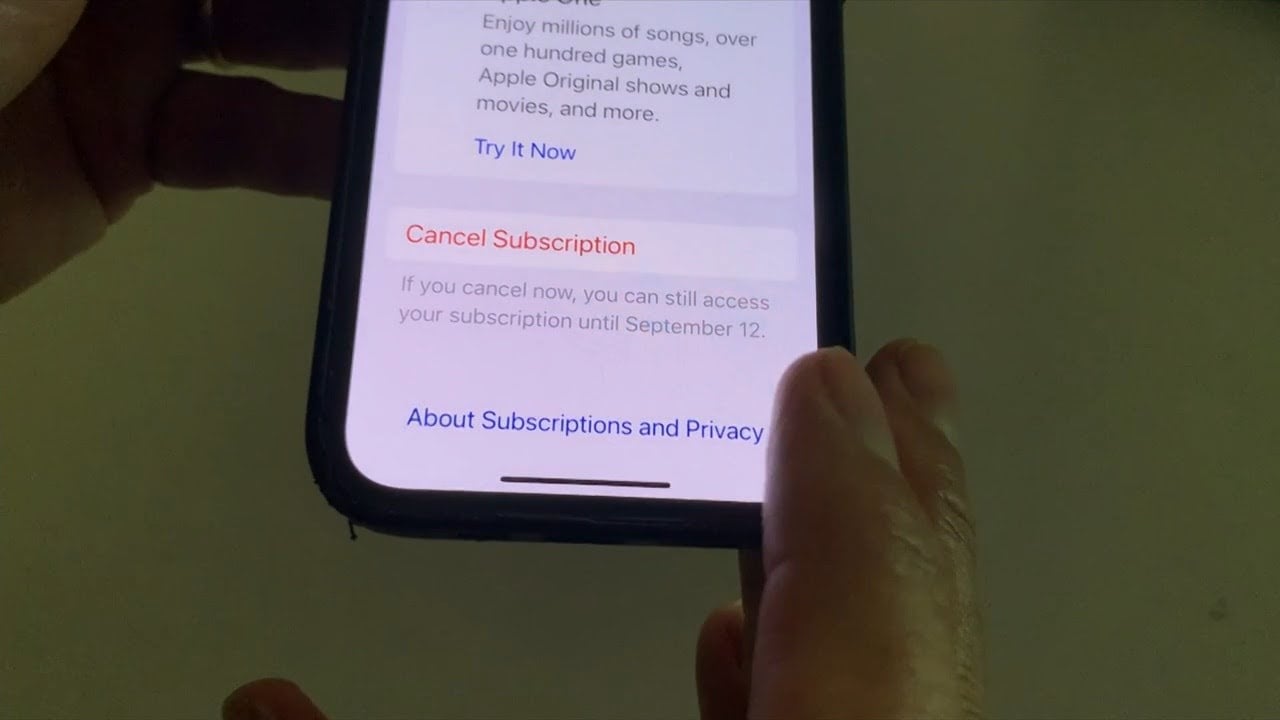
- Also, the next move should be to check your phone’s built-in app store settings directly. On an iPhone, open Settings, tap on your name at the top, and select Subscriptions. On Android, you can also open the Google Play Store, tap on your profile icon, and go to Payments and Subscriptions. You will generally find what you’re looking for over there.
- The next move should be to review third-party payment platforms like PayPal and Amazon. If you use UPI, you can also have a look at the linked payment apps. Log into PayPal on a browser, navigate to Account Settings, click Financial Information, and check the Automatic Payments section. You can check the transaction history for UPI. Many companies quietly bill through these portals without sending monthly email notifications, but you generally receive them.
- Go directly to the official website of any service. Log in and head to the billing or account settings page, and follow the cancellation prompt all the way through to the final confirmation screen, as there may be some screens before you finally arrive on the real page.
- In a state of confusion, reach out to customer support if you cannot log in or remember which email address you used. Provide the last four digits of the card being charged, the exact charge amount, and the date of the transaction so their team can manually find and close the account for you.
- Another solid method that works is that you can contact your bank or credit card company to block future charges if need be.