

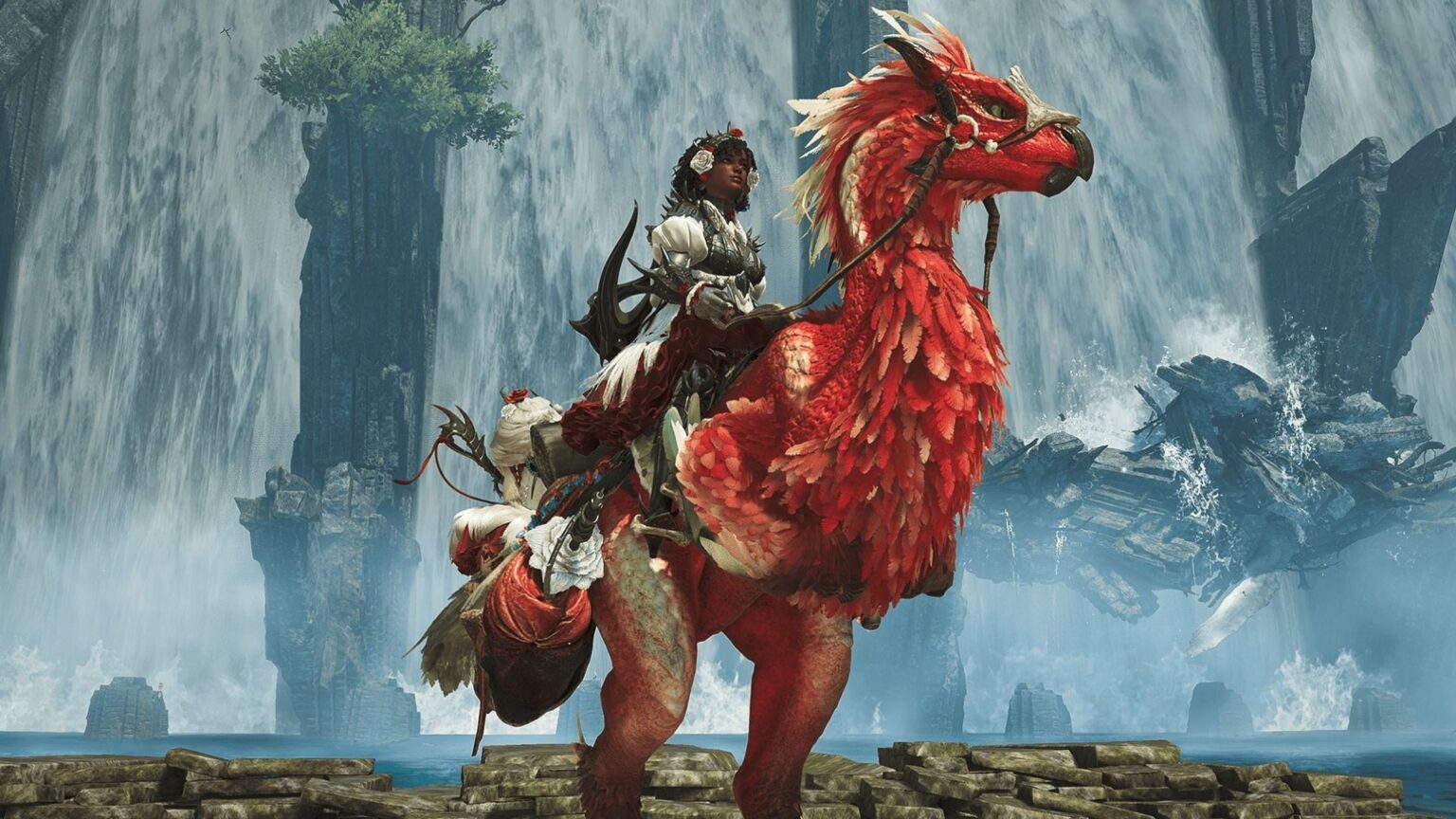
The recently launched version of Monster Hunter Wilds is blazing up the internet and has already got gamers hooked. The characters and the features of the game have made it just perfect. Therefore, in today’s guide, we will discuss one such character – Seikret, and how it can be customized in the game. This is not a tough thing, but can entirely change the look of the bird, making your gaming interface a little fancier and more improved. Let us know how it can be done!
About Seikret in Monster Hunter Wilds
In Monster Hunter Wilds, the Seikret serves as a versatile mount and indispensable companion for hunters and proves itself really useful during the game. Resembling a blend of bird and reptile, Seikrets are bipedal creatures decorated with customizable feathers and scales, allowing players to personalize their appearance to a great extent. Seikrets enhance gameplay by offering swift transportation across diverse terrains and actively participating in combat scenarios.
Their agility enables hunters to perform actions on the move, such as weapon sharpening, material gathering, and slinger usage, without dismounting. Additionally, Seikrets can carry a secondary weapon, permitting seamless weapon switching during hunts to adapt to evolving challenges. Their strong sense of smell assists in tracking targets, ensuring hunters are always on the right path. This combination of functionality and customization makes the Seikret an essential ally in the untamed world of Monster Hunter Wilds. If you want to make your game look more professional and better in front of the other players, decorating Seikret can be one way.
How can I customize Seikret?
Customizing or rather decorating Seikret can be a fun activity that can also alter a few things in the game. This will largely restrict itself to how things appear on the screen, rather than any other solid function. In other words, we can say that it is more like a decoration or simply a cosmetic change that is brought in the character, that doesn’t help in improving or changing the dynamics of the player’s game at all. But it is a great achievement, nevertheless.
If you want to customize Seikret, you will be required to access the ‘base camp menu’. Enter your tent and access this menu to find the ‘Appearance menu’ in the extreme right corner of the page. Here you can choose the option to customize Seikret. Initially, only the name and pendant can be changed, but after you have completed a few tasks, you can change more things. It includes defeating Alpha Doshaguma and saving Kunafa. Also, when your quest is completed, you can simply speak to Nona to take care of the entire customization of Seikret. More and more upgrades in customization will keep unlocking themselves as you keep completing the quests in the game. This will help you get more options for cosmetics and customizations.
And that is just how you can customize Seikret in Monster Hunter Wilds. It is a bird that can be altered into a bird with the characteristics that you pick for it. It can be fun and entertaining and also poses a challenge to your current game, helping you improve.




