

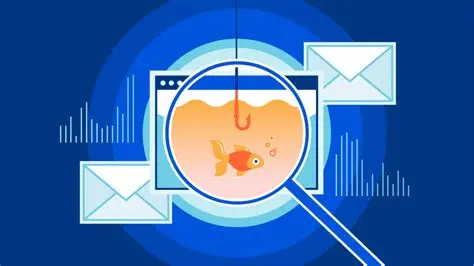
Do you want to detect an incoming phishing email? With this becoming a more common phenomenon, it is important that we learn to understand how it works and how we can stay aware. Let’s begin and see how we can detect a phishing email.
What is a phishing email?
A phishing email is a fake or deceptive message sent by scammers who are pretending to be someone you trust. It can be anything that looks like your bank, a subscribed streaming service, or even someone you possibly know. Their main goal is to trick you into giving up sensitive information, such as your passwords, credit card numbers, or bank details. This is a highly critical situation as these scammers are trying to gain entry into something sensitive and important. They might also try to get you to download a malicious file that infects your computer or installs a virus. To make you act quickly without thinking, these emails usually create a false sense of urgency, claiming that your account is about to be suspended or something similar. Essentially, it is an impersonation that tricks you.
Steps to detect phishing emails
If you want to detect a phishing email, then these are the steps that you need to follow.
- The first sign is the uncanny appearance. Look beyond the display name and check the sender’s actual email address. Scammers often use names like Netflix or Amazon, but the underlying address is a jumble of words or a slightly misspelled domain that does not match the real company.
- The second dodge is to hover your mouse over any links before clicking on them to reveal the actual destination web address. If the text says click here to log in, but the link points to a strange website, it is a scam designed to steal your credentials. They usually ask you to enter details and passwords there.
- If you think that it doesn’t match any subscription payment, upcoming payment, or something like that that you yourself have already taken care of, it is a clear sign. If it is paired with an artificial urgency, it gets even worse.
- Understand the spelling errors and the formatting, which may look unaligned or hazy at times. It is another sign that it has come from an unverified source.
- If an email contains links, back off immediately. And not just links, but also any attachment. These may be portals that would lead you to websites that would simply make an attempt to steal your passwords and data.
- Lastly, just trust your gut. If you feel that this is something you cannot identify or associate with, just let it sit or report it. Do not unnecessarily engage with the mail or get touchy with links and attachments within.
It has become a common phenomenon, and one has to be mindful of all these things. On top of that, just trust your gut.




