

Nintendo fans are always excited when a new console bundle launches, and the Switch 2 bundle with Mario Kart World is no exception. If you have just bought this bundle, you might be wondering how to download Mario Kart World correctly and start racing as soon as possible. The process is simple, but it helps to understand each step clearly so you do not miss anything important. This guide explains everything in clear language, from what comes inside the box to common issues and easy fixes.
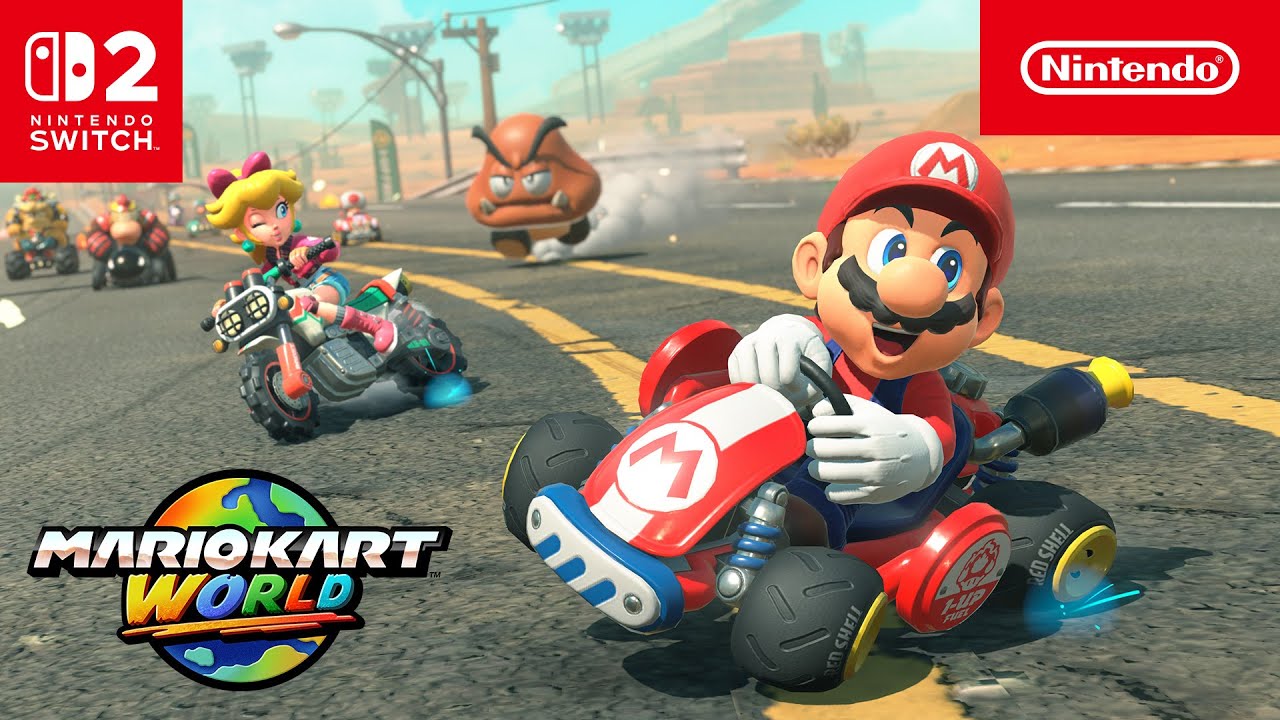
Before you start downloading anything, it is important to know what the bundle includes. Most Switch 2 bundles that feature Mario Kart World come with the game in digital form. This means there is no physical game card inside the box.
Inside the bundle, you will usually find:
- The Switch 2 console
- Joy-Con controllers
- A dock and power cables
- A download code or a pre-installed license for Mario Kart World
The game is tied to your Nintendo account, so keeping your account details ready will save time during setup.
Setting Up Your Switch 2 for the First Time
If this is your first time using the Switch 2, you must complete the initial setup before downloading any games. Turn on the console and follow the on-screen instructions. You will select your language, region, and internet connection.
Make sure you connect to a stable Wi-Fi network. Mario Kart World is a large game, and a weak connection can slow down the download or cause errors. Once the system update finishes, you are ready to access the Nintendo eShop.
How to Download Mario Kart World Using a Pre-Installed License
Some Switch 2 bundles include Mario Kart World already linked to the console. In this case, downloading the game is very easy. From the home screen, look for the Mario Kart World icon. If you see a download arrow, select it and the game will begin downloading automatically.
If the icon is not visible, open the Nintendo eShop using the same account that was set up during the first boot. The game should appear as available to download at no extra cost. Select it, confirm the download, and wait for the process to complete.
How to Download Mario Kart World Using a Download Code
Other bundles include a printed download code instead of a pre-installed license. You will usually find this code on a card inside the box. Be careful not to throw it away by mistake.
To redeem the code:
- Open the Nintendo eShop
- Select the option to redeem a code
- Enter the code exactly as shown
- Confirm and start the download
Once redeemed, the game is permanently linked to your account, even if you change consoles later.
Storage Space and Download Time
Mario Kart World requires a good amount of storage space. Before downloading, check your available memory in the system settings. If space is low, you may need to delete unused games or add a compatible memory card.
Download time depends on your internet speed. On an average home connection, the game may take anywhere from twenty minutes to over an hour. You can monitor progress from the home screen while keeping the console in sleep mode if needed.



