

Embarking on a hunting adventure is always more thrilling with friends by your side. In Monster Hunter Wilds, the multiplayer system offers various ways to team up, ensuring you and your companions can tackle formidable beasts together. Here’s a comprehensive guide on how to join friends in the game.
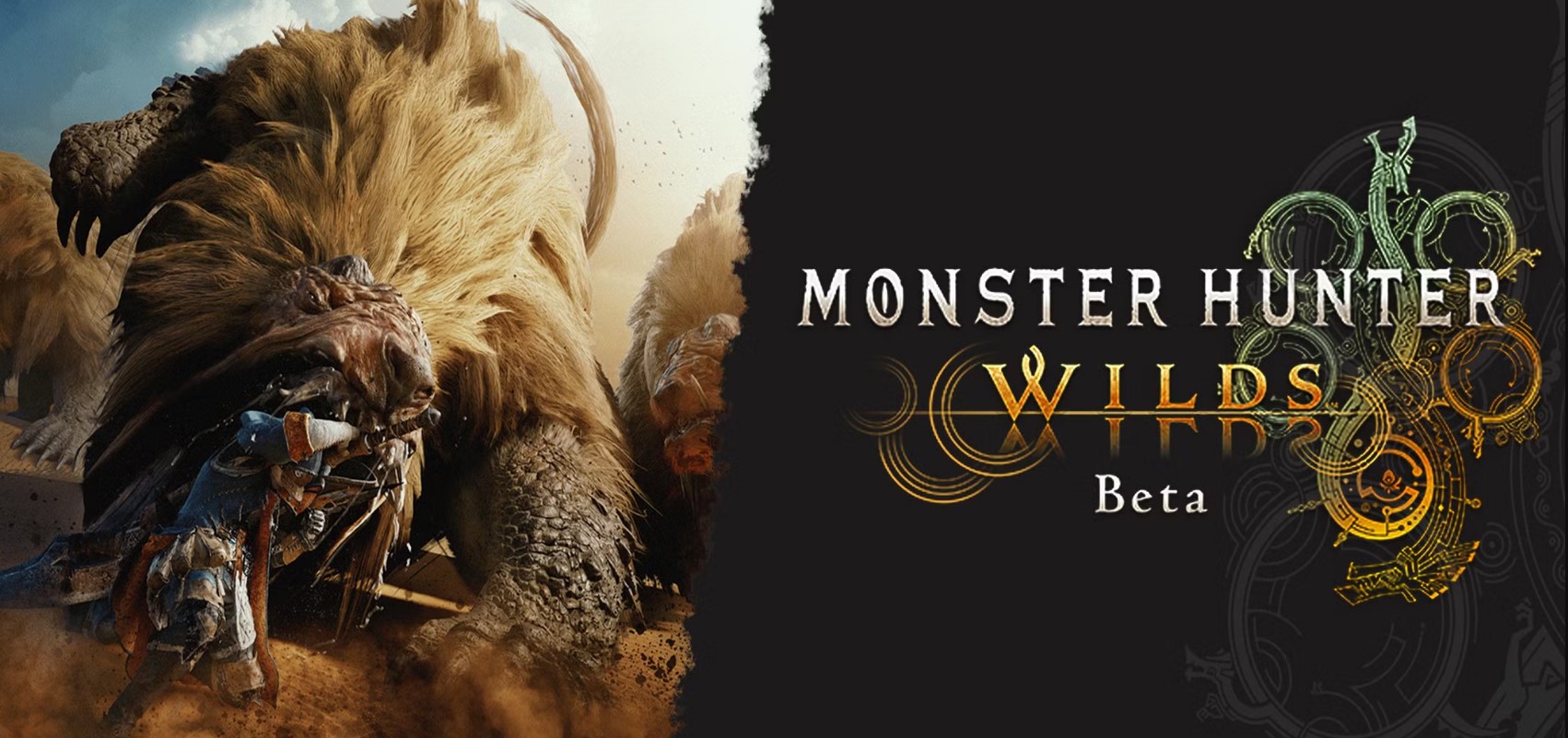
- Understanding the Multiplayer Options
Monster Hunter Wilds provides several multiplayer features designed to enhance cooperative gameplay:
- Link Party: This feature allows up to four players to form a group, enabling them to undertake multiple quests together. While in a Link Party, members have dedicated voice and text chat, and after completing a quest, they remain grouped for subsequent missions. However, outside of quests, players reside in separate lobbies, meaning they won’t see each other in the game’s open world.
- Environment Link: For those who wish to explore the game world alongside friends outside of structured quests, Environment Link is the ideal choice. This feature lets players share the same world, allowing for joint exploration and activities. It’s important to note that certain pivotal story moments might temporarily disable this feature.
- SOS Flares: If you or another player requires assistance on a specific hunt, SOS Flares come into play. By sending out an SOS Flare, you can invite other hunters to join your quest, facilitating spontaneous cooperative play without the need for pre-arranged groups.
- Forming a Link Party
To consistently hunt alongside friends, forming a Link Party is recommended:
- Creating a Link Party:
- Access the game’s main menu and navigate to the ‘Communication’ section.
- Select ‘Member List’ and choose the friends you wish to invite.
- Send out invitations to form a Link Party.
- Benefits of a Link Party:
- Dedicated voice and text chat channels.
- Automatic invitations to new quests posted by any party member.
- Persistent grouping, allowing for continuous play across multiple quests.
Remember, while in a Link Party, you’ll only encounter each other during quests. For shared open-world exploration, consider setting up an Environment Link.
- Setting Up an Environment Link
To roam the expansive landscapes of Monster Hunter Wilds together:
- Initiating Environment Link:
- The host player should access the ‘Communication’ menu.
- Select ‘Environment Link’ and choose ‘Invite All to Environment Link.’
- Utilizing SOS Flares
For impromptu assistance or to aid others:
- Sending an SOS Flare:
- During a quest, open the in-game menu.
- Select ‘SOS Flare’ to broadcast a request for help.
- Responding to an SOS Flare:
- From the main menu, navigate to ‘Join Quest.’
- Look for active SOS Flares and select a quest to join.
This system is particularly useful for hunters seeking immediate assistance or wishing to support others in their endeavors.
- Creating and Joining Squads
For a more community-oriented experience, Squads function as in-game guilds:
- Creating a Squad:
- Visit the Squad Information Center located in the Windward Plains Base Camp.
- Speak with the NPC in charge and select ‘Create New Squad.’
- Customize your Squad’s settings, emblem, and name.
- Joining a Squad:
- Obtain the Squad’s unique ID from a current member.
- At the Squad Information Center, choose ‘Join a New Squad’ and enter the ID.
Being part of a Squad offers benefits like persistent chat channels and the ability to create Squad-exclusive lobbies, fostering a tight-knit hunting community.
- Crossplay Considerations
Monster Hunter Wilds supports crossplay across platforms such as PlayStation 5, Windows PC, and Xbox Series X. This feature is typically enabled by default but can be adjusted:
- Enabling/Disabling Crossplay:
- From the game’s home menu (before loading your save), access ‘Options.’
- Navigate to ‘Gameplay’ settings and toggle the crossplay feature as desired.
While crossplay allows for a broader multiplayer experience, it’s essential to note that Monster Hunter Wilds does not support cross-save or cross-buy. This means your progress and purchases are confined to the platform on which you started.
- Additional Tips for Seamless Multiplayer Experience
- Hunter Friends: To streamline the process of joining games with specific individuals, consider adding them as Hunter Friends. This can be done through the ‘Member List’ in the ‘Communication’ menu by selecting a player and sending a friend request.
- Private Lobbies: If you prefer an exclusive gaming session, create a Private Lobby:
- On the game’s main menu, select ‘Create Lobby’ and set it to private.
- Share the generated Lobby ID with your friends, allowing them to join directly.
- Story Progression: Be aware that certain story missions require solo completion up to specific points before multiplayer becomes available. Ensure all party members have reached the necessary progression to avoid connectivity issues.
By familiarizing yourself with these multiplayer features, you can ensure a cohesive and enjoyable hunting experience with friends in Monster Hunter Wilds. Whether you’re tackling challenging beasts or exploring the vast environments, the game’s cooperative options cater to various playstyles and preferences.



