In the expansive world of Minecraft, mastering redstone mechanics can significantly enhance your gameplay, allowing you to create intricate contraptions and automated systems. One essential component in redstone circuitry is the redstone repeater. This device not only extends the reach of redstone signals but also introduces delays and directional control, making it indispensable for complex builds. This guide will walk you through the process of crafting a redstone repeater and explain its various applications within the game.
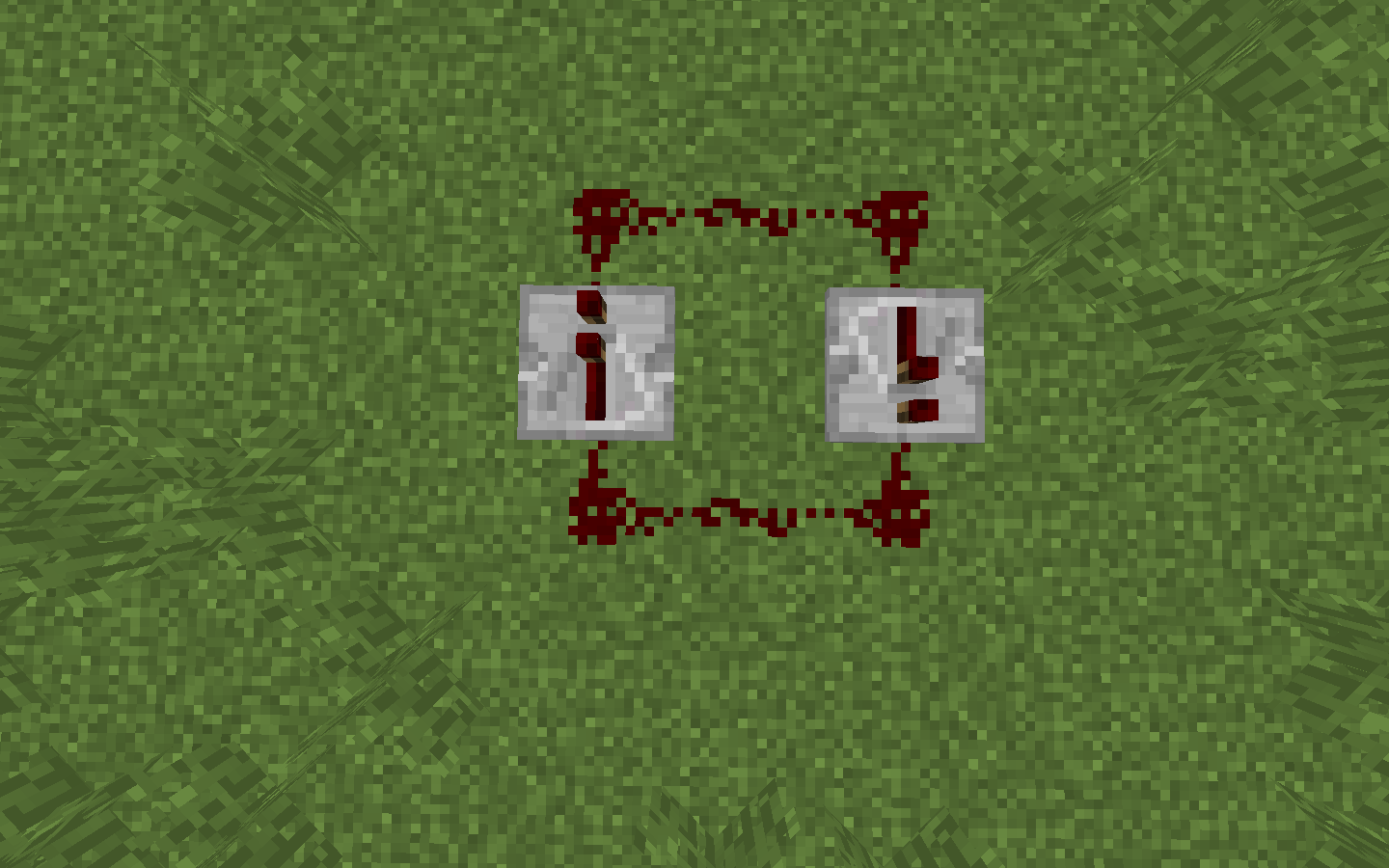
Materials Needed
Before diving into the crafting process, ensure you have the following materials:
- Redstone Dust (1): This is a fundamental element in redstone circuitry. You can obtain redstone dust by mining redstone ore blocks, which are typically found deep underground, particularly between layers 1 and 16.
- Redstone Torches (2): To craft these, you’ll need two sticks and two pieces of redstone dust. In your crafting interface, place a stick below a piece of redstone dust to produce a redstone torch. Repeat this process to make the second torch.
- Stone (3): It’s crucial to use regular stone blocks, not cobblestone. You can acquire stone by smelting cobblestone in a furnace. Alternatively, mining stone blocks with a pickaxe enchanted with Silk Touch will yield stone directly.
Crafting the Redstone Repeater
Once you’ve gathered all the necessary materials, follow these steps to craft your redstone repeater:
- Open the Crafting Table: Ensure you have access to a crafting table, which provides a 3×3 crafting grid essential for this recipe.
- Arrange the Materials:
- Bottom Row: Place the three stone blocks horizontally across all three slots.
- Middle Row: Position one redstone torch in the left slot and the other in the right slot, leaving the center slot empty for now.
- Top Row: Place the single piece of redstone dust in the center slot.
- Collect Your Repeater: Once the materials are correctly arranged, a redstone repeater will appear in the result box. Drag it into your inventory to complete the process.
Understanding the Functions of a Redstone Repeater
Redstone repeaters are versatile devices that serve multiple purposes in Minecraft’s redstone systems:
- Signal Extension: Redstone signals weaken after traveling 15 blocks. A repeater boosts the signal back to full strength, allowing it to travel an additional 15 blocks. This is particularly useful for large-scale projects where signals need to cover extensive distances.
- Signal Delay: By default, a repeater introduces a delay of one redstone tick (0.1 seconds). You can adjust this delay up to four ticks by right-clicking the repeater, which is beneficial for timing mechanisms in your contraptions.
- Directional Control: Unlike redstone dust, which can transmit signals in multiple directions, a repeater only allows signals to pass in one direction—from its back to its front. This directional property is essential for preventing unwanted feedback loops in complex circuits.
- Signal Locking: When a powered repeater is placed facing the side of another repeater, it can lock the second repeater in its current state. This means the locked repeater will not change its output regardless of its input until it’s unlocked, enabling the creation of memory storage and complex logic circuits.
Practical Applications
Incorporating redstone repeaters into your builds can lead to a variety of practical applications:
- Automated Doors: By using repeaters to control the timing and strength of redstone signals, you can create doors that open and close automatically based on player proximity or other triggers.
- Piston Machines: Repeaters can manage the timing of pistons in machinery, ensuring they extend and retract in a precise sequence, which is crucial for devices like hidden staircases or traps.
- Redstone Clocks: By arranging repeaters in a loop with redstone dust, you can create a redstone clock—a circuit that produces a continuous pulse. This is useful for mechanisms that require regular activation, such as automated farms or lighting systems.
Tips and Considerations
- Avoid Signal Interference: When placing multiple redstone components close together, be mindful of potential signal interference. The directional nature of repeaters can help manage and isolate signals within compact spaces.
- Experiment with Delays: Adjusting the delay settings on repeaters can fine-tune the timing of your redstone mechanisms. Experiment with different settings to achieve the desired synchronization in your contraptions.
- Resource Management: While redstone components can be resource-intensive, mining at lower depths increases your chances of finding redstone ore. Additionally, setting up efficient smelting operations will ensure a steady supply of stone for crafting repeaters.
By mastering the use of redstone repeaters, you can elevate your Minecraft engineering projects, creating more efficient, complex, and reliable redstone-powered machines and structures.