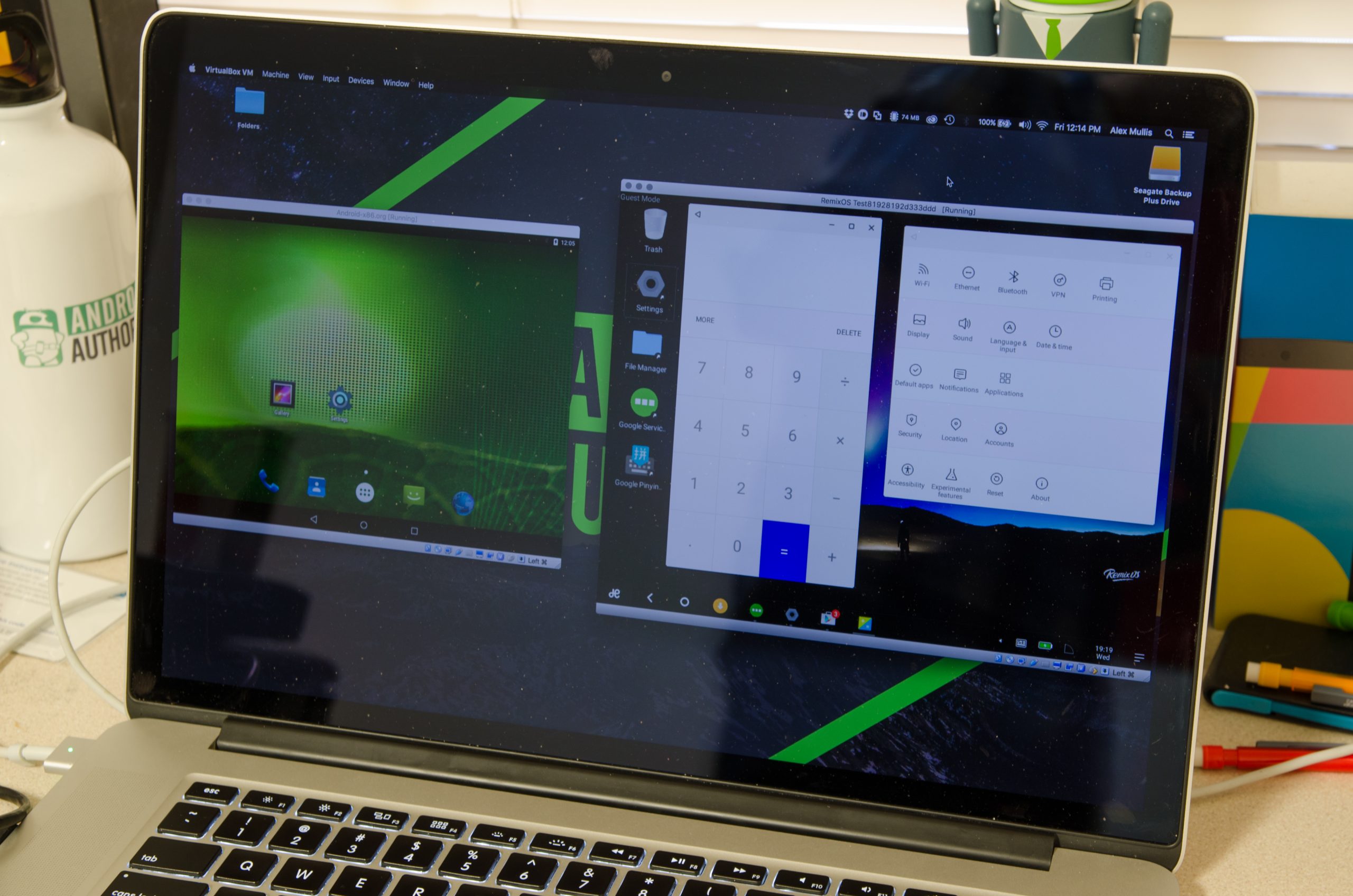
Over the years, Android has gained massive respect as a gaming platform and been quite successful in winning wider audiences across the globe. No wonder Android games are fun and never failed to magnet attention; even if you are a non-gamer, you might find yourself hooked onto it. There is also a larger fanbase of enthusiasts, those who love to play Android-powered games over a big screen, and that could be for a myriad of reasons. If you don’t have enough time for games, contact Domyhomework123.com, and ask for help.
Playing Android games on PC isn’t something new or just came out of the blue. But with the ever-evolving internet technologies, a lot of things have been changed or wiped out entirely by now. For instance, the software you used a few years back may not work anymore in the current scenario.
So, either you are trying to play Android games on your PC for the very first time, or just looking for a reliable tool or fastest emulator available to get your favorite game up and running on a relatively larger screen with sophisticated control, we have it all covered.
Play Android Games on PC
We are essentially focused on incorporating tools that are in a working state so that you won’t end up wasting your time filtering across innumerable names. That being said, below is the list you are welcomed to proceed with
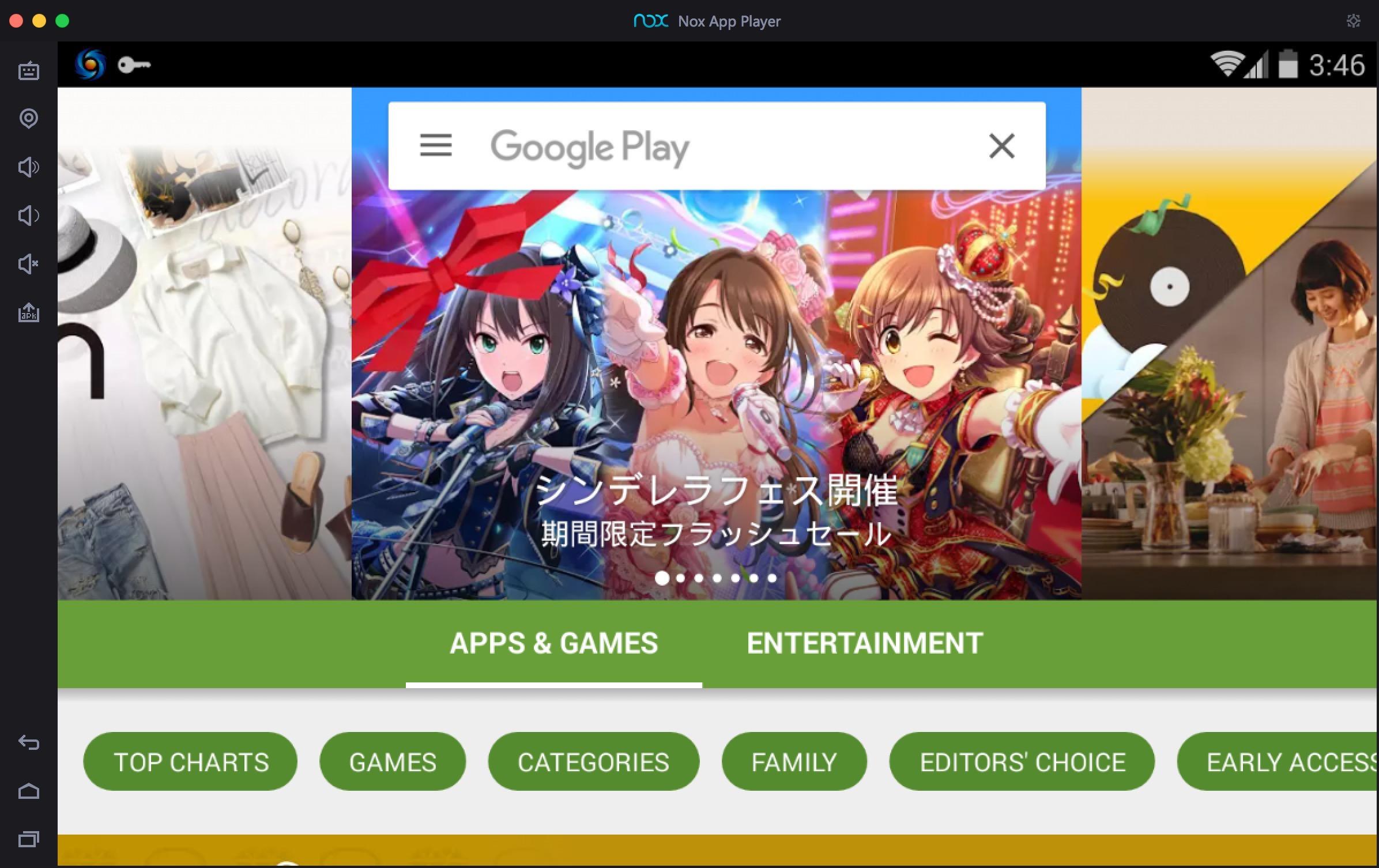
Nox App Player
One of the top-notch Android emulators out there, Nox Player, comes with a plethora of features specialized in boasting a great Android gaming experience on the desktop. It’s a free and easy-to-use Android emulator that works perfectly even on low-end setups and gives you full access to the Google Play store, and the ability to side-load APKs as well.
Nox Player has a massive collection of tools such as “button mapper” that lets you map keyboard buttons and many more advanced features the emulator has on its arsenal. When all it gets added with a bigger screen and full-fledged control over gamepad, it gives you an extra edge to beat the pants off of your opponents.
You’ll not find it complicated to navigate through the virtual Android environment; however, you’ll be required to familiarize yourself with the advanced mode and configure it before you jump onto the arena.
Understandably, the performance of the game will depend on your PC configuration, which can vary if you are trying to play any graphics-intensive title. If you start encountering any lag or blurred vision, it’s highly advisable that you manually set up the system settings on Nox such as memory allocation, resolution, and graphics rendering mode (OpenGL+ is recommended.)
You should also make changes in “game settings” for an enhanced experience and smoother gameplay.
BlueStacks 4

BlueStacks is a full-blown Android emulator, I guess, everyone knows about. Proclaimed to be a flagship Android gaming platform for PC, BlueStacks 4 lets you play games on Android 7.1.2, offering Hyper-G Graphics and widest range of experience-enhancing options.
It comes with intuitive keymapping to set controls over keyboard and mouse, multi-windows to play multiple games side by side in separate windows simultaneously. And additional graphics features for the better gaming experience. Again, it’s not merely up to the emulator to provide a lag-free or hassle-free virtual Android gaming environment; rather, the performance is based on your system configuration and requirements.
Getting started and navigating through the interface is a breeze, even for a layperson. All you have to do is, download BlueStacks 4 .exe file from the official website and install it. Initially, it may take you a minute or two for a complete setup, including Google account validation and other system settings.
Upon completion, head over to the Google Play store and look for the game you want to play and hit the install button. Nothing complex – do what you do on your Android smartphone. Moreover, unlike other Android emulators, BlueStacks 4 has AI-driven resource management that results in minimal gaming latency. You can also download this app on best android tablets in india.
GenyMotion

Yet another cloud-based Android emulator build for app developers to test products and run an emulated Android environment. GenyMotion isn’t a mainstream emulator for playing Android games on PC, but it’s proven to be a great alternative to the above two tools.
On sign up, you will be getting free 1000 minutes to enjoy the emulator, but after exhausting the given limit when you pass the threshold, you’ll be required to pay 5 USD cents per minute only if you are willing to continue using the emulator.
As previously mentioned, GenyMotion is primarily developed for testing purposes and isn’t entirely free-to-use; thus, it may not be the ideal choice for gaming enthusiasts. But if you are a professional developer, who regularly run automated tests, there would not be anything much better other than this Android emulator to get your hands on.
Although it has commitment-free pricing, we suggest you give it a try and let us know your experience in the comment section below.
Android-x86

NOTE: It’s not an emulator or app but a virtual Android system which means, after installing this, you can install Android operating system on your PC and play Android games in your PC. If you are unable to select an OS for your PC, Devsjournal.com has recently mapped out some of the best Android OS for PC from where you can select one for yourself.
Android-x86 contains two files, on which one is the ISO file that can be booted onto the device with legacy BIOS, and the other is an EFI image that can be used on contemporary computing devices having UEFI firmware. For installation, select either of the two, appropriate to your hardware configuration.
Formerly known as “patch hosting for android x86 support,” Android-x86 is an open-source project or a tool under development that allows you to run Android on your PC (specifically the devices powered by AMD and Intel x86 processors.)
The latest release supports both 64-bit and 32-bit kernel and user space. It has all the standard features such as Wi-Fi support with GUI, Bluetooth, G-sensor, and more. Since it’s still in the development phase and has some flaws, of course, you may deal with occasional lag and dropping frames while playing games.
Games are generally optimized for a smartphone screen and emulators use AI to optimize the screen view on your PC by managing the pixels in it. Although the popular emulators we have mentioned above should be apt for your needs and requirements, Android-x86 is also a great deal you might want to explore once. And get ready for the Miracast and multiple displays support since it’s on the next to-do list of developers.
Most importantly, if you aren’t tech-savvy, you shouldn’t bother to boot the image because the process can cause system issues if not done correctly.
Chromebook
Finally, if you want a completely new system that can play a big number of Android games then a Chromebook is a good option. These devices have been designed by Google themselves, and many of the latest Chromebooks support direct access to the Play Store. This direct access means it’s very simple to install Android apps on these devices, including games that you can quickly start to play on the big screen.
However, there are some positives and negatives about using a Chromebook to play Android games from the Play Store. The major downside is that not all games can be played. That’s because they have been built for phones or tablets and don’t support the bigger screens. On the flip side, a major advantage is that you can play some Android games using gaming hardware – such as by using the mouse and keyboard or possibly even plugging in a PlayStation or Xbox controller.
As with Windows and Mac, there are a variety of Chromebook devices to choose from. You can view the latest models thanks to this Chromebook buyer’s guide which is constantly being updated to bring you a wide variety of options.
That’s all for this guide, and we hope it helped.