

After years of exploration, shooting, scavenging, and survival, Fallout 76 has finally given players something new and surprisingly peaceful: fishing. That’s right—between dodging Super Mutants and tracking down caps, you can now take a break and cast your line in the calm waters of Appalachia. Whether you’re returning to the game after a break or starting fresh, fishing is a relaxing and rewarding feature that fits perfectly into the game’s ever-growing world.
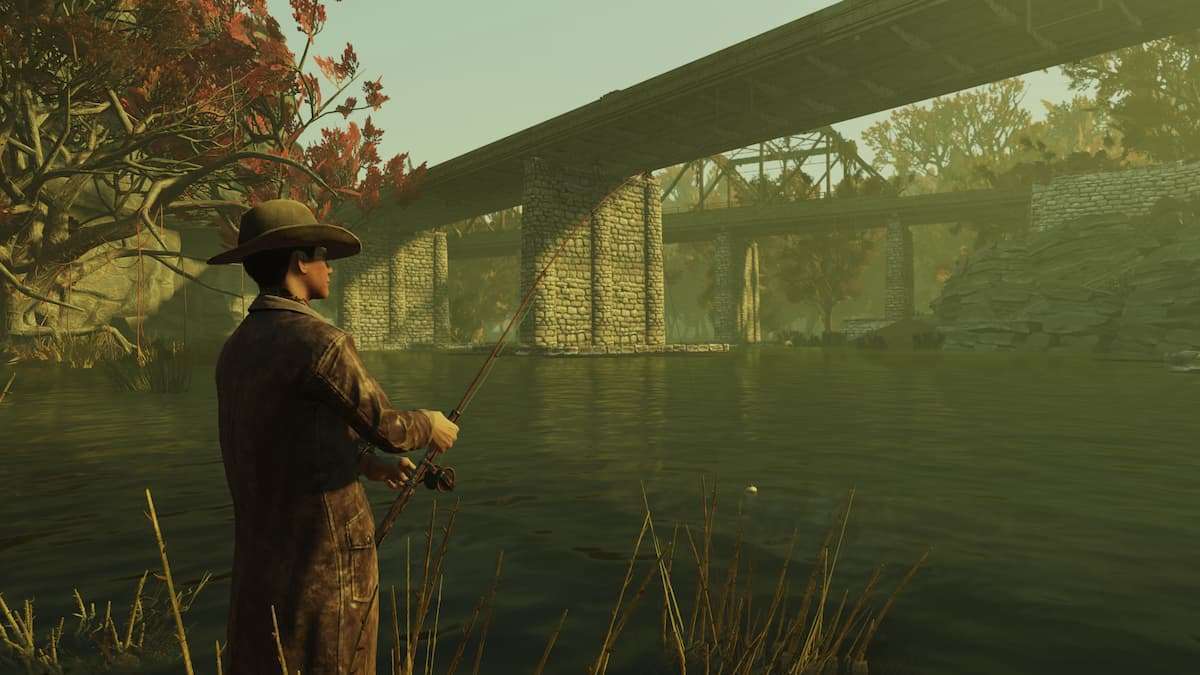
To begin fishing, you’ll first need to head over to a new location called Fisherman’s Rest. You can find it in the Mire region of the map. Once you get there, look for an old boat and a few odd characters. This is where you’ll meet Captain Raymond Clark, often referred to as The Fisherman. He’s not alone—he has a massive hermit crab named Linda-Lee as his companion.
Captain Clark will offer you a quest called “Casting Off.” Accepting and completing this mission is essential, as it gives you your very first fishing rod. The quest also serves as a tutorial, walking you through the basics of how fishing works in the game. It’s simple, immersive, and immediately opens up a more tranquil side of Fallout 76 you may not have expected.
How Fishing Works
Fishing in Fallout 76 isn’t just about standing near a pond and waiting. The game’s developers have added several systems to make it feel like a real in-game profession. Here’s what you need to know:
1. Fishing Locations
You can fish in almost any body of water—as long as it’s deep enough for your character to swim in. Rivers, lakes, and even swamps are all fair game. Different locations might yield different types of fish, so it’s worth exploring new spots.
2. Bait Types
You can’t catch much without bait. There are three main types of bait: common, improved, and superb.
- Common bait is easy to get and can be bought at Fisherman’s Rest.
- Improved and superb bait are rarer and are usually earned through daily quests or events. The better the bait, the higher the chances of catching rare and large fish.
3. Weather and Time
Believe it or not, the game factors in weather and time of day when determining what fish appear. Rainy days might bring out one species, while clear mornings attract others. This little detail makes fishing feel alive and encourages players to experiment.
4. Fishing Rod Upgrades
Your first rod gets the job done, but if you’re serious about fishing, you’ll want to upgrade it. Rod upgrades come in the form of better reels, bobbers, and overall durability. You can unlock new cosmetic styles, too, which lets you fish in style while standing knee-deep in radioactive water.
What to Do with Your Catch
Once you start reeling in fish, you might wonder—what now? Fish in Fallout 76 aren’t just for show. They serve several useful purposes:
1. Cooking
You can bring your catch to any cooking station and turn them into Fish Bits. These can be eaten for health and buffs. As you complete more fishing quests, you’ll unlock new recipes like Fish Chowder or Fish and Tatos. These dishes offer temporary stat boosts and can be quite helpful during tougher missions.
2. Decorating
For collectors and decorators, you can also mount trophy fish in your C.A.M.P. This lets you show off your rarest catches to visiting players, much like showcasing legendary weapons or rare furniture.



