

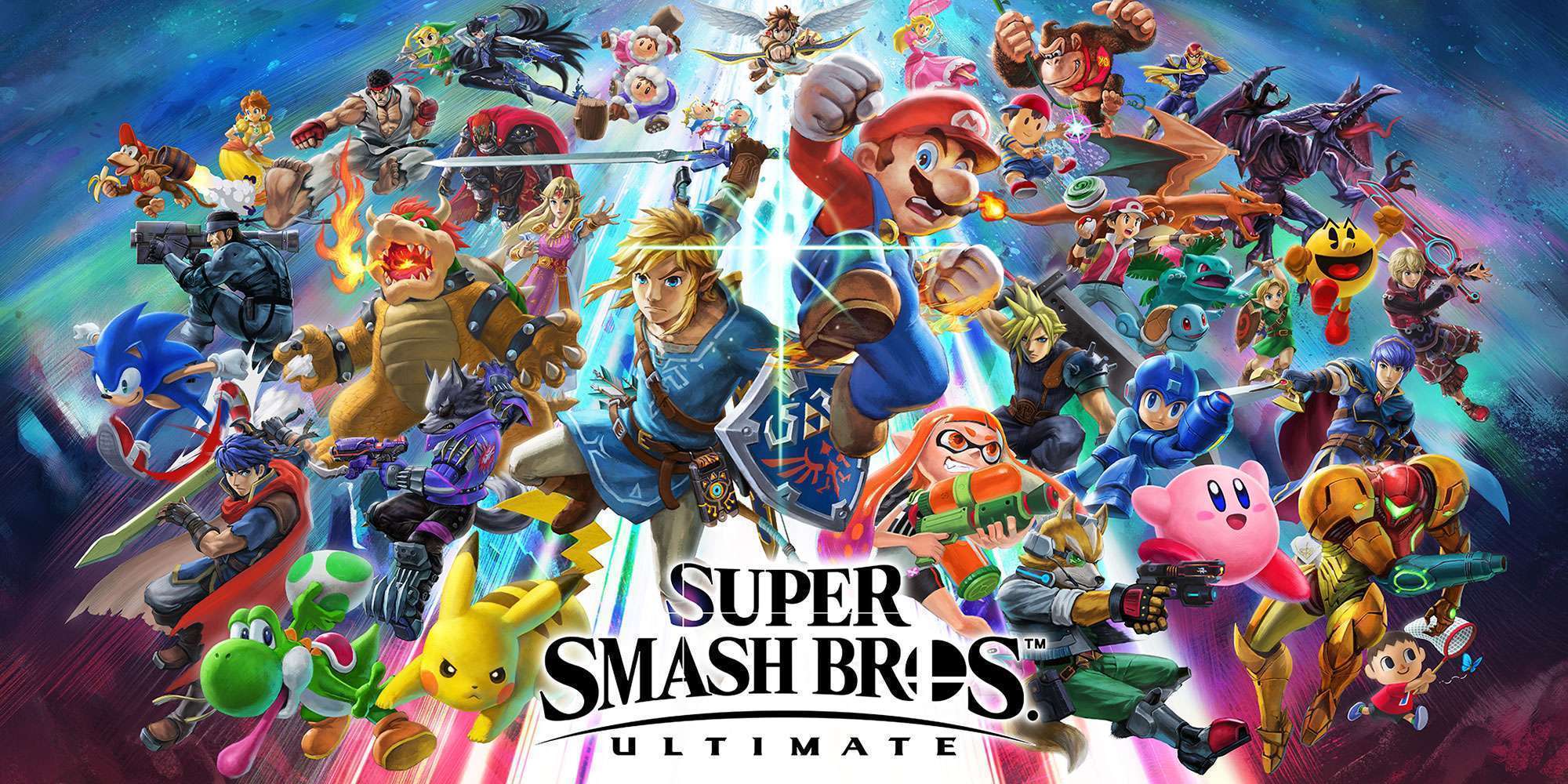
Super Smash Bros. Ultimate boasts the biggest roster in the series, featuring over 70 fighters from Nintendo’s history and beyond. But when you first boot up the game, you’ll only have access to eight starting characters: Mario, Donkey Kong, Link, Samus, Yoshi, Kirby, Fox, and Pikachu. The rest must be unlocked through gameplay. If you’re eager to expand your roster quickly, this guide will walk you through the fastest and most efficient ways to unlock every fighter.
The Three Main Unlock Methods
There are three primary ways to unlock characters in Smash Ultimate:
- Playing VS. Mode (Smash Battles)
- Completing Classic Mode
- Rescuing Them in World of Light (Adventure Mode)
Each method has its own quirks, and some are much faster than others. Below, we’ll break down how each one works and which approach is best depending on your playstyle.
1. Unlocking Characters Through VS. Mode
- Mode (also called Smash Mode) is the quickest way to unlock fighters. Unlike previous Smash games, where unlocks were tied to match counts or playtime, Ultimate tracks your active inputs—meaning button presses, attacks, and movement during battles. The more you play, the faster new challengers appear.
Here’s how it works:
- After a match ends, a “Challenger Approaching” screen will appear, introducing a new fighter.
- You must defeat them in a one-stock battle to add them to your roster.
- If you lose, they’ll reappear later in the “Challenger’s Approach” mode (found in the “Games & More” section).
Speeding Up the Process:
- The game imposes a 10-minute cooldown between unlocks, but you can bypass this by restarting the game.
- To maximize efficiency, set up a one-stock match against a Level 1 CPU, then self-destruct immediately. This triggers the next unlock faster.
- Playing with multiple people increases input tracking, making unlocks happen even quicker.
2. Unlocking Characters Through Classic Mode
Classic Mode offers a more structured way to unlock fighters. Each time you complete a Classic Mode run with a character, a new challenger will appear. The fighter you unlock depends on who you used to clear Classic Mode.
For example:
- Mario’s Route: Unlocks Sonic, Bayonetta, Little Mac, Ike, Luigi, Roy, Dr. Mario, and Olimar in that order.
- Link’s Route: Unlocks King K. Rool, Ice Climbers, Simon Belmont, Meta Knight, Snake, Young Link, Richter, and Toon Link.
This method is great if you want to target specific fighters. However, since Classic Mode runs take longer than quick VS. matches, it’s not the fastest way to unlock everyone.
3. Unlocking Characters in World of Light
World of Light is Smash Ultimate’s story mode, where you rescue fighters trapped by the villain Galeem. Unlocking characters here also makes them available in other modes.
How It Works:
- You start with only Kirby and must explore a massive map to find and free other fighters.
- Each rescued character joins your roster permanently.
- Unlike VS. or Classic Mode, you can rematch lost challengers immediately in World of Light.
While this method is fun, it’s also the slowest—unlocking everyone can take over 20 hours. If you’re in a hurry, stick to VS. Mode.
Pro Tips for Faster Unlocks
- Reset the Game After Each Unlock – Closing and reopening Smash Ultimate resets the 10-minute cooldown, letting you trigger new challengers back-to-back.
- Use Short Matches – One-stock battles end quickly, speeding up the unlock cycle.
- Play Actively – The game tracks button inputs, so mashing moves or playing aggressively helps.
- Check Challenger’s Approach – If you lose to a fighter, they’ll reappear here for a rematch.
What About DLC Characters?
Super Smash Bros. Ultimate has added several fighters post-launch, including Sora, Steve from Minecraft, and Sephiroth. These characters cannot be unlocked through gameplay—they must be purchased separately from the Nintendo eShop.




