• Send Us A Tip
  • Calling all Tech Writers
  • Advertise
Saturday, October 24, 2026
  • Login
TechStory
  • News
  • Crypto
  • Gadgets
  • Memes
  • Gaming
  • Cars
  • AI
  • Startups
  • Markets
  • How to
No Result
View All Result
  • News
  • Crypto
  • Gadgets
  • Memes
  • Gaming
  • Cars
  • AI
  • Startups
  • Markets
  • How to
No Result
View All Result
TechStory
No Result
View All Result
Home Popular

Twitter pauses verification just after 8 days of relaunching

by Chhavideep Singh
May 30, 2021
in Popular, Tech, World
Reading Time: 2 mins read
0
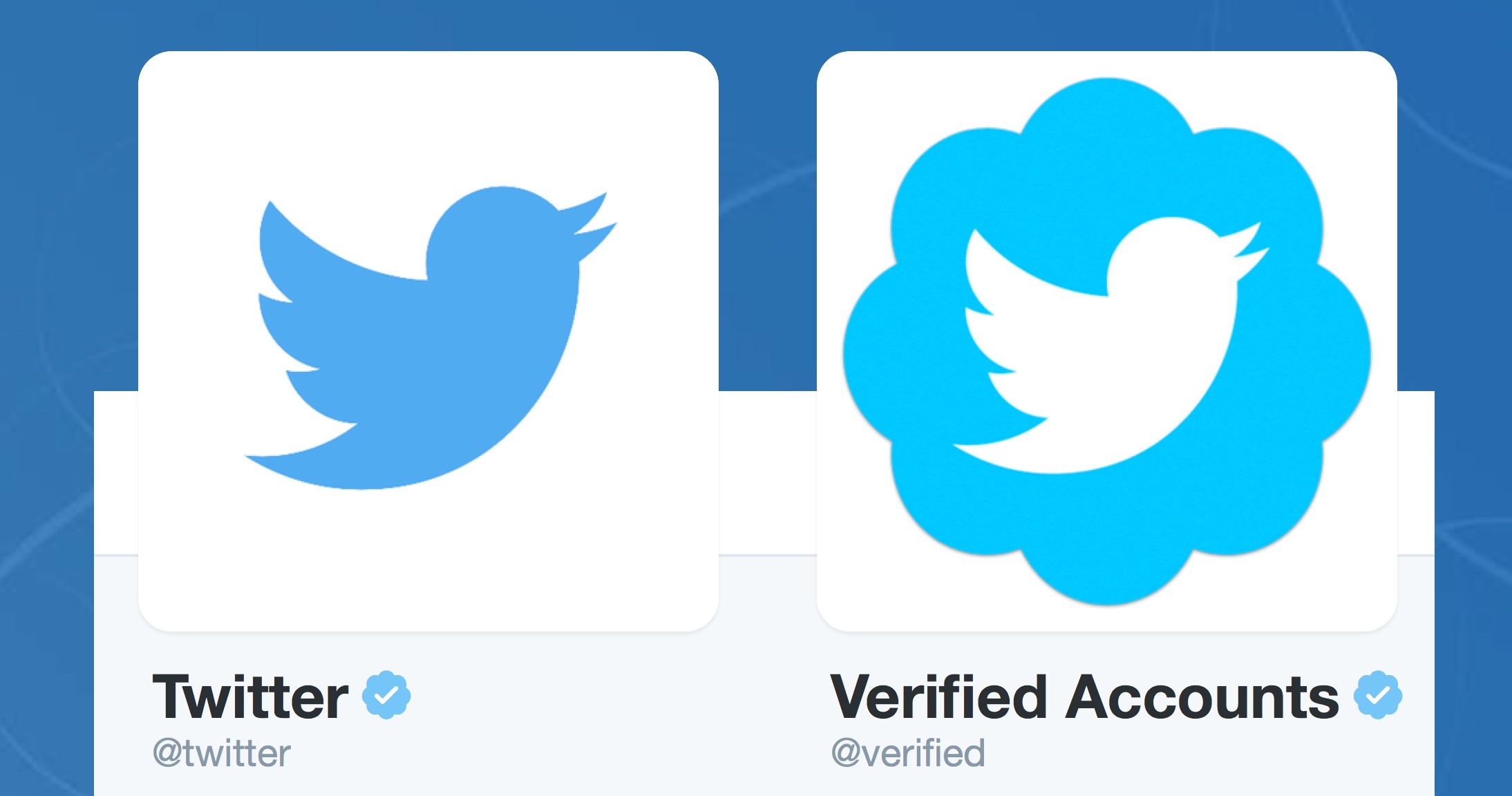
Twitter verification
TwitterWhatsappLinkedin
Twitter verification
Source: The Mac Observer

Last week, Twitter relaunched its verification process, allowing everyone to apply for verification. For those of you who don’t know, Twitter relaunched its program for users to get verified with a small tick on their profile. It is a big deal to get verified on social media platforms, an ultimate validation that you’re now famous enough to get acknowledged.

You might also like

How to Download YouTube Music to MP3: A Simple Guide

How Accurate Captions Make Short Mobile Videos More Accessible and Easier to Understand

At Least 17 Data Center Campuses Proposed on US Public Lands, Raising Environmental Concerns

Unfortunately, Twitter paused its verification after only 8 days of relaunching this service and now, you can imagine the volume of applications sent to Twitter. The social networking platform tweeted that it is rolling in verification requests for the time being and have decided to hit the pause button on accepting any more requests, at least for now. In the meantime, Twitter will be reviewing the ones that have been submitted so far. Adding on to that tweet, Twitter promised to reopen requests soon and we can clearly trust the platform because it Pinky swears!

As mentioned in a report by The Verge, new guidelines issued by Twitter mention six categories under which users can qualify to send in their applications for verification. These categories include influential individuals; journalists and news organisations; brands, companies and organisers; government; sports, gaming and entertainment and activists.

The social networking giant relaunched its verification service on May 20th this year after 2017 and the company announced that its timeline for requests could stretch out but as you can see, Twitter had to hit the pause button only after 8 days. Well, once your application is sent, you can hear back from Twitter in one or two days but depending on the volume of applications, it could take weeks for the company to respond.

According to reports, Twitter suspended its verification process back in 2017 after it verified the account for a white supremacist, as mentioned in a report by The Verge. After that, the company redesigned its verification procedure and introduced the new verification policies earlier in January.

Anyhow, Twitter has pinky promised to relaunch its verification process very soon after it has reviewed all the present application in queue. Verification is a very important form of validation to approach brands and promote yourself if you fall into any of these above mentioned six categories.

Other than this, Twitter is making major improvements with its social audio platform, Twitter Spaces and also its subscription-based Twitter Blue model which was also recently listed on Apple App Store and Google Play Store along with its prices.


Tags: twitterTwitter Verification
Tweet54SendShare15
Previous Post

DubaiCoin is a scam! It’s not Dubai’s official cryptocurrency

Next Post

China might soon investigate Bitcoin mining operations

Chhavideep Singh

Hi! I'm Chhavideep, If you like reading about technology, business and start-ups, you've come to the right place. Catch me: chhavideep@connasys.com

Recommended For You

How to Download YouTube Music to MP3: A Simple Guide

by Rohan Mathawan
October 24, 2026
0
How to Download YouTube Music to MP3: A Simple Guide

YouTube Music is a convenient place to discover new songs, revisit old favorites, and explore playlists for almost any mood. However, streaming isn't always the most practical option....

Read more

How Accurate Captions Make Short Mobile Videos More Accessible and Easier to Understand

by Rohan Mathawan
October 24, 2026
0
Short videos have become a daily habit for mobile users. People watch clips on buses, in waiting rooms, during breaks, and late at night with the volume turned down. Gaming highlights, creator tutorials, reaction clips, and quick product reviews all compete for a few seconds of attention. In that setting, captions are no longer a bonus feature. They are a core part of how a video communicates. When captions are accurate, they help more people follow along, understand the message, and enjoy the content as the creator intended. When they are careless, they can confuse viewers or leave them out entirely. Why Captions Matter for Mobile Viewers Many creators now rely on a caption generator to turn spoken audio into on screen text quickly, which saves time when they publish several clips each week. The real value of that text, however, depends on how closely it matches what is actually said and heard. For viewers who are deaf or hard of hearing, captions are the main way to access speech, tone, and important sound cues. For other viewers, captions support situations where audio is not practical, such as noisy streets, shared spaces, or quiet environments. A clip with clear and correct text works for all of these people without requiring any extra effort from them. Accessibility Starts with Accuracy Accessibility is about giving every viewer a fair chance to understand the content. Captions that skip words, change meanings, or misspell names can make that difficult. A viewer who relies on text cannot compare it against the audio, so any error becomes part of the message they receive. Accurate captions should include the spoken words, the speaker when it is not obvious, and meaningful sounds such as music cues, laughter, or alerts. For example, in a cooking clip, a caption that reads "add two teaspoons of salt" instead of "add two tablespoons of salt" changes the result of the recipe. Accuracy protects the viewer from small mistakes with real consequences. Comprehension in Fast Moving Gaming Clips Gaming clips move quickly. Players speak fast, use abbreviations, call out locations, and react to events that happen in a split second. Team callouts such as map positions, weapon names, and character abilities often sound similar when heard quickly, which makes accurate text especially useful. A viewer who is new to a game may not recognize a term by ear, but seeing it written correctly helps them learn it. Captions also help when the in game audio, music, and voice chat overlap. Clear text separates the commentary from the background noise, so the viewer can follow what the player is saying without replaying the clip several times. Creator Clips and Clear Communication Creators share advice, tutorials, opinions, and stories in short formats where every second counts. Captions give them a way to reinforce key points without adding extra length. A beauty creator can display product names exactly as spoken, a fitness creator can show the number of repetitions, and a tech reviewer can spell out model names that are easy to mishear. Captions also help viewers whose first language is not the language of the video. Reading along while listening can make unfamiliar accents or fast speech easier to follow. This does not replace translation, but it supports comprehension for people who are still building their listening skills. Common Caption Errors and Their Effects Some caption mistakes appear again and again in short videos. Understanding them helps creators know what to check before publishing. Homophones, such as "their" and "there," or "to" and "two," can change the meaning of a sentence. Proper nouns, including usernames, game titles, brand names, and place names, are often misspelled. Missing punctuation can make a sentence read as a different statement or question. Lines that appear too early or too late can confuse the viewer about who is speaking. Technical terms and slang may be replaced with common words that sound similar but mean something else. Each of these errors is small on its own, but in a clip that lasts under a minute, even a few of them can reduce clarity. Reviewing the text once before posting is a simple habit that keeps these problems from reaching the audience. Practical Tips for Better Captions Creators do not need advanced skills to improve caption quality. A few steady habits can make a visible difference. Record audio as clearly as possible, because clean speech gives any captioning method a better starting point. Read through the full text while listening to the clip, and correct names, numbers, and terms that are specific to the topic. Keep each line short, so viewers can read it comfortably without missing the picture. Add brief descriptions for important sounds, such as "applause" or "game alert," when they affect understanding. Watch the final video on a phone, since that is where most viewers will see it. These steps are practical rather than technical. They focus on the viewer experience and not on any promise of a specific result. Timing, Placement, and Design on Small Screens On a small mobile screen, the look of captions matters almost as much as their wording. Text should appear at a size that is easy to read, with enough contrast against the background. White text with a dark outline or a soft background box is a common choice because it stays readable over changing scenes. Captions should also avoid covering important parts of the video, such as the game interface, a product being demonstrated, or a speaker's face. Timing is equally important. Text that appears just as the words are spoken feels natural, while text that lags behind can make the video feel out of sync. Careful placement and timing help viewers read and watch at the same time without effort. Conclusion Accurate captions make short mobile videos more accessible, easier to follow, and more useful to a wider audience. They support viewers who cannot rely on sound, help new players understand fast gaming clips, and give creators a reliable way to share clear messages in a few seconds. A caption generator can speed up the first step by producing text from speech, but the best results come when creators review the output, correct names and terms, and check timing and readability on a phone. By treating captions as a real part of the video and not an afterthought, creators can make their content welcoming and understandable for more people, one short clip at a time.

Short videos have become a daily habit for mobile users. People watch clips on buses, in waiting rooms, during breaks, and late at night with the volume turned...

Read more

At Least 17 Data Center Campuses Proposed on US Public Lands, Raising Environmental Concerns

by Shailja Jha
October 24, 2026
0
At Least 17 Data Center Campuses Proposed on US Public Lands, Raising Environmental Concerns

At least 17 data center campuses have been proposed on public lands across the western United States, highlighting the growing demand for infrastructure to support artificial intelligence and...

Read more
Next Post
China

China might soon investigate Bitcoin mining operations

Please login to join discussion

Techstory

Tech and Business News from around the world. Follow along for latest in the world of Tech, AI, Crypto, EVs, Business Personalities and more.
reach us at info@techstory.in

Advertise With Us

Reach out at - info@techstory.in

Aviator Game India 2026

BROWSE BY TAG

#Crypto #howto 2024 acquisition AI amazon Apple Artificial Intelligence bitcoin Business China cryptocurrency e-commerce electric vehicles Elon Musk Ethereum facebook funding Gaming Google India Instagram Investment iPhone IPO Market Markets Meta Microsoft News OpenAI samsung Social Media SpaceX startup startups tech Tech news technology Tesla TikTok trend trending twitter US

© 2025 Techstory.in

No Result
View All Result
  • News
  • Crypto
  • Gadgets
  • Memes
  • Gaming
  • Cars
  • AI
  • Startups
  • Markets
  • How to

© 2025 Techstory.in

Welcome Back!

Login to your account below

Forgotten Password?

Retrieve your password

Please enter your username or email address to reset your password.

Log In
Are you sure want to unlock this post?
Unlock left : 0
Are you sure want to cancel subscription?