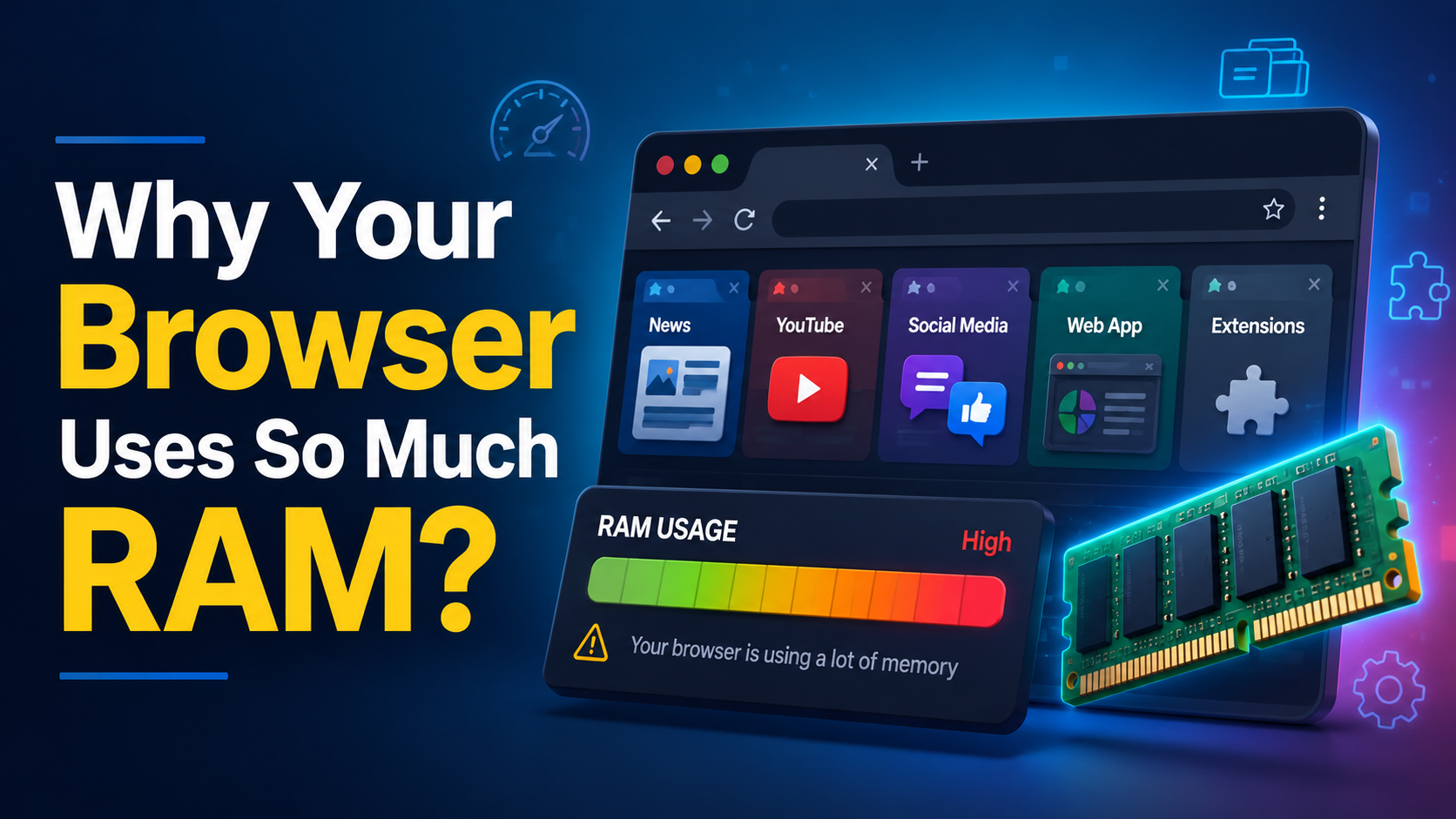
Have you ever launched Task Manager or Activity Monitor to discover that your browser is using several gigabytes of RAM? You’re not alone! The question of why your browser uses so much RAM arises, and people think that this may indicate some problems with their PC.
Fortunately, in most cases, this is not true.
Modern browsers need more RAM than the old ones since nowadays’ websites are more sophisticated and act as a full application rather than a single web page. In addition, browsers use additional RAM for performance improvements, security, and stability.
In this article, you will learn why your browser uses so much RAM, what situations are usual in this case, and how to deal with it.

Why Your Browser Uses So Much RAM in Modern Computing
The traditional role of a web browser was just a means to view websites.
However, today browsers host email clients, office suites, streaming video sites, online games, artificial intelligence applications, and messaging services. Some of these web applications are equipped with capabilities that are comparable to desktop applications.
A typical web browser tab might contain:
- Real-time JavaScript applications
- User interface created with ReactJS and Angular
- Playback of audio/video content
- WebAssembly applications
- WebGL graphics
- Background synchronization and notifications
As a result of these tasks, one web browser tab might use the same amount of memory as a dedicated desktop application.
This is one of the biggest reasons why your browser uses so much RAM on modern computers.
Multi-Process Design Makes Browsers Safer
Many popular browsers such as Chrome, Edge, Firefox, and Brave have adopted a multi-process model.
They do not run everything within a single process but rather create a number of separate processes for different purposes.
They may include:
- Tabs
- Extensions
- Graphics
- Network services
- User interface
This approach has many advantages.
Improved Stability
If one site crashes, it is most likely going to crash that particular tab rather than the whole browser.
Improved Security
Modern web browsers provide a layer of isolation for sites. Sandboxing makes sure that malicious sites cannot gain access to information on tabs.
Improved Performance
The browser processes can run simultaneously without interfering with each other. A resource-heavy site will not cause your whole browser to lag.
The cost of this improvement is increased memory consumption.
Memory must be provided for all program code, JavaScript operations, data rendering, and operating system processes for each process separately.
Why Your Browser Uses So Much RAM on Modern Websites
Current websites are significantly larger in size compared to ten years ago.
Web pages are loading multiple megabytes of JavaScript files before showing anything at all.
Every single open web page stores different types of data in memory.
JavaScript Heap
Modern websites run JavaScript constantly to change content, respond to user interactions, and interact with server.
All of that JavaScript code and associated data stays in RAM while the web page is open.
DOM and Rendering Data
Every web page has a Document Object Model, styles data, and layout data.
This data is stored in RAM to keep scrolling, window resize, and animations smooth.
Images and Video
High-resolution images, fonts, and streaming video are decoded to RAM before being shown.
Video sites also buffer video data in RAM to not interrupt playing videos.
It is natural for RAM consumption to grow when multiple media-heavy websites are open simultaneously.
Browser Extensions Also Consume Memory
However, despite being helpful, they are software applications too.
Each extension needs memory for performing its functions.
- Some of them include:
- Password manager
- Ad blocker
- Grammar checker
- Dark mode
- Screencapturing applications
- Productivity tools
Most of the extensions operate on each web page you browse through.
Even though each of these extensions needs little memory, when taken together, they take up considerable amounts of RAM used by your browser.
These applications also form their own processes in many browsers.
Caching Is a Major Reason Why Your Browser Uses So Much RAM
One of the biggest reasons why your browser uses so much RAM is caching.
Data is purposely stored in the memory by browsers since memory access is considerably faster than the process of downloading the data from the internet.
The following can be some examples of cached data:
- Images
- Stylesheets
- JavaScript files
- Graphics after decoding
- Visited web pages
- Webpage rendering layers
Many browser developers follow a simple principle:
Unused RAM is wasted RAM.
If your computer has available memory, the browser will often use it to improve speed.
When another application needs memory, the operating system can ask the browser to release cached data.
Why Memory Doesn’t Drop After Closing Tabs
Many users close several tabs and expect browser memory usage to fall immediately.
Instead, memory often stays high for a while. This happens for several reasons.
Garbage Collection
JavaScript engines remove unused memory through garbage collection.
This process runs only when it makes sense instead of every time you close a tab.
Temporary Caching
Recently closed pages may remain in memory for a short period.
If you reopen the tab, the browser can restore it much faster.
Operating System Memory Management
Operating systems often allow applications to keep previously allocated memory until another program actually needs it.
This behavior improves performance and reduces unnecessary memory allocation.
High RAM Usage Can Actually Improve Performance
High browser memory usage is not always a problem.
In many situations, it makes browsing faster.
Benefits include:
- Faster page loading
- Quicker tab switching
- Smoother scrolling
- Better video playback
- Less network traffic through caching
Browsers that use less RAM often achieve this by reducing caching, limiting features, or unloading background tasks more aggressively.
While this lowers memory usage, it can also reduce responsiveness.
When Browser RAM Usage Becomes a Problem
Despite the expectation of high memory usage, there are times when it should be paid attention to.

Look out for these red flags:
- There is one browser tab that keeps increasing its memory usage throughout hours.
- There is an extension that is using hundreds of megabytes of memory but does nothing.
- Your PC is always swapping memory.
- The browser becomes laggy even when you have just a couple of tabs opened.
It can indicate memory leaks, bad extensions, or insufficient memory.
If you use systems with only 4 GB of RAM, then even regular surfing becomes challenging since the OS has to constantly swap information between memory and storage.
How to Reduce Browser Memory Usage
If your browser feels slow, a few simple changes can help.
Close Unnecessary Tabs
Having multiple tabs open consumes memory. Save pages that are of importance through bookmarks or use a tab manager.
Uninstall Extensions That Are Not Needed
Go through your extensions list and uninstall those that you do not use often.
Utilize Built-In Memory Saving Tools
Most of today’s browsers have such tools that automatically make tabs dormant and save memory until the time you switch to them again.
Check Memory Consumption
Memory consumption in Chrome and other browsers can be checked using the built-in task manager in the browser.
Increase RAM in Your Computer
The best performance enhancement if you keep tabs open and multitask is by increasing your computer’s RAM. Modern-day browsers function well with at least 16 GB RAM.
Conclusion
Understanding why your browser uses so much RAM helps explain why modern browsers behave differently from older ones. Today’s browsers are full application platforms that prioritize speed, security, and reliability.
Each tab has its own secure environment, website scripts are running large-scale JavaScript applications, media files are buffered for smooth playback, and cached files remain in memory to increase speed.
Generally speaking, high consumption of RAM is not a flaw of your browser but rather a conscious design decision that enables fast and stable browsing. Such issues occur only if memory leaks, too many extensions, and insufficient amount of RAM do not allow your browser to allocate resources properly.
With a little help from you, you can achieve higher speeds without losing functionality of your browser.