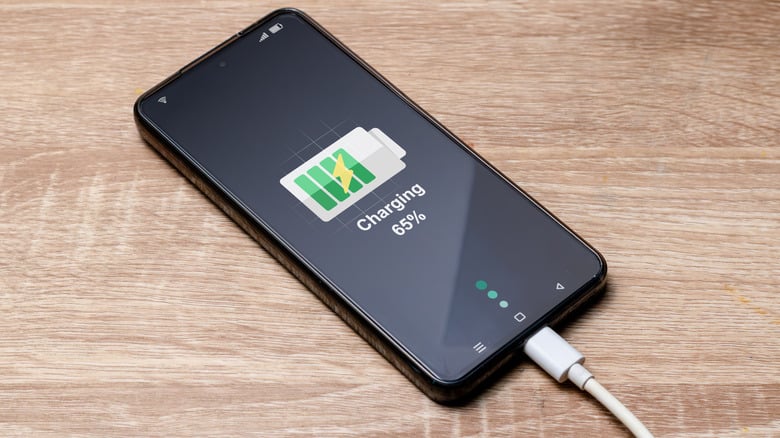
If you’ve ever watched your phone charge, you’ve probably noticed a curious pattern. The battery races from 0% to 50% in what feels like minutes, reaches 80% surprisingly quickly, and then… suddenly slows down. The final 20% seems to take almost as long as the first 80%.
Many people assume their charger has become faulty or that their phone’s battery is wearing out. In reality, this slowdown is almost always intentional.
Whether your phone supports 25W, 45W, 67W, 100W, or even 240W fast charging, every modern smartphone follows a carefully designed charging strategy. Manufacturers deliberately reduce charging speed around the 80% mark—not because they can’t charge faster, but because doing so protects your battery, keeps temperatures under control, and helps your phone last for years.
Let’s explore why fast charging slows after 80%, how the technology works behind the scenes, and what you can do if your phone is charging slower than it should.
Credits: Cult of Mac
Fast Charging Is More Than Just a Bigger Charger
Many people think fast charging simply means pushing more electricity into a battery.
In reality, modern fast charging is a sophisticated system involving the charger, charging cable, charging controller, battery management system (BMS), and the battery itself.
When you plug your phone into a compatible fast charger, these components communicate with each other. The charger asks the phone how much power it can safely accept, and the phone constantly adjusts that amount based on factors such as:
- Battery percentage
- Battery temperature
- Voltage
- Current
- Battery health
- Device usage
- Ambient temperature
Instead of supplying maximum power throughout the entire charging cycle, the phone continuously changes the charging speed hundreds or even thousands of times.
This intelligent management is why today’s phones can safely support charging speeds that would have been considered dangerous just a few years ago.
Understanding the Charging Curve
One of the biggest misconceptions about fast charging is that a phone should charge at maximum speed from 0% to 100%.
That isn’t how lithium-ion batteries work.
Instead, they follow what’s known as a charging curve, consisting of two major phases.
Phase 1: Constant Current (Fast Charging)
From roughly 0% to around 70–80%, the charger delivers a relatively high current while maintaining safe voltage levels.
This is where your phone charges the fastest.
During this stage, the battery can efficiently absorb large amounts of energy without excessive stress.
That’s why manufacturers advertise figures like:
- 50% in 15 minutes
- 80% in 30 minutes
- Full charge in 45 minutes
Most of the advertised charging performance happens during this first phase.
Phase 2: Constant Voltage (Slow Charging)
Once the battery approaches about 80%, things change.
The battery’s voltage is now much higher, and forcing large amounts of current into it becomes increasingly difficult and potentially damaging.
Instead of increasing voltage further, the charging system holds the voltage nearly constant while gradually reducing the charging current.
This is why charging appears to slow dramatically.
The closer the battery gets to 100%, the less current it accepts.
Think of it like filling a glass of water. At first, you can pour quickly. As the glass nears the top, you naturally slow down to avoid spilling.
Your phone does something very similar.
Why Phones Intentionally Slow Charging After 80%
There are several important reasons manufacturers intentionally reduce charging speed.
Heat Is the Biggest Enemy
Fast charging generates heat.
The higher the charging power, the more heat is produced inside the battery and charging circuitry.
Excessive heat accelerates battery aging by damaging the chemical structure inside lithium-ion cells.
If your phone continued charging at maximum speed all the way to 100%, battery temperatures could rise significantly, shortening the battery’s lifespan.
Reducing charging speed after 80% keeps temperatures under control.
High Battery Voltage Causes More Stress
Lithium-ion batteries experience the greatest chemical stress when they’re close to being fully charged.
At lower charge levels, ions move relatively easily between the battery’s electrodes.
Near full capacity, however, there’s less available space for incoming lithium ions.
Trying to force more energy into the battery at high speed increases internal resistance and accelerates wear.
By slowing charging, manufacturers reduce this stress and preserve battery health over hundreds or even thousands of charging cycles.
Safety Comes First
Today’s smartphones contain multiple layers of protection.
Battery management systems constantly monitor:
- Temperature
- Voltage
- Current
- Internal resistance
- Charging efficiency
If any reading exceeds safe limits, charging speed is reduced automatically.
In extreme situations, charging may pause altogether until temperatures drop.
These protections dramatically reduce the risk of overheating while ensuring the battery operates safely throughout its lifespan.

Credits: Anker
Why Slowing Down Is Actually Good for Your Battery
Although waiting a little longer for the final 20% may feel frustrating, it offers several important advantages.
Longer Battery Lifespan
Every lithium-ion battery gradually loses capacity over time.
Charging more gently near full capacity slows this natural aging process.
Instead of maintaining maximum charging speed until 100%, manufacturers prioritize battery longevity.
This means your phone retains more of its original capacity after hundreds of charge cycles.
Lower Operating Temperatures
Heat affects nearly every component inside your smartphone.
Reducing charging speed lowers battery temperature, protecting not only the battery but also the processor, charging circuits, display adhesives, and surrounding components.
Lower temperatures generally translate into better long-term reliability.
Improved Charging Efficiency
As batteries fill up, charging efficiency naturally decreases.
Reducing current minimizes wasted energy that’s otherwise converted into heat.
This makes charging more efficient and less stressful for the battery.
Ultra-Fast Charging Doesn’t Stay Ultra-Fast Either
Modern phones now advertise charging speeds of 80W, 100W, 120W, and even over 200W.
However, these impressive figures only apply during specific portions of the charging cycle.
For example, a 120W charger may briefly deliver close to its maximum output when the battery is nearly empty.
As the battery percentage rises, charging power gradually steps down.
By the time the battery reaches around 80%, charging speed may be only a fraction of the advertised maximum.
This isn’t false advertising—it’s simply how lithium-ion battery chemistry works.
Regardless of whether your phone supports 18W or 240W charging, every device eventually slows down to protect the battery.
Smart Charging Features Can Make It Seem Even Slower
Many smartphones now include intelligent charging features designed to extend battery lifespan.
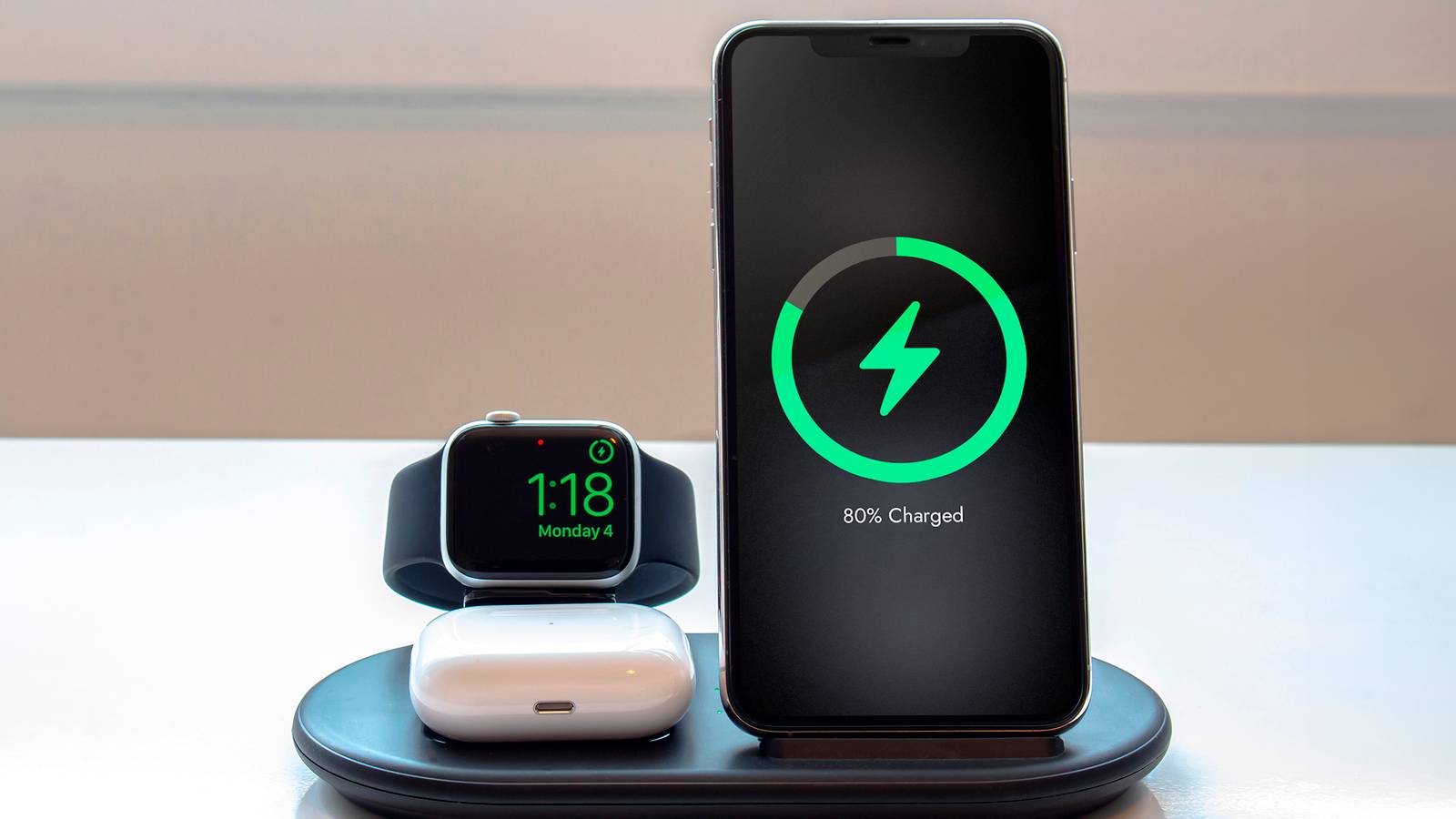
These features learn your charging habits and deliberately pause or slow charging near 80%.
For example, if you usually charge overnight, your phone may quickly reach 80%, remain there for several hours, and then complete the remaining 20% shortly before your alarm goes off.
This reduces the amount of time the battery spends sitting at 100%, which is one of the conditions that accelerates long-term battery degradation.
If you’ve noticed your phone staying at 80% overnight, this feature may be working exactly as intended.
When Charging Slower Than 80% Isn’t Normal
While slowing after 80% is expected, unusually slow charging throughout the entire charging cycle may indicate another issue.
Common causes include:
An Incompatible Charger
Using a charger that doesn’t support your phone’s fast-charging standard can significantly reduce charging speeds. Even if the charger has a high wattage rating, it may not support the specific protocol your phone requires, such as USB Power Delivery (USB PD), PPS, or a manufacturer’s proprietary fast-charging technology.
A Damaged Cable
Fast charging depends on high-quality cables that can safely carry increased current.
A worn-out or low-quality cable may force the phone to fall back to slower charging speeds.
High Temperatures
Charging while gaming, using GPS navigation, recording 4K video, or leaving your phone in direct sunlight generates additional heat.
To prevent overheating, the phone automatically reduces charging speed until temperatures return to normal.
Dirty Charging Port
Dust, lint, or debris inside the charging port can interfere with the connection, leading to inconsistent charging or slower speeds.
Carefully cleaning the port with a non-metallic tool or compressed air can often resolve the issue.

Credits: WIRED
Tips to Maintain Fast Charging Performance
You can’t prevent the charging curve from slowing after 80%, but you can ensure your phone charges as efficiently as possible.
- Use the original charger and cable, or certified replacements that support your phone’s fast-charging standard.
- Avoid using your phone for demanding tasks while it’s charging.
- Charge in a cool, well-ventilated environment.
- Remove thick phone cases if the device becomes excessively warm during charging.
- Keep the charging port clean and free of dust.
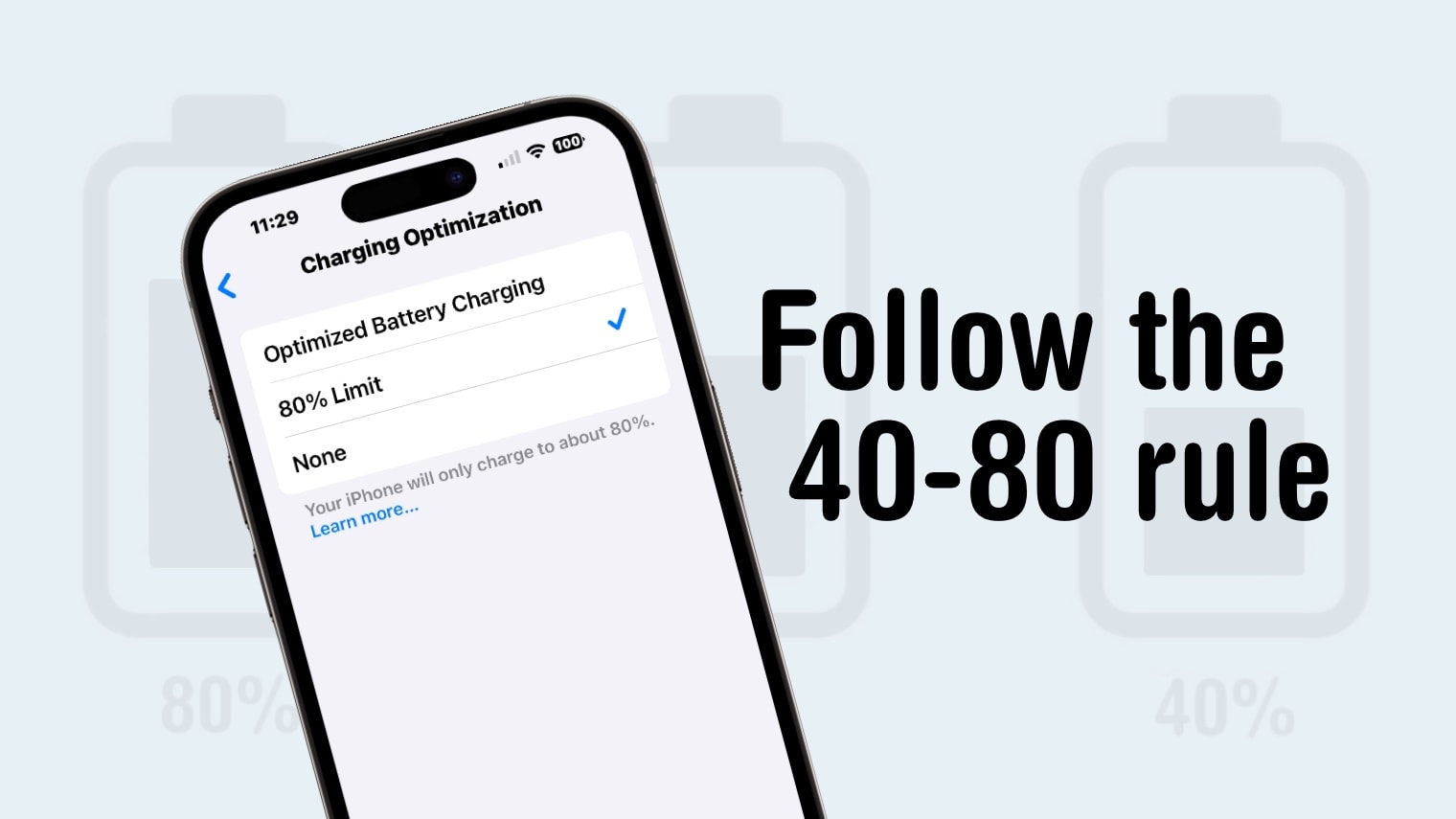
- Enable battery protection or optimized charging features—they may slightly extend charging time, but they can significantly improve long-term battery health.
The Bottom Line
The slowdown you notice after 80% isn’t a flaw—it’s a carefully engineered feature. Modern lithium-ion batteries simply can’t accept high charging currents safely when they’re nearly full, so your phone transitions from rapid charging to a slower, more controlled phase. This reduces heat, minimizes chemical stress, improves charging efficiency, and helps your battery retain its capacity over hundreds of charging cycles.
While the final 20% may test your patience, it’s a small trade-off for a battery that stays healthier for years. If your phone charges quickly up to around 80% and then eases off, that’s a sign your battery management system is doing exactly what it was designed to do. The only time you should be concerned is if charging is slow from the very beginning or if the device frequently overheats, as those issues may point to a faulty charger, cable, charging port, or an aging battery.
Credits: MakeUseOf
In short, fast charging isn’t about maintaining maximum speed from 0% to 100%—it’s about delivering power intelligently. The next time your phone seems to crawl past the 80% mark, you’ll know it’s not slowing down because something is wrong. It’s slowing down because your smartphone is protecting one of its most important components: the battery.