• Send Us A Tip
  • Calling all Tech Writers
  • Advertise
Sunday, September 13, 2026
  • Login
TechStory
  • News
  • Crypto
  • Gadgets
  • Memes
  • Gaming
  • Cars
  • AI
  • Startups
  • Markets
  • How to
No Result
View All Result
  • News
  • Crypto
  • Gadgets
  • Memes
  • Gaming
  • Cars
  • AI
  • Startups
  • Markets
  • How to
No Result
View All Result
TechStory
No Result
View All Result
Home How to

How to use MyHeritage to animate old pictures

by Arya Roy
June 23, 2021
in How to, Tech, Trending
Reading Time: 1 min read
0
How to use MyHeritage to animate old pictures

Source: https://www.gizbot.com/apps/features/myheritage-app-what-is-it-how-to-use-deep-nostalgia-feature-073123.html

TwitterWhatsappLinkedin

The MyHeritage app, which has recently become one of the most popular apps on social media these days, has a feature called deep nostalgia. This feature lets users of the app edit pictures and add an effect to make it look like the pictures are moving. The app uses AI to animate old family pictures and turn them into short and sometimes creepy videos.

You might also like

How to Get Loot Hacker Sprites in Fortnite

How to Pre Order iPhone 18 Pro Max

How To Play Pokémon Unbound

Currently, the MyHeritage mobile application is available for both iOS and Android users on their respective app stores, Google Play and the App Store. On social media, many people are using the app to animate images of famous dead personalities. If you still have not caught up with this trend, here is a guide on how you can use the app now.

  1. Download the MyHeritage mobile app on your smartphone, whether it is an Android or iOS device.
  2. Sign up by entering relevant details in the fields that they ask for, such as your name, phone number, email ID, password, etc.
  3. Upload the picture that you would like to animate.
  4. Tap on the uploaded picture and then press the animation icon on the top of the screen

It is important to note that you will have to wait for almost a whole minute for the animation to be done. Once it has been completed, you can download and share this with your friends through various social platforms such as WhatsApp, Instagram and Facebook.

Below are a few examples of how some people on the Internet have decided to use this particular feature and have some fun with it.

#DeepNostalgia
Mona Lisa animated with MyHeritage.#monalisa #painting #contemporaryart #deepfake #DeepLearning #fineart #animation pic.twitter.com/Hq10cBOBLO

— Andrii Frolov (@kznsq) February 27, 2021

So I wanted to know how the recent #DeepLearning facial animations services do with busts and decided to give that botched Christiano Ronaldo statue a spin. What ensued can only be summarised as #DeepNostalgia –> #DeeplyDisturbed. Sweet dreams! 😉 pic.twitter.com/g2J0LV5DAi

— Jan Smeddinck ??? (@smeddinck) February 27, 2021

Joseph Bloor lives! The most handsome man in Toronto history brought to life by this wild new #DeepNostalgia animation tool from MyHeritage… https://t.co/cQOXjVjDqg pic.twitter.com/QBzdlwxNfV

— Adam Bunch (@TODreamsProject) February 26, 2021

Tags: MyHeritage
Tweet54SendShare15
Previous Post

Central Bank of Portugal’s welcome step towards Crypto Exchanges

Next Post

How to use the Watch Party feature on Amazon Prime

Arya Roy

Hi, this is Arya! Writing has always been a passion of mine, regardless of the topic I choose. Besides that, I am a huge foodie and music lover, whose interests range from world politics to horror films to everything in between.

Recommended For You

How to Get Loot Hacker Sprites in Fortnite

by Khilav Jadav
September 12, 2026
0
How to Turn on Cross-Platform Play for Fortnite on Xbox

Loot Hacker Sprites are a new Sprite variant in Fortnite Chapter 7 Season 4: Override. Each one has a blue, digital look with scanning lines. Credits - Xbox...

Read more

How to Pre Order iPhone 18 Pro Max

by Khilav Jadav
September 12, 2026
0
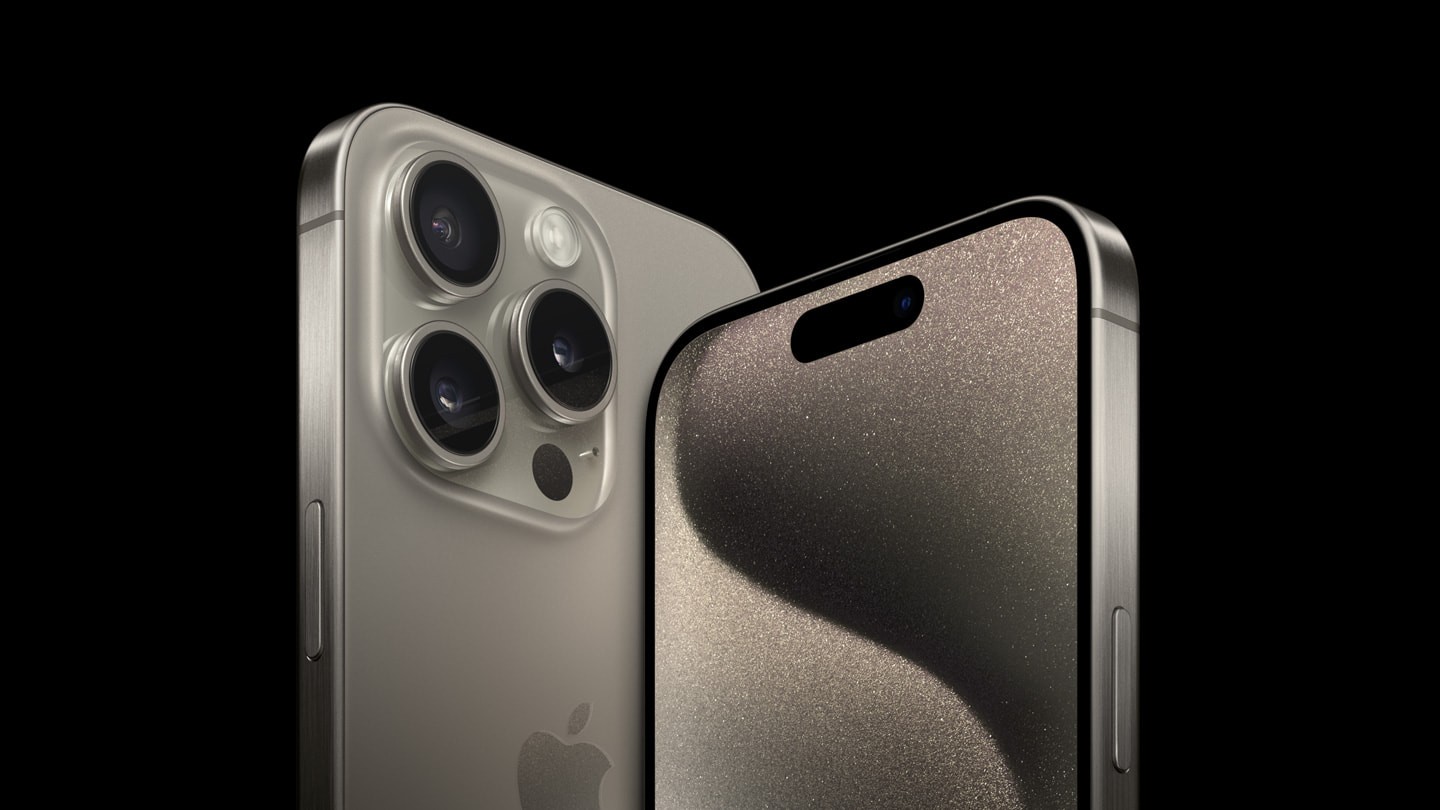
How To Pre Order iPhone 15

Apple has opened pre orders for the iPhone 18 Pro Max. In India, pre orders begin on September 12, 2026, at 5:30 PM IST. The phone will be...

Read more

How To Play Pokémon Unbound

by Khilav Jadav
September 12, 2026
0
How to Check Pokemon Center Queue Position

Pokémon Unbound is one of the most ambitious Pokémon ROM hacks available for the Game Boy Advance. It is built around Pokémon FireRed, but offers a new region,...

Read more
Next Post
How to use the Watch Party feature on Amazon Prime

How to use the Watch Party feature on Amazon Prime

Please login to join discussion

Techstory

Tech and Business News from around the world. Follow along for latest in the world of Tech, AI, Crypto, EVs, Business Personalities and more.
reach us at info@techstory.in

Advertise With Us

Reach out at - info@techstory.in

Aviator Game India 2026

BROWSE BY TAG

#Crypto #howto 2024 acquisition AI amazon Apple Artificial Intelligence bitcoin Business China cryptocurrency e-commerce electric vehicles Elon Musk Ethereum facebook funding Gaming Google India Instagram Investment iPhone IPO Market Markets Meta Microsoft News OpenAI samsung Social Media SpaceX startup startups tech Tech news technology Tesla TikTok trend trending twitter US

© 2025 Techstory.in

No Result
View All Result
  • News
  • Crypto
  • Gadgets
  • Memes
  • Gaming
  • Cars
  • AI
  • Startups
  • Markets
  • How to

© 2025 Techstory.in

Welcome Back!

Login to your account below

Forgotten Password?

Retrieve your password

Please enter your username or email address to reset your password.

Log In
Are you sure want to unlock this post?
Unlock left : 0
Are you sure want to cancel subscription?