• Send Us A Tip
  • Calling all Tech Writers
  • Advertise
Tuesday, October 27, 2026
  • Login
TechStory
  • News
  • Crypto
  • Gadgets
  • Memes
  • Gaming
  • Cars
  • AI
  • Startups
  • Markets
  • How to
No Result
View All Result
  • News
  • Crypto
  • Gadgets
  • Memes
  • Gaming
  • Cars
  • AI
  • Startups
  • Markets
  • How to
No Result
View All Result
TechStory
No Result
View All Result
Home How to

How to port Vodafone to Jio

by Srestha Roy
September 25, 2021
in How to
Reading Time: 2 mins read
0
How to port Vodafone to Jio
TwitterWhatsappLinkedin

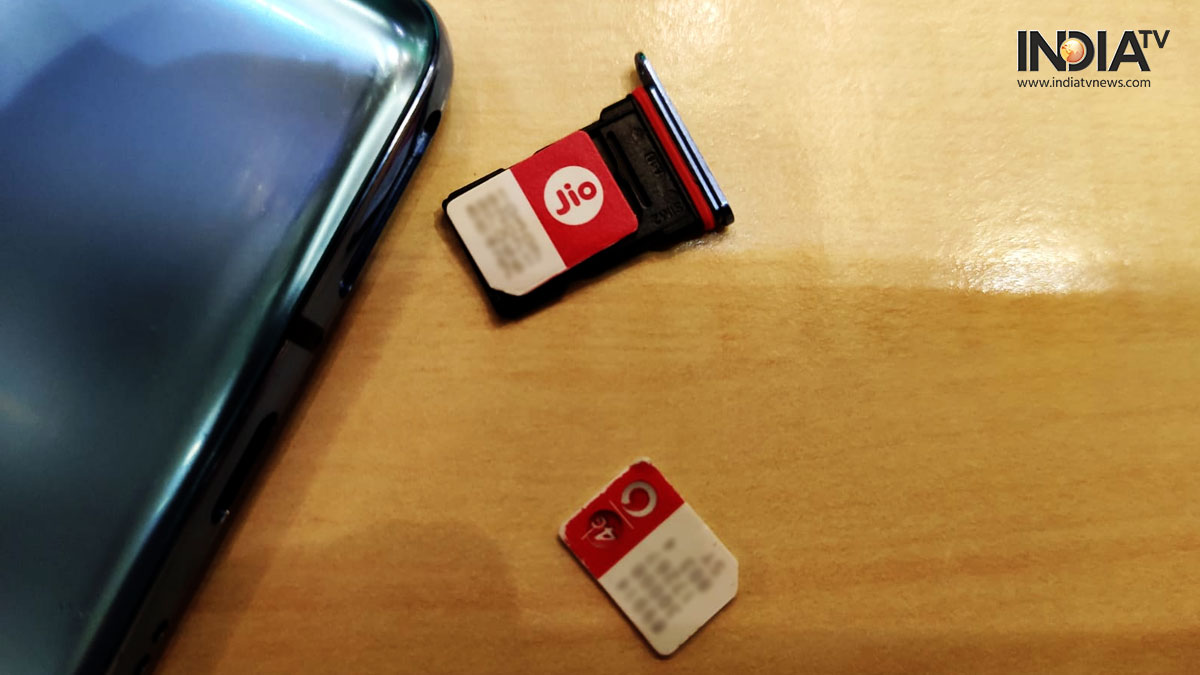
Jio’s entry into the network provider sector a few years ago has heightened rivalry among the various networks. By introducing some extremely appealing rates, tariffs, and free incentives, Jio has been drawing a significant number of customers from other prominent networks to the Jio domain.
You might also like

How to Use the Supreme Leader’s Bunker Access Card in Call of Duty: Modern Warfare 4 DMZ

How to Get the Legendary Hazmat Suit in Call of Duty: Modern Warfare 4 DMZ

How to Get the McDonald’s Dice Skin in MONOPOLY GO!

If you’re a Vodafone customer who wants to switch to Jio, follow these simple instructions. By the way, porting is the process of transferring your existing phone number to the new network you’ve chosen. As a result, you may continue to use the same phone number on the new network.

  • To begin the SIM porting procedure from Vodafone to Jio, send an SMS from the phone number you want to port to 1900. Type PORTspace>your 10-digit mobile number> in the message box.
  • The Vodafone network will send you an SMS with information such as the UPC number (Universal Product Code) and the expiration date.
  • After that, go to the app store and get the MyJio app for your phone. To generate a Jio discount code, open the app and follow the instructions.
  • Pay a visit to any Reliance Jio/Digital/Dx small retail outlet in your area. You must have your smartphone, UPC code, and Jio discount code with you at all times.
  • You will be asked to produce evidence of address and identification by the store employees. You may use any of the permitted papers to do this. You will also be required to provide passport-size photos.
  • At the shop, your Jio connection will now be enabled.
  • If you’re a Vodafone post-paid customer, make sure you’ve paid off all of your outstanding debts before commencing the porting procedure.
  • The porting procedure from Vodafone to Jio would take around 7 working days once these stages are completed. You can continue to use your Vodafone number till then without interruption.
Tags: androidiosJioPortingvodaphone
Tweet55SendShare15
Previous Post

UAE to allow crypto trading in Dubai free zone

Next Post

How to change app icons iOS 15

Srestha Roy

Recommended For You

How to Use the Supreme Leader’s Bunker Access Card in Call of Duty: Modern Warfare 4 DMZ

by Khilav Jadav
October 27, 2026
0
How To Get a Tactical Nuke in Call of Duty Modern Warfare 3

The Supreme Leader's Bunker Access Card is a valuable key item in Call of Duty: Modern Warfare 4 DMZ. It opens a hidden bunker beneath Chang-san Air Base,...

Read more

How to Get the Legendary Hazmat Suit in Call of Duty: Modern Warfare 4 DMZ

by Khilav Jadav
October 27, 2026
0
How to Open Stadium Verdansk Stadium in Call of Duty: Warzone

The Legendary Hazmat Suit is one of the most useful pieces of protective equipment in Call of Duty: Modern Warfare 4 DMZ. It allows players to explore dangerous...

Read more

How to Get the McDonald’s Dice Skin in MONOPOLY GO!

by Khilav Jadav
October 27, 2026
0
How To Get Shields in Monopoly GO

The McDonald's Dice Skin is a limited-time cosmetic available in MONOPOLY GO!, the popular mobile board game developed by Scopely. It is part of the game's collaboration with...

Read more
Next Post
How to change app icons iOS 15

How to change app icons iOS 15

Please login to join discussion

Techstory

Tech and Business News from around the world. Follow along for latest in the world of Tech, AI, Crypto, EVs, Business Personalities and more.
reach us at info@techstory.in

Advertise With Us

Reach out at - info@techstory.in

Aviator Game India 2026

BROWSE BY TAG

#Crypto #howto 2024 acquisition AI amazon Apple Artificial Intelligence bitcoin Business China cryptocurrency e-commerce electric vehicles Elon Musk Ethereum facebook funding Gaming Google India Instagram Investment iPhone IPO Market Markets Meta Microsoft News OpenAI samsung Social Media SpaceX startup startups tech Tech news technology Tesla TikTok trend trending twitter US

© 2025 Techstory.in

No Result
View All Result
  • News
  • Crypto
  • Gadgets
  • Memes
  • Gaming
  • Cars
  • AI
  • Startups
  • Markets
  • How to

© 2025 Techstory.in

Welcome Back!

Login to your account below

Forgotten Password?

Retrieve your password

Please enter your username or email address to reset your password.

Log In
Are you sure want to unlock this post?
Unlock left : 0
Are you sure want to cancel subscription?