• Send Us A Tip
  • Calling all Tech Writers
  • Advertise
Friday, September 25, 2026
  • Login
TechStory
  • News
  • Crypto
  • Gadgets
  • Memes
  • Gaming
  • Cars
  • AI
  • Startups
  • Markets
  • How to
No Result
View All Result
  • News
  • Crypto
  • Gadgets
  • Memes
  • Gaming
  • Cars
  • AI
  • Startups
  • Markets
  • How to
No Result
View All Result
TechStory
No Result
View All Result
Home How to

WhatsApp Stickers in Pay Mode: How to Use

by Srestha Roy
October 26, 2021
in How to
Reading Time: 2 mins read
0
WhatsApp Stickers in Pay Mode: How to Use
TwitterWhatsappLinkedin

WhatsApp just added a variety of payment stickers to make sending money more enjoyable. The instant messaging service even teamed up with five Indian female artists to create a new set of Payments stickers for its Indian customers. These stickers are based on a variety of cultural expressions associated with money exchange. While stickers have been accessible on WhatsApp for a long time, Payment Stickers are a new addition.

You might also like

How To Get To Ruins Of Lordaeron From Stormwind

How To Get Morgana Sprite In Fortnite

How to Get Hard Leather in RuneScape: Dragonwilds

Illustrator Anjali Mehta, sketch artist Anuja Pothireddy, illustrator and muralist Neethi, illustrator and artist Osheen Silva, and graphic designer Mira Felicia Malhotra are among the artists that created these payment sticker packs.

To transfer money to a WhatsApp contact, the user must first sign up for payments and link their UPI bank account. To do so, go to the Payments section by pressing the three dots symbol in the upper right corner of the home screen. After that, instead of sending a text message, WhatsApp Payment stickers may be used to pay money to a user. When giving money to someone on WhatsApp, follow these easy steps to send payment stickers.

  • Open WhatsApp and navigate to the user’s chat where you wish to send money.
  • In the text bar, select the Rupee icon.
  • A new page will appear, prompting you to enter the amount you wish to transfer. Fill in the amount.
  • An option to ‘Add a remark’ appears below the amount field. There, pick the smiling option, then the sticker button.
  • Users may add stickers by clicking the Plus symbol in the window’s upper right corner.
  • The sticker pack will appear in the sticker section once it has been downloaded. Choose the sticker you’d want to send with the money and then click Next.
  • The money will be sent when you click Send Payment and provide the UPI number.
  • The message will be delivered to the user along with a sticker.

 

Tags: PaymentsStickerswhatsapp
Tweet54SendShare15
Previous Post

Halo Infinite’s open world campaign trailer unveiled

Next Post

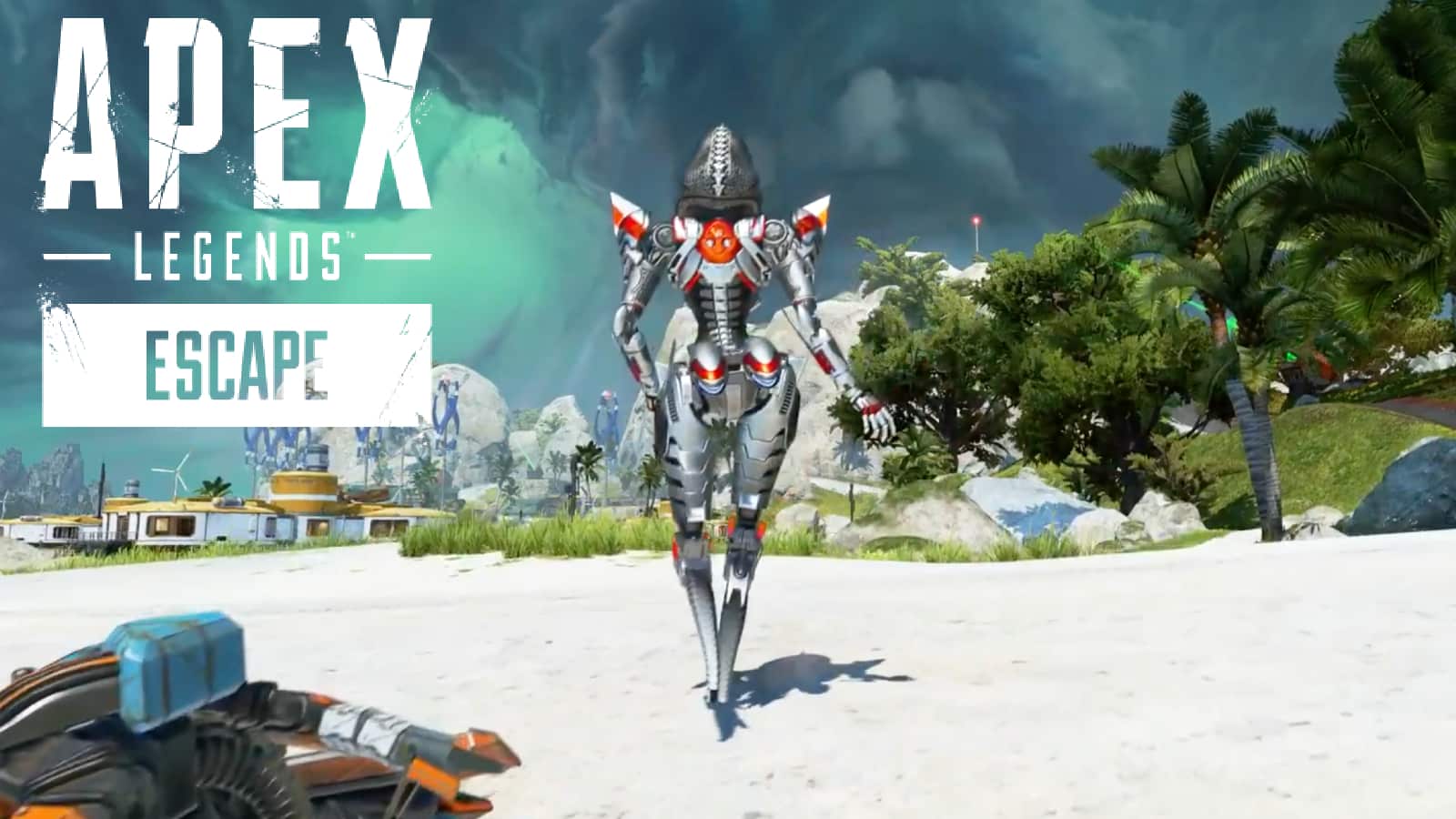
Apex Legends got a new map named Storm Point

Srestha Roy

Recommended For You

How To Get To Ruins Of Lordaeron From Stormwind

by Khilav Jadav
September 24, 2026
0
How to Get Darkmoon Faire Buff

The Ruins of Lordaeron are found in southern Tirisfal Glades, above the former Undercity. The most convenient route uses the portal network in Stormwind, although the exact location...

Read more

How To Get Morgana Sprite In Fortnite

by Khilav Jadav
September 24, 2026
0
How To Archive Items in Fortnite

The Morgana Sprite is now available in Fortnite Battle Royale and Zero Build as part of the Persona 5 crossover. Added with the v42.20 update, this Epic-rarity Sprite...

Read more

How to Get Hard Leather in RuneScape: Dragonwilds

by Khilav Jadav
September 24, 2026
0
How To Get Wailing Crystals in Dragon’s Dogma 2

Hard Leather is an important crafting material in RuneScape: Dragonwilds. It is used for several pieces of equipment and becomes especially useful as you move into stronger gear....

Read more
Next Post
Apex Legends

Apex Legends got a new map named Storm Point

Please login to join discussion

Techstory

Tech and Business News from around the world. Follow along for latest in the world of Tech, AI, Crypto, EVs, Business Personalities and more.
reach us at info@techstory.in

Advertise With Us

Reach out at - info@techstory.in

Aviator Game India 2026

BROWSE BY TAG

#Crypto #howto 2024 acquisition AI amazon Apple Artificial Intelligence bitcoin Business China cryptocurrency e-commerce electric vehicles Elon Musk Ethereum facebook funding Gaming Google India Instagram Investment iPhone IPO Market Markets Meta Microsoft News OpenAI samsung Social Media SpaceX startup startups tech Tech news technology Tesla TikTok trend trending twitter US

© 2025 Techstory.in

No Result
View All Result
  • News
  • Crypto
  • Gadgets
  • Memes
  • Gaming
  • Cars
  • AI
  • Startups
  • Markets
  • How to

© 2025 Techstory.in

Welcome Back!

Login to your account below

Forgotten Password?

Retrieve your password

Please enter your username or email address to reset your password.

Log In
Are you sure want to unlock this post?
Unlock left : 0
Are you sure want to cancel subscription?