Baldur’s Gate 3, the captivating RPG, has become a haven for gamers who adore customization. The game’s character creator is a playground of choices, allowing players to sculpt their own unique heroes. However, the ability to mold your game experience doesn’t end with characters; Baldur’s Gate 3 also lets you tweak the dice that hold your fate during critical skill checks throughout the story. If you’re a fan of tabletop Dungeons & Dragons, this dice customization feature will be your new delight. The developers at Larian Studios have fashioned a user-friendly interface, catering to your inner dice enthusiast. Here’s your guide to altering dice skins in Baldur’s Gate 3.
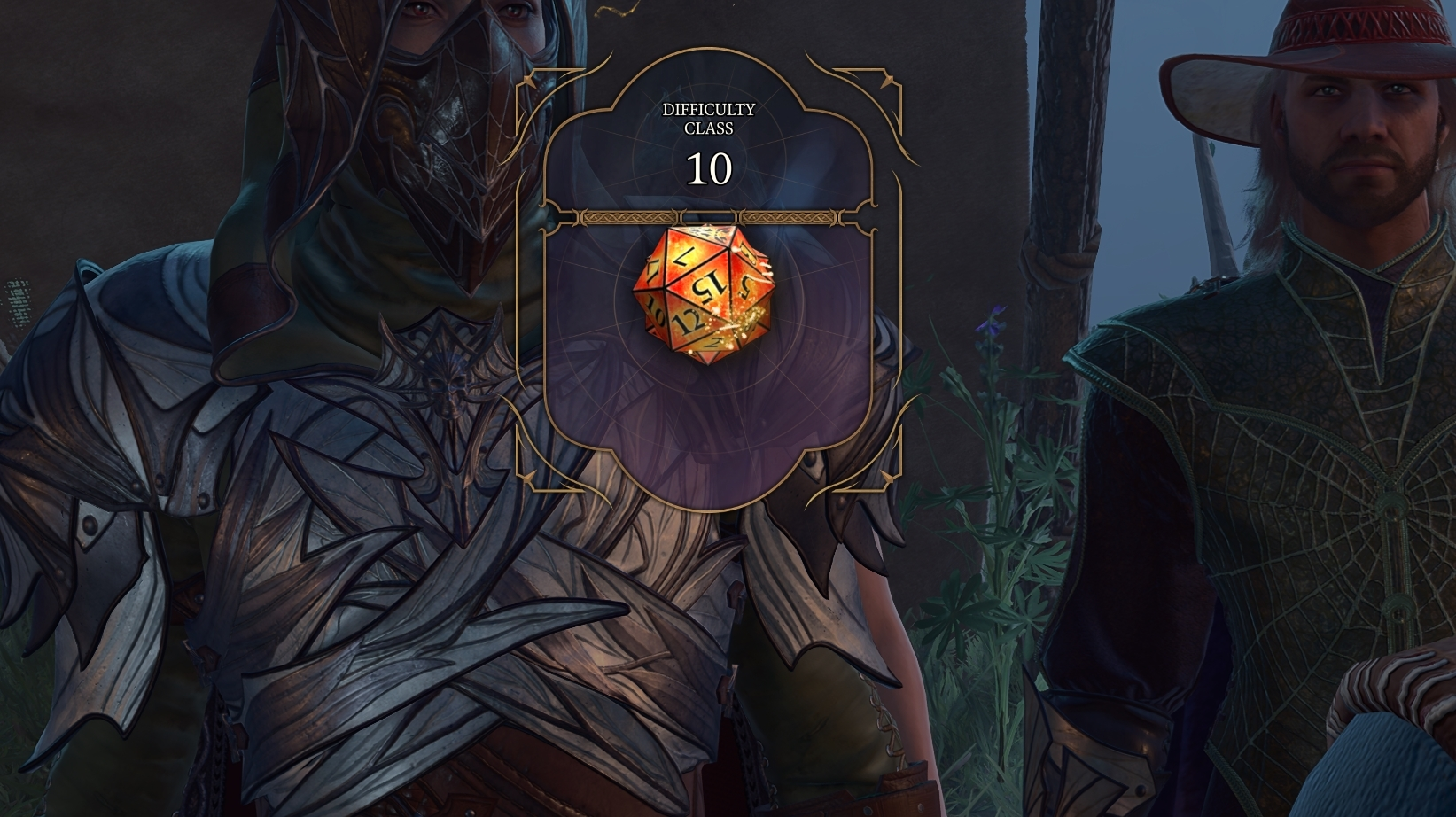
Steps to Change your Dice Skin
If you’re eager to transform your dice’s appearance in Baldur’s Gate 3, start by encountering a dice roll in the regular course of your game. Once the prompt pops up, follow these steps to switch your dice’s look:
- Open the dice roll menu by clicking the circle icon found in the bottom left corner of your screen.
- A set of options will emerge, locate and select “Choose Die Design.”
- Now, simply mark the checkbox next to the dice skin you desire. Your chosen dice skin will remain until you decide to change it again.
Available Dice Skins in Baldur’s Gate 3
Presently, the options for dice customization are somewhat limited. A single skin comes exclusively with the purchase of the Baldur’s Gate 3 Digital Deluxe Edition. Yet, there’s a silver lining. Expectations are high that Larian will sprinkle in more designs through upcoming updates, broadening your choices.
However, while you await these official additions, there’s still a way to jazz up your dice. Enter fan-made dice skins, which you can seamlessly integrate using mods. As of now, here are the dice appearances at your disposal in Baldur’s Gate 3:
- Scuffed Metal – The default skin that comes with the game.
- Behir Blue – Unlocked for all players through Hotfix #3.
Furthermore, two additional dice skins are reserved for players who’ve acquired specific versions of the game:
- Illithid Purple – Available with the purchase of the Baldur’s Gate 3 Collector’s Edition.
- Dragonflame Red – Unveiled upon purchasing the Baldur’s Gate 3 Deluxe Digital Edition.
Speaking of the Collector’s Edition, not only does it embrace the Illithid Purple dice skin, but it also teases a platform-specific “PC or PS5 Dice Skin.” This was initially thought to be the “Behir Blue” dice skin, which ultimately became accessible to all players, regardless of platform. This paves the way for the possibility of fresh skin designs tailored for these platform-exclusive bonuses.
Shaping Dice with Mods
Dive into the world of mods for Baldur’s Gate 3, hosted on the well-known modding hub, Nexus Mods. Larian Studios, the game’s developers, wholeheartedly encourage the creation and utilization of mods. In fact, they’re gearing up to launch tools that will amplify your modding experience.
Nonetheless, a word of caution is necessary. Enabling mods will disable Steam achievements. Therefore, if you’re an achievement hunter, it’s a choice that warrants contemplation. There’s even a mod designed to resurrect these achievements if you choose to go the modding route. And, it’s advisable to back up your Baldur’s Gate 3 save files before dipping your toes into the world of mods.
At this juncture, two remarkable dice customization mods await your exploration. The first contender is the “Dice Set Expansion,” which injects an assortment of standalone dice skins for your enjoyment. The second contender, named “Custom Dice,” serves up extra appearances and templates, granting you the freedom to craft your very own personalized designs. For those yearning for dice that reflect their unique style, keeping an eye on Nexus Mods for fresh additions is a wise move. Moreover, who knows, you might even be tempted to create your own distinct dice skins.
So there you have it – a comprehensive guide to changing dice skins in Baldur’s Gate 3. This game isn’t just about forging heroes; it’s also about weaving your mark into the very bones of chance itself. Customize, roll, and conquer with your unique dice style!