• Send Us A Tip
  • Calling all Tech Writers
  • Advertise
Sunday, July 5, 2026
  • Login
TechStory
  • News
  • Crypto
  • Gadgets
  • Memes
  • Gaming
  • Cars
  • AI
  • Startups
  • Markets
  • How to
No Result
View All Result
  • News
  • Crypto
  • Gadgets
  • Memes
  • Gaming
  • Cars
  • AI
  • Startups
  • Markets
  • How to
No Result
View All Result
TechStory
No Result
View All Result
Home How to

How to change the name of my iPhone?

by Afeefa Ansari
June 5, 2025
in How to
Reading Time: 2 mins read
0
iPhone

Credits - tomsguide.com

TwitterWhatsappLinkedin

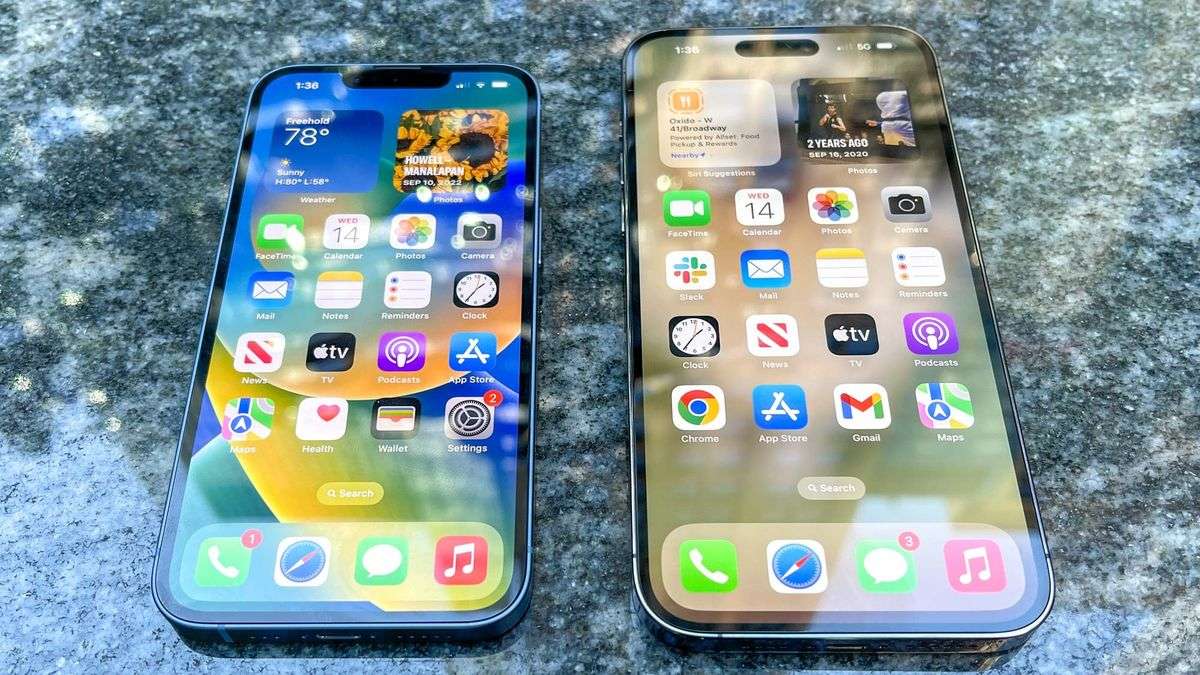
Want to give a more personal touch to your iPhone? You can actually do that by giving it a customized name! Follow the guide to know how you can change the name of your iPhone and let your creativity shine! Let us start our guide and see how this will go!

You might also like

How To Reach Outer Space In Genshin Impact

How To Unlock Golden Hall Teleport Waypoint In Genshin Impact

How To Play Unhinged On Netflix

What does it mean to change the name of one’s iPhone?

Changing the name of your iPhone typically renames your device in various digital environments. Instead of a generic “iPhone” or “Jerry’s iPhone,” you can customize it to something more personal or descriptive. And there is absolutely no limit to how creative you can get with it!  This new name will appear across your Apple ecosystem in iCloud, when you use AirDrop, as a Personal Hotspot, and when connecting to computers. That’s right! It means not just you but whoever connects with your device can see this name. It helps you easily identify your specific device, especially if you have multiple Apple products or are in a place with many other iPhones, preventing confusion when connecting to Bluetooth devices or Wi-Fi networks. Especially if you have multiple iPhones at home, this thing can be really helpful.

Steps to change the name of my iPhone

If you want to change the name of your iPhone, then these are going to be the steps you need to follow –

  • Access Settings app: Begin by opening the Settings application on your iPhone.
  • Navigate to General: Within Settings, scroll down and select the General option. This is where you will find all you need to do ahead.
  • Locate About: In the General menu, tap on About. This section provides details about your device, including its current name. This may have been a name saved by default or a name that you previously entered for the device.
  • Select Name: At the top of the About screen, you’ll find your iPhone’s current name. Tap on it to proceed with the next steps.
  • Input New Name: A text field will appear, allowing you to modify the name. Clear the existing name by tapping the “x,” then enter the new name that you would like to give to the device.
  • Confirm your choice: Once you’ve entered the new name, tap Done in the upper-right corner of the screen. Your iPhone’s name will be updated instantly and will not start showing up wherever you can possibly see it.

Following these steps will help you change the name of your iPhone and other people beside you can also see that.

How many times can I change the name of my iPhone?

As many times as you need! You just need to revisit the settings and follow the same steps again. Save your settings and your name on different devices as well as your own will be updated. You can rest assured that changing the name of your iPhone will not impact its functioning or its features. So, you can utilize this and give it a personal touch whenever you feel necessary.

We hope that the guide has been of help to you and you can now update the name of your iPhone easily.

Tags: #howtoApplechange the name of my iphoneiPhone guidetech guide
Tweet55SendShare15
Previous Post

How to share my location on an iPhone?

Next Post

Google Pixel 10 Series Official Launch Delayed

Afeefa Ansari

Recommended For You

How To Reach Outer Space In Genshin Impact

by Khilav Jadav
July 5, 2026
0
How to Verify Age on Genshin Impact

Exploring the Moon is one of the biggest additions to Genshin Impact, and many players are surprised to learn that the adventure does not end after arriving there....

Read more

How To Unlock Golden Hall Teleport Waypoint In Genshin Impact

by Khilav Jadav
July 5, 2026
0
How to Get Sunspray Spirit in Genshin Impact

Genshin Impact continues to reward exploration with hidden locations, challenging puzzles, and valuable Teleport Waypoints scattered across its ever-growing world. One of the more confusing waypoints for many...

Read more

How To Play Unhinged On Netflix

by Khilav Jadav
July 5, 2026
0
How To Keep Sharing Passwords on Netflix

Netflix continues to expand beyond movies and TV shows with unique gaming experiences, and Unhinged is one of its most creative releases yet. Developed by Night School Studio,...

Read more
Next Post
Pixel 10 Series

Google Pixel 10 Series Official Launch Delayed

Please login to join discussion

Techstory

Tech and Business News from around the world. Follow along for latest in the world of Tech, AI, Crypto, EVs, Business Personalities and more.
reach us at info@techstory.in

Advertise With Us

Reach out at - info@techstory.in

Aviator Game India 2026

BROWSE BY TAG

#Crypto #howto 2024 acquisition AI amazon Apple Artificial Intelligence bitcoin Business China cryptocurrency e-commerce electric vehicles Elon Musk Ethereum facebook funding Gaming Google India Instagram Investment ios iPhone IPO Market Markets Meta Microsoft News OpenAI samsung Social Media SpaceX startup startups tech technology Tesla TikTok trend trending twitter US

© 2025 Techstory.in

No Result
View All Result
  • News
  • Crypto
  • Gadgets
  • Memes
  • Gaming
  • Cars
  • AI
  • Startups
  • Markets
  • How to

© 2025 Techstory.in

Welcome Back!

Login to your account below

Forgotten Password?

Retrieve your password

Please enter your username or email address to reset your password.

Log In
Are you sure want to unlock this post?
Unlock left : 0
Are you sure want to cancel subscription?