

• Send Us A Tip
  • Calling all Tech Writers
  • Advertise
Saturday, July 11, 2026
  • Login
TechStory
  • News
  • Crypto
  • Gadgets
  • Memes
  • Gaming
  • Cars
  • AI
  • Startups
  • Markets
  • How to
No Result
View All Result
  • News
  • Crypto
  • Gadgets
  • Memes
  • Gaming
  • Cars
  • AI
  • Startups
  • Markets
  • How to
No Result
View All Result
TechStory
No Result
View All Result
Home Gaming

How To Download Mario Kart World on Switch 2 Bundle

by Khilav Jadav
December 26, 2025
in Gaming, How to
Reading Time: 2 mins read
0
How to Download Mario Kart World From Bundle

Credits - Nintendo

TwitterWhatsappLinkedin

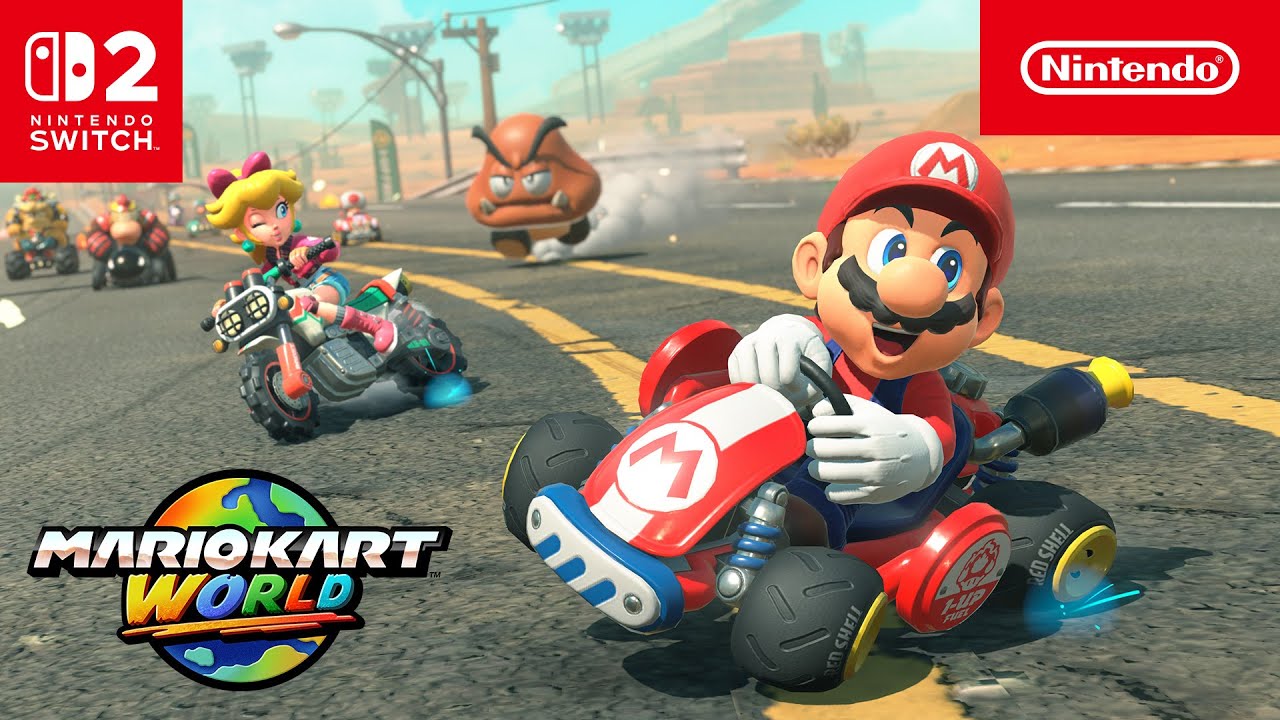
Nintendo fans are always excited when a new console bundle launches, and the Switch 2 bundle with Mario Kart World is no exception. If you have just bought this bundle, you might be wondering how to download Mario Kart World correctly and start racing as soon as possible. The process is simple, but it helps to understand each step clearly so you do not miss anything important. This guide explains everything in clear language, from what comes inside the box to common issues and easy fixes.
You might also like

How to breed Carillong on Magical Sanctum?

How to speed up an old Android phone?

How to improve the accuracy of a GPS?

Credits – Nintendo

Before you start downloading anything, it is important to know what the bundle includes. Most Switch 2 bundles that feature Mario Kart World come with the game in digital form. This means there is no physical game card inside the box.

Inside the bundle, you will usually find:

  • The Switch 2 console
  • Joy-Con controllers
  • A dock and power cables
  • A download code or a pre-installed license for Mario Kart World

The game is tied to your Nintendo account, so keeping your account details ready will save time during setup.

Setting Up Your Switch 2 for the First Time

If this is your first time using the Switch 2, you must complete the initial setup before downloading any games. Turn on the console and follow the on-screen instructions. You will select your language, region, and internet connection.

Make sure you connect to a stable Wi-Fi network. Mario Kart World is a large game, and a weak connection can slow down the download or cause errors. Once the system update finishes, you are ready to access the Nintendo eShop.

How to Download Mario Kart World Using a Pre-Installed License

Some Switch 2 bundles include Mario Kart World already linked to the console. In this case, downloading the game is very easy. From the home screen, look for the Mario Kart World icon. If you see a download arrow, select it and the game will begin downloading automatically.

If the icon is not visible, open the Nintendo eShop using the same account that was set up during the first boot. The game should appear as available to download at no extra cost. Select it, confirm the download, and wait for the process to complete.

How to Download Mario Kart World Using a Download Code

Other bundles include a printed download code instead of a pre-installed license. You will usually find this code on a card inside the box. Be careful not to throw it away by mistake.

To redeem the code:

  • Open the Nintendo eShop
  • Select the option to redeem a code
  • Enter the code exactly as shown
  • Confirm and start the download

Once redeemed, the game is permanently linked to your account, even if you change consoles later.

Storage Space and Download Time

Mario Kart World requires a good amount of storage space. Before downloading, check your available memory in the system settings. If space is low, you may need to delete unused games or add a compatible memory card.

Download time depends on your internet speed. On an average home connection, the game may take anywhere from twenty minutes to over an hour. You can monitor progress from the home screen while keeping the console in sleep mode if needed.


Tags: #switch 2Mario KartMario kart worldswitchSwitch 2 Bundle
Tweet58SendShare16
Previous Post

PlayStation Gaming Enters the Car, for Real

Next Post

How to Play Pictionary on Netflix

Khilav Jadav

Content writer at Techstory Media with a passion for gaming and finance. Currently pursuing a degree in data science, exploring the latest gaming titles and analyzing financial trends.

Recommended For You

How to breed Carillong on Magical Sanctum?

by Afeefa Ansari
July 11, 2026
0
Carillong

Do you want to breed Carillong on Magical Sanctum? Follow the guide to know how you can do that in a few simple steps. This is a monster...

Read more

How to speed up an old Android phone?

by Afeefa Ansari
July 10, 2026
0
Android

Is your old Android phone giving you a hard time? It happens. But don't worry, we've got your back. Follow the guide to learn some magical ways that...

Read more

How to improve the accuracy of a GPS?

by Afeefa Ansari
July 10, 2026
0
GPS

You use GPS, but don't know how accurate it is? We've all been there. But there are still some ways that can help us improve that accuracy tenfold....

Read more
Next Post
How to Stream Netflix on Discord

How to Play Pictionary on Netflix

Please login to join discussion

Techstory

Tech and Business News from around the world. Follow along for latest in the world of Tech, AI, Crypto, EVs, Business Personalities and more.
reach us at info@techstory.in

Advertise With Us

Reach out at - info@techstory.in

Aviator Game India 2026

BROWSE BY TAG

#Crypto #howto 2024 acquisition AI amazon Apple Artificial Intelligence bitcoin Business China cryptocurrency e-commerce electric vehicles Elon Musk Ethereum facebook funding Gaming Google India Instagram Investment ios iPhone IPO Market Markets Meta Microsoft News OpenAI samsung Social Media SpaceX startup startups tech technology Tesla TikTok trend trending twitter US

© 2025 Techstory.in

No Result
View All Result
  • News
  • Crypto
  • Gadgets
  • Memes
  • Gaming
  • Cars
  • AI
  • Startups
  • Markets
  • How to

© 2025 Techstory.in

Welcome Back!

Login to your account below

Forgotten Password?

Retrieve your password

Please enter your username or email address to reset your password.

Log In
Are you sure want to unlock this post?
Unlock left : 0
Are you sure want to cancel subscription?
