

Esports Loot Boxes are a special type of reward in Overwatch 2. Unlike regular loot boxes, these boxes contain cosmetics taken from the game’s esports collection and are usually tied to official competitive events. Since they are limited-time rewards, many players are unsure about how to obtain them.
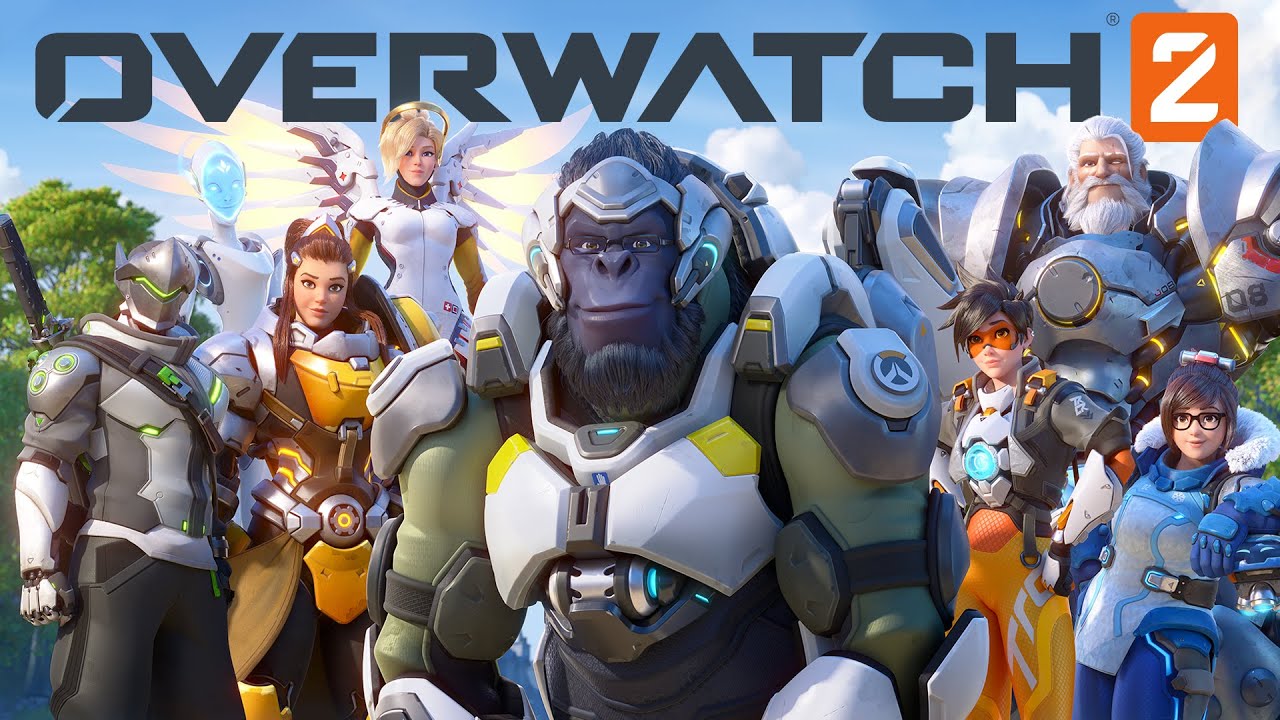
If you are wondering how to get Esports Loot Boxes in Overwatch 2, this guide explains everything you need to know, including account linking, Twitch Drops, and the best ways to avoid missing future rewards.
What Are Esports Loot Boxes In Overwatch 2?
Esports Loot Boxes are special cosmetic boxes available during selected Overwatch 2 esports events. They have their own reward pool and are separate from standard loot boxes.
Inside these boxes, players can receive various cosmetic items, including:
- Hero skins
- Sprays
- Voice lines
- Player icons
- Highlight intros
- Victory poses
These rewards are cosmetic only and do not provide any gameplay advantage.
How To Get Esports Loot Boxes
The main way to obtain Esports Loot Boxes in Overwatch 2 is through Twitch Drops during official tournaments and broadcasts.
Follow these steps:
- Link your Battle.net account with your Twitch account.
- Watch eligible Overwatch esports streams.
- Earn progress toward Twitch Drop rewards.
- Claim the rewards from the Twitch Drops inventory page.
- Launch Overwatch 2 and receive the loot boxes.
Because these events are time-limited, players must participate while the campaign is active.
Step 1: Link Your Accounts
Before you can earn rewards, your Twitch and Battle.net accounts must be connected.
To do this:
- Log into Twitch.
- Open Settings.
- Go to Connections.
- Find Battle.net.
- Authorize the connection.
Without account linking, watch time will not count toward rewards.
Step 2: Watch Official Overwatch Esports Streams
Not every Overwatch stream qualifies for rewards.
Usually, Esports Loot Boxes are available only during official broadcasts, such as:
- Major tournaments
- Championship events
- Seasonal competitions
- Special esports weekends
Watching regular content creators may not grant progress unless they are participating in an approved campaign.
Always check whether Drops are enabled before spending time watching a stream.
Step 3: Accumulate Watch Time
Most Twitch Drop campaigns require players to watch a certain number of hours before rewards become available.
Common requirements include:
- Two hours of watch time
- Four hours of watch time
- Seven hours or more for additional rewards
The required duration varies depending on the event. Longer campaigns often offer multiple rewards, including more than one Esports Loot Box.
Step 4: Claim The Reward
A common mistake is assuming rewards are delivered automatically.
After reaching the required watch time:
- Open Twitch.
- Go to Drops and Rewards.
- Find the Overwatch 2 campaign.
- Press the Claim button.
If you do not claim the reward before the campaign expires, you may lose it.
Step 5: Launch Overwatch 2
Once claimed, rewards are usually delivered directly to your account.
In some cases, they may take several hours to appear. Players have reported waiting up to 72 hours before their rewards showed up.
If your boxes do not appear immediately:
- Restart the game.
- Verify account connections.
- Wait for processing to complete.
Patience is often required.
Can You Buy Esports Loot Boxes?
No.
Blizzard does not sell Esports Loot Boxes. They are distributed only through promotions and official esports events.
This means players cannot purchase them with:
- Real money
- Overwatch Coins
- Competitive Points
Their limited availability makes them relatively rare.
What Rewards Are Inside?
Esports Loot Boxes focus on esports-themed cosmetics. Their reward pool differs from standard boxes.
Possible rewards include:
- Rare items
- Epic cosmetics
- Legendary skins
- Sprays
- Icons
- Voice lines
Duplicate protection also helps reduce repeated items, making rewards more valuable over time.
Tips For Getting More Esports Loot Boxes
If you want to maximize your chances, consider these strategies:
- Follow official Overwatch esports announcements.
- Enable Twitch notifications.
- Link accounts before tournaments begin.
- Claim rewards promptly.
- Watch complete broadcasts whenever possible.
Many players miss rewards simply because they forget to claim them before the campaign ends.
Do Esports Loot Boxes Return Regularly?
Yes, but not permanently.
Blizzard periodically brings them back during major esports events. Availability depends on the competitive schedule, so there may be long gaps between opportunities.
Because of this, it is a good idea to keep an eye on upcoming tournaments and promotional events.



