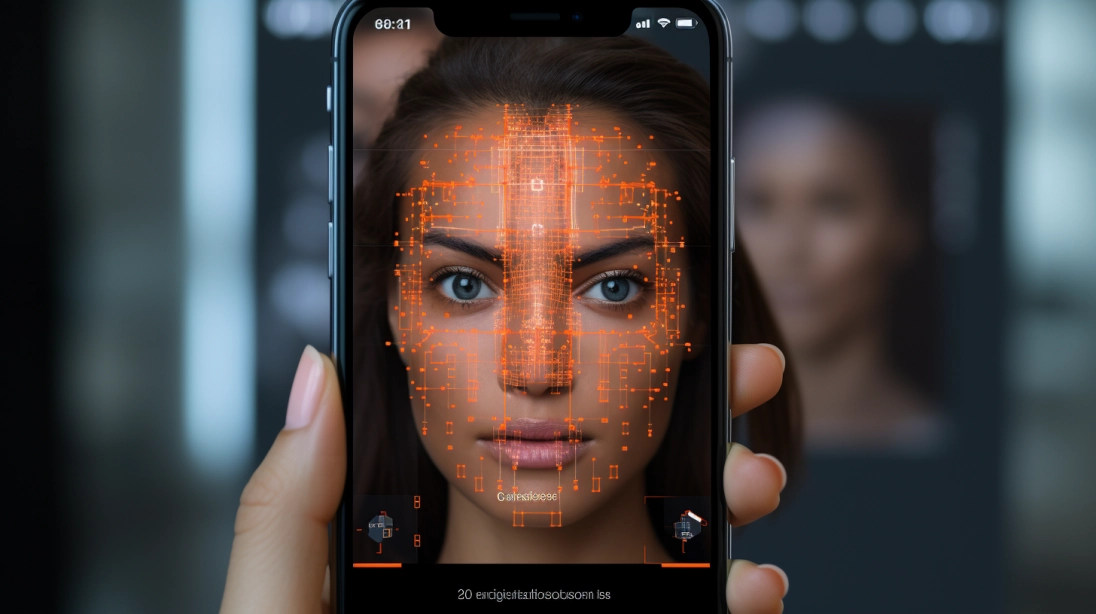
Ever been confused about whether a video is being generated by AI or is authentic? We’ve all been there. But here are a few things that can help you make out if a video is generated with AI or is a real one. So, let’s dive in and see what’s there.
Ways to detect an AI-generated video
If you’re ever uncertain about a video being generated with the help of AI or not, then these are a few things you can look out for.
Movements
The first thing is to watch the eyes and blinking patterns closely. AI models don’t give realistic eye movement, so people in generated videos might blink too rarely or have a weird pattern of blinking that would simply seem unnatural.
Fusion spotting
Blending often goes bad. Check the hands, fingers, and fine accessories that often melt into different frames. Hands and how they change can be an alert. You will frequently spot extra fingers, fused digits, or even accessories that keep melting into the skin itself.
Logos
You must also pay attention to text, logos, and the fine patterns in the background. What happens is that the AI video generators usually treat text as visual shapes rather than actual language. Street signs, t-shirt logos, and other titles anywhere often blend into each other, often making no sense at all.
The lighting fix
Also look for unnatural lighting and shadow discrepancies that seem unusual. Shadows should always line up with the main light sources in a scene. In videos that AI generates, shadows might cast in two different directions, or simply be in an unnatural direction or shape.
The sync
The answer is in the details. You must observe lip sync and audio alignment carefully. Even high-end voice clones can struggle with realistic ways of talking. Therefore, you must look closely at how the lips shape while pronouncing different words. If something seems mismatched or just out of sync, it is AI.
Natural Features
AI somehow tampers with the natural features of an individual. For that, check for the hair, teeth, and skin texture. Human skin and the mentioned parts in Deepfake videos often give people unnaturally smooth, plastic-looking skin or turn individual teeth into a solid white block. Hair strands might also look too glued together or simply hazy.
The objects
The final thing is to spot shifting or morphing background objects. When the camera moves in an AI clip, static objects in the background like chairs, trees, or picture frames might slowly change shape or look different in different frames, finally making it certain that it’s AI.