Prime Video makes it simple to start a show at home. Taking that same show onto a laptop for a long journey can be less straightforward. Official downloads are tied to supported apps and devices, and not every title is available to download. That is why people looking for the best Prime Video downloader often end up comparing third-party desktop tools.
The useful question is not which app has the longest feature list. It is which one can save an accessible episode in a format your device can play, with the audio and subtitles you need, before you leave Wi-Fi behind.
What the official Prime Video download option does—and does not do
Prime Video allows downloads for eligible titles through supported applications. But those downloads are not the ordinary MP4 files you can move freely between media players. Viewing periods and availability vary by title and other conditions. For laptop users who organize personal offline files, those restrictions can be a real inconvenience.
Third-party downloaders offer a different workflow: they aim to export supported content as local video files. Whether that is appropriate depends on your rights to the content, applicable law and the service’s terms. A paid subscription alone does not automatically give permission to copy every video.
What matters when choosing a Prime Video downloader
- File format: MP4 offers broad compatibility; MKV may be preferable for some audio and subtitle arrangements.
- A meaningful trial: a complete test episode tells you more than a few minutes of sample footage.
- Platform support: check the specific Windows or macOS version, not just a generic “PC and Mac” claim.
- Language options: confirm that the available audio and subtitle tracks match your needs.
- Episode handling: a download queue is useful if you are preparing several installments of a series.
Treat resolution claims carefully. The source title, streaming platform and current software support all affect the quality options you will actually see. A “4K” label on a marketing page does not guarantee 4K output for every Prime Video title.
How Keeprix fits into the picture
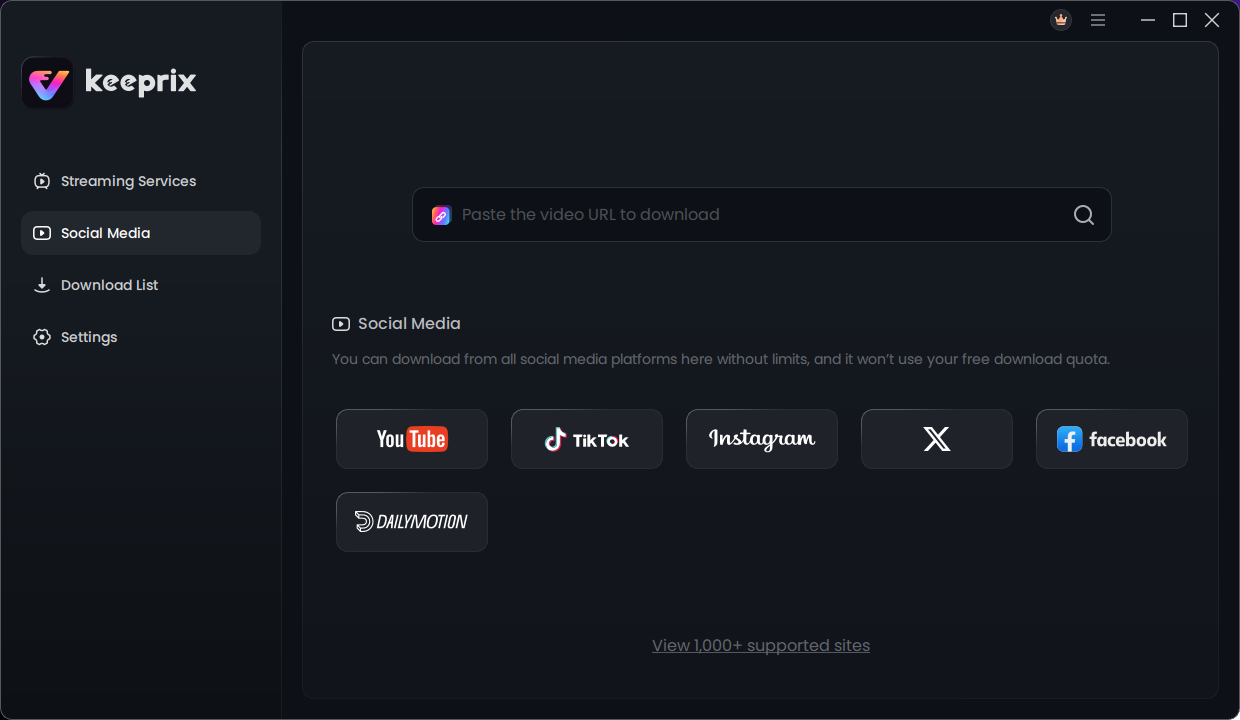
Among the desktop options is Keeprix Video Downloader, which supports multiple streaming and social platforms in one Windows or Mac application. For compatible Prime Video titles, the software provides MP4/MKV output, selection of available audio and subtitle tracks, and a queue for multiple episodes. Mac users need macOS 12 or later.
Its trial policy is a practical selling point: one complete Prime Video download is available for free, allowing you to inspect the finished file and see whether the workflow works for your particular title. That is a more useful test than relying on a specifications table alone.
How to save an eligible Prime Video title as MP4
- Install the app on your Windows PC or compatible Mac and open its Prime Video section.
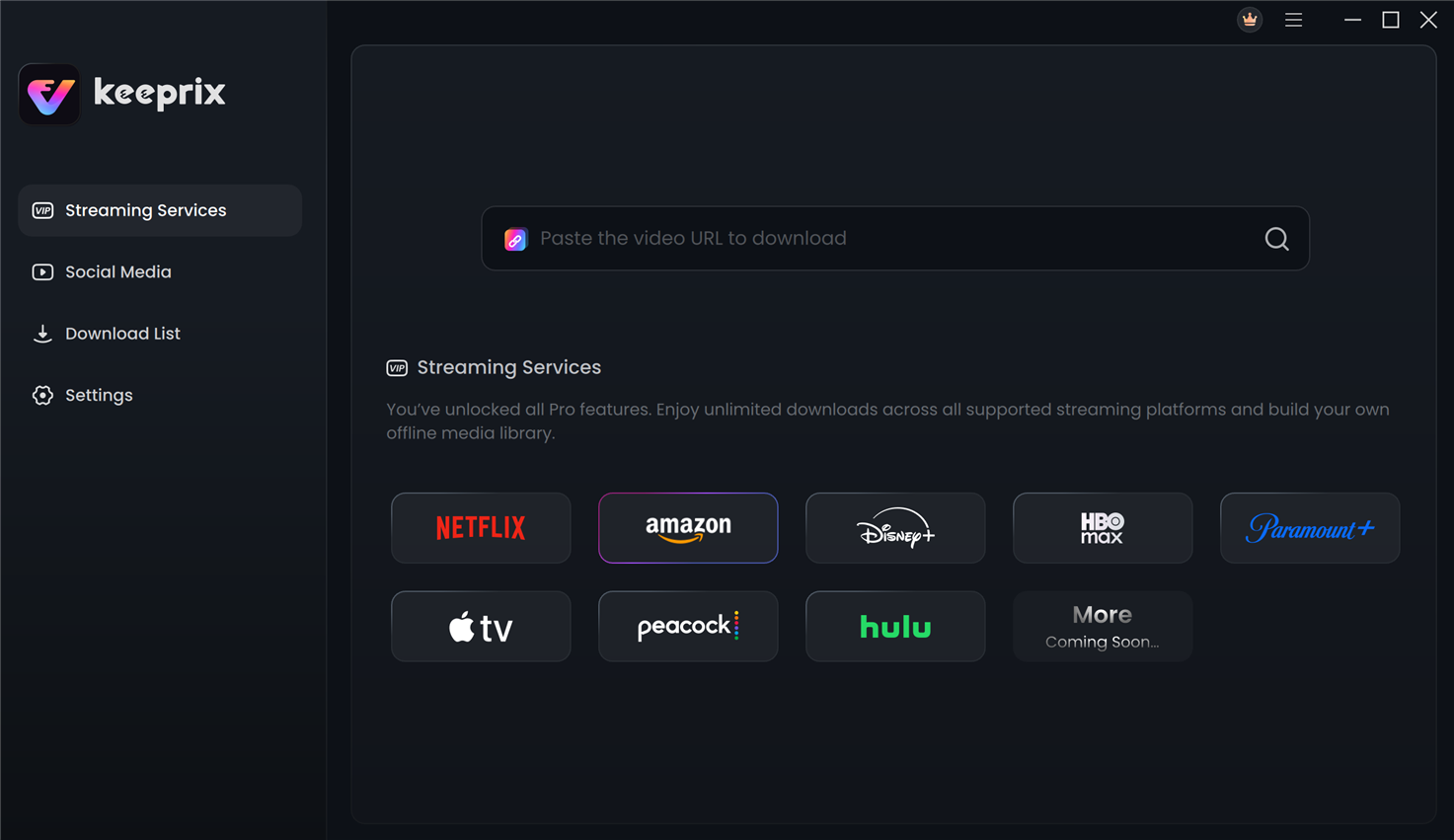
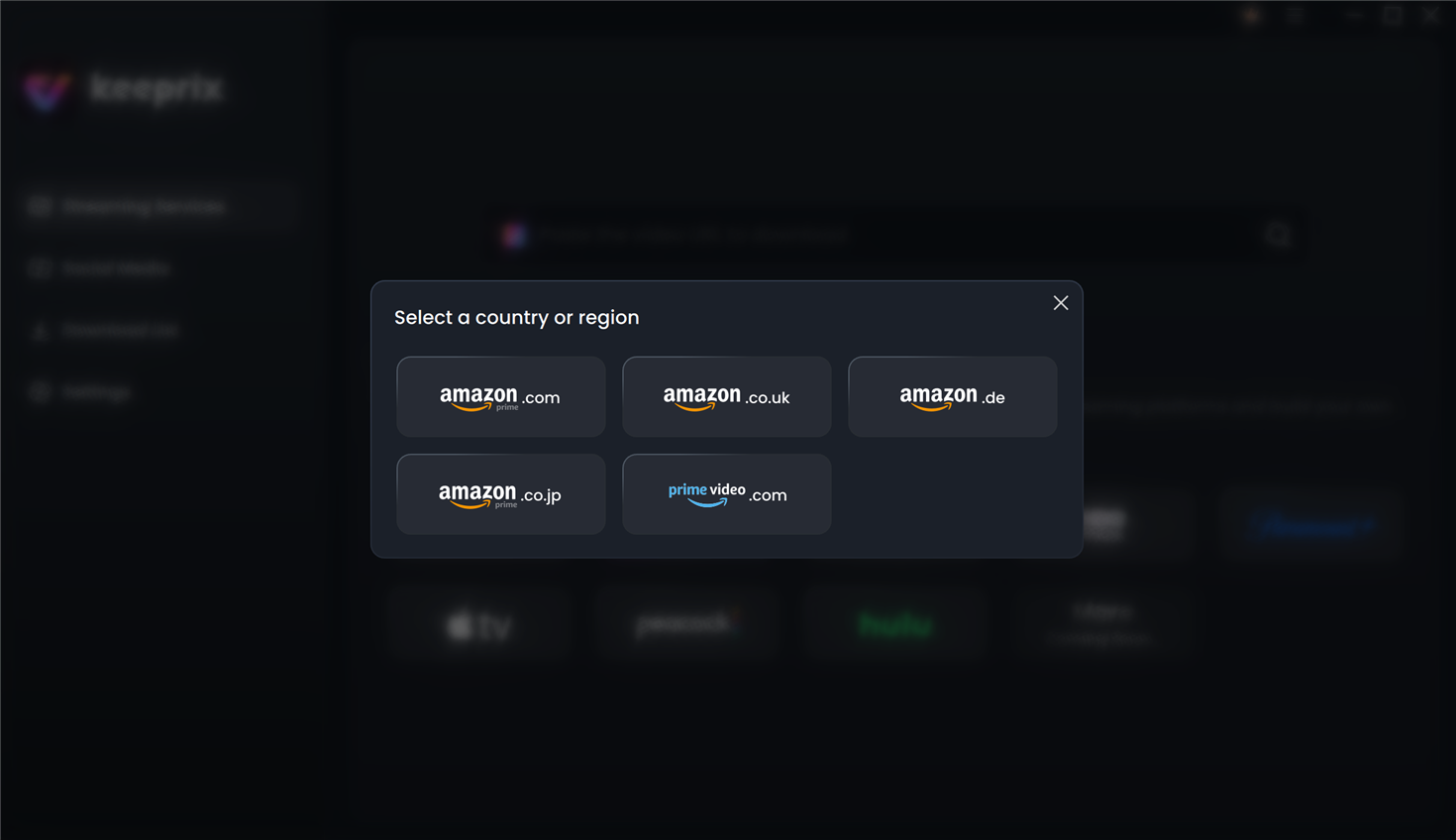
- Log in to the Prime Video account and manually choose the Amazon site that has access to the movie or episode.
- Open the title, choose MP4 or MKV, and check the available video, audio and subtitle settings.
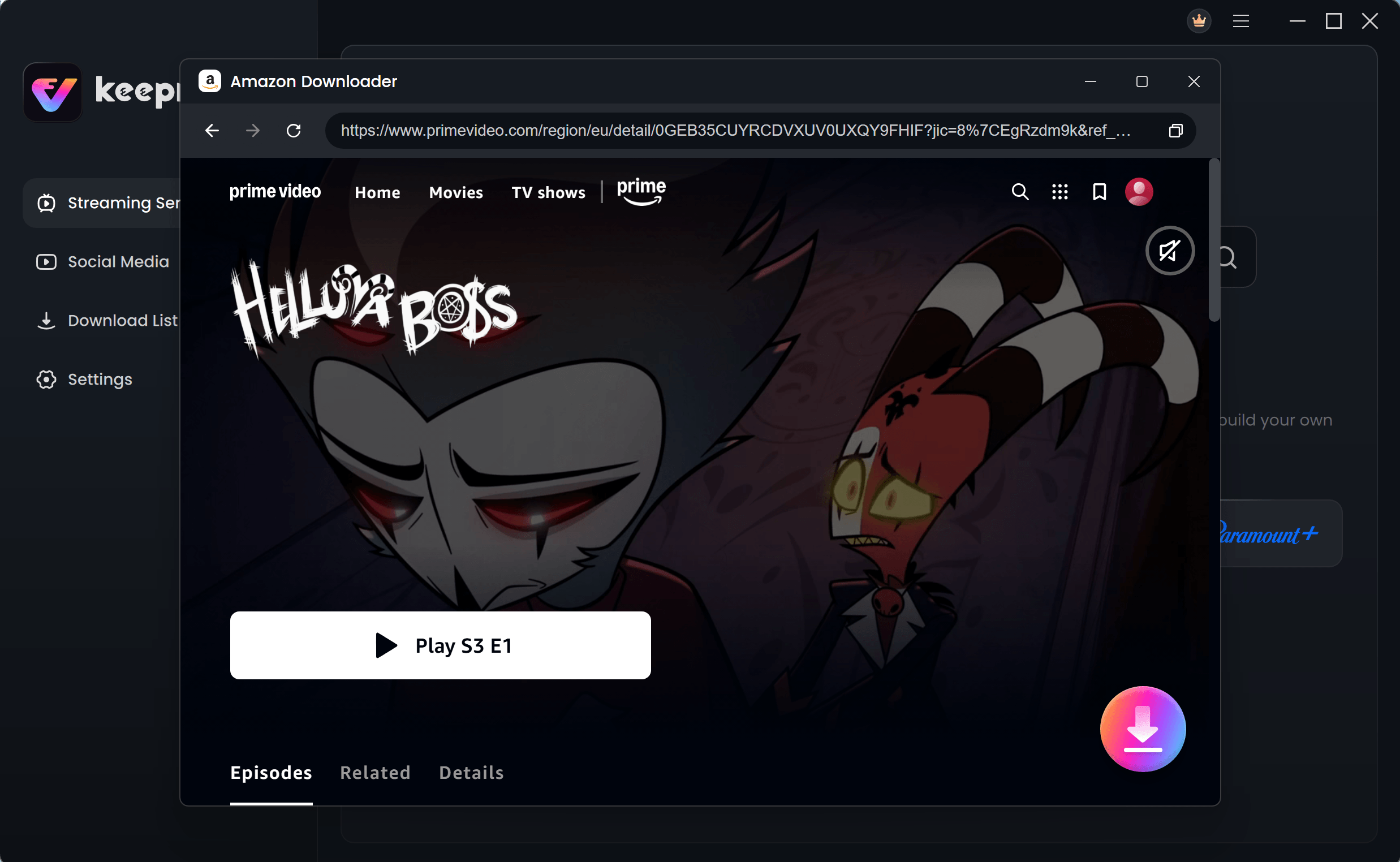
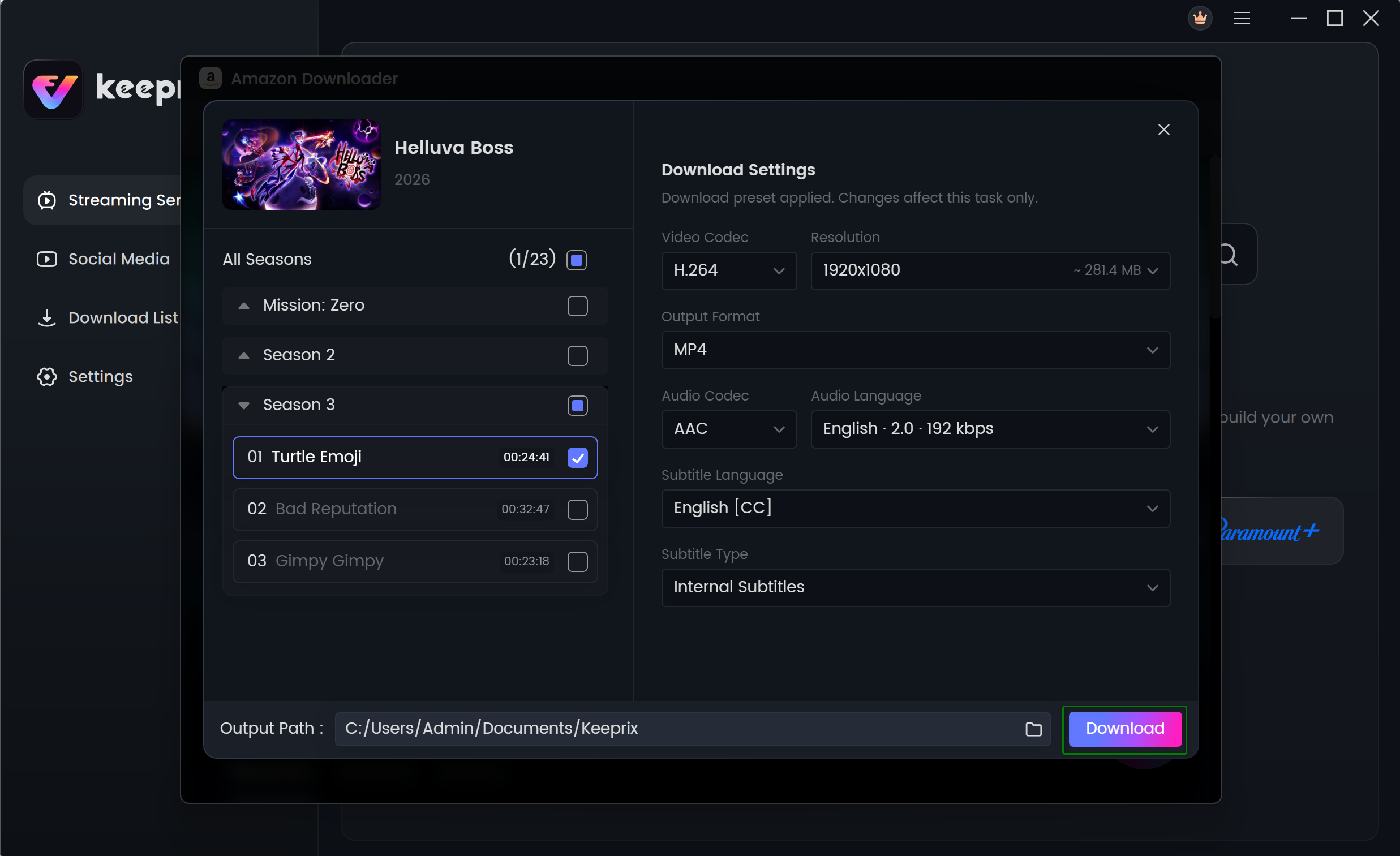
- Add the title to the download queue. When the file is ready, play a short section locally to confirm the result.
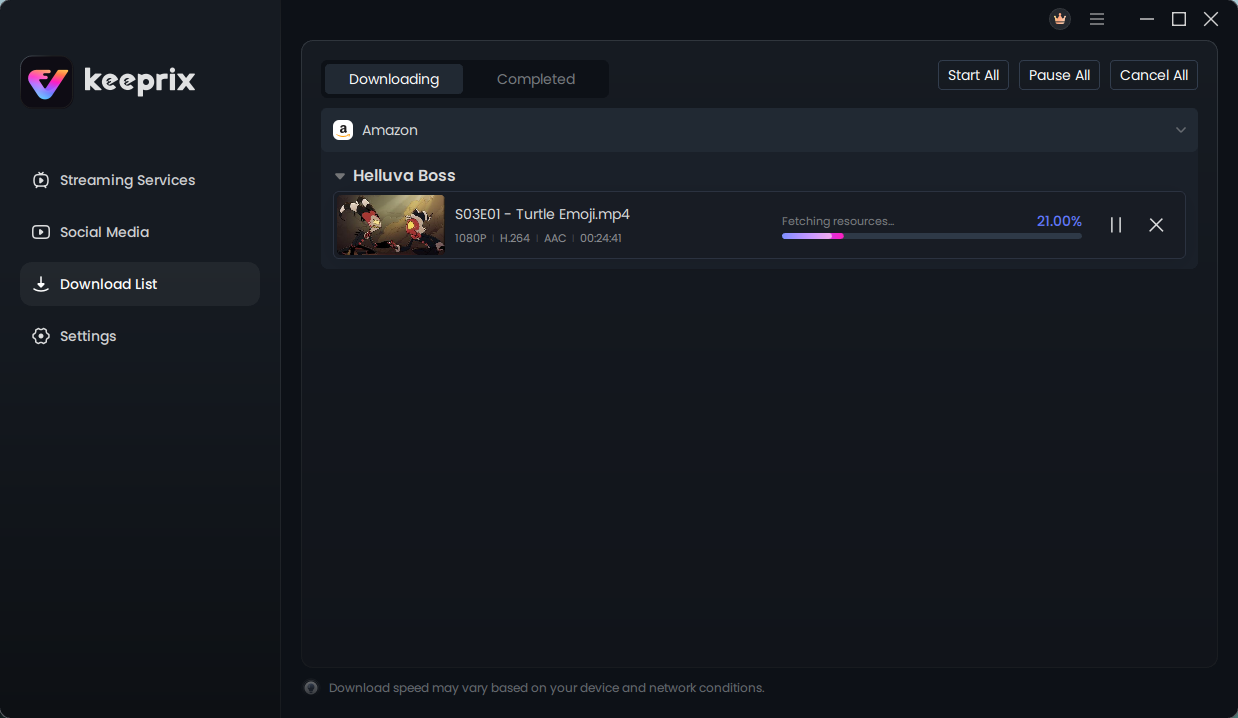
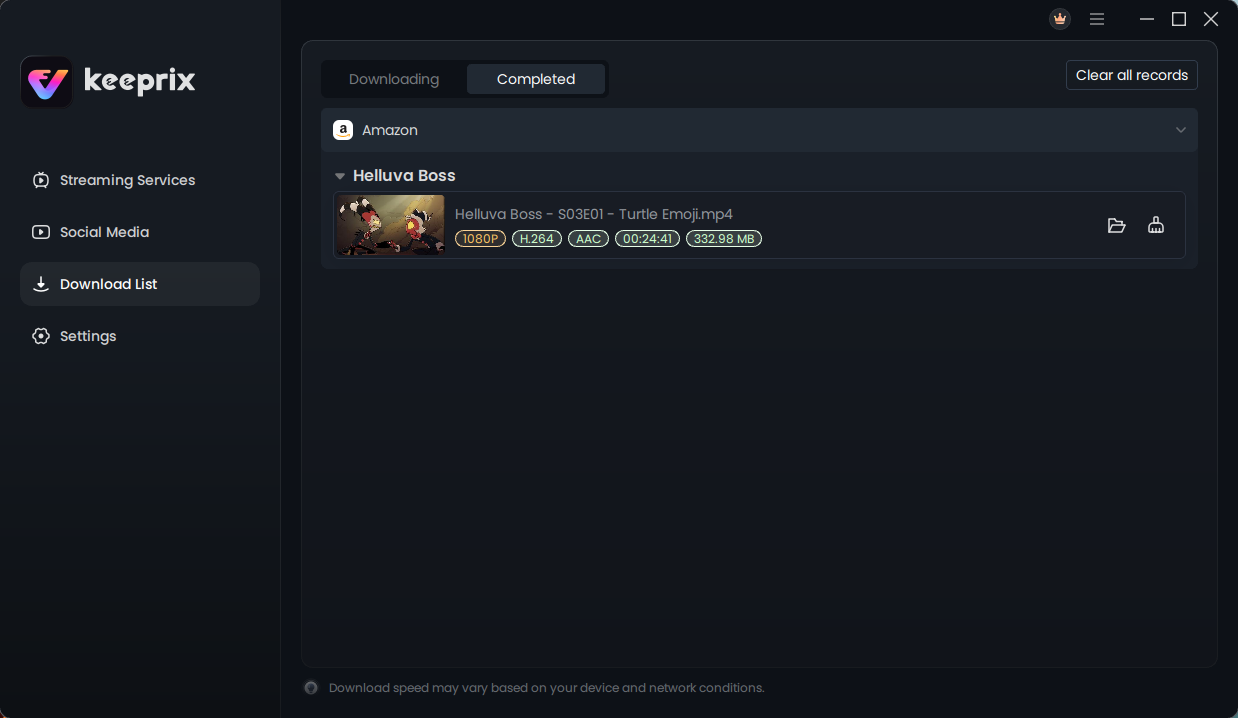
For more detail on file formats and the desktop workflow, see this Best Prime downloader guide.
Should you also consider other tools?
Yes. Names such as MovPilot, TuneBoto, StreamFab and NoteBurner come up frequently when people compare Prime Video utilities. Their feature sets, free trials and supported output options can change, so checking each provider’s current documentation is more reliable than assuming a universal five-minute limit or identical picture quality.
For a fair comparison, use the same eligible title, the same computer and the same playback test. Check subtitle availability, time taken and the final file rather than basing your choice only on advertised download speeds.
Which option makes sense?
Use the official Prime Video app if you just need temporary offline viewing on a supported device. A desktop file-based downloader is more relevant when MP4/MKV compatibility, episode queues or local file organization are the priorities—and when the intended downloading is permitted.
For Keeprix in particular, the sensible first step is to try its full-video download, inspect the file and decide whether the result meets your needs. That is a clearer basis for choosing software than a blanket claim that any one downloader is “best” for everybody.