• Send Us A Tip
  • Calling all Tech Writers
  • Advertise
Wednesday, June 17, 2026
  • Login
TechStory
  • News
  • Crypto
  • Gadgets
  • Memes
  • Gaming
  • Cars
  • AI
  • Startups
  • Markets
  • How to
No Result
View All Result
  • News
  • Crypto
  • Gadgets
  • Memes
  • Gaming
  • Cars
  • AI
  • Startups
  • Markets
  • How to
No Result
View All Result
TechStory
No Result
View All Result
Home How to

How to add digital signature in PDF

by Srestha Roy
February 10, 2022 - Updated On February 11, 2022
in How to
Reading Time: 2 mins read
0
How to add digital signature in PDF

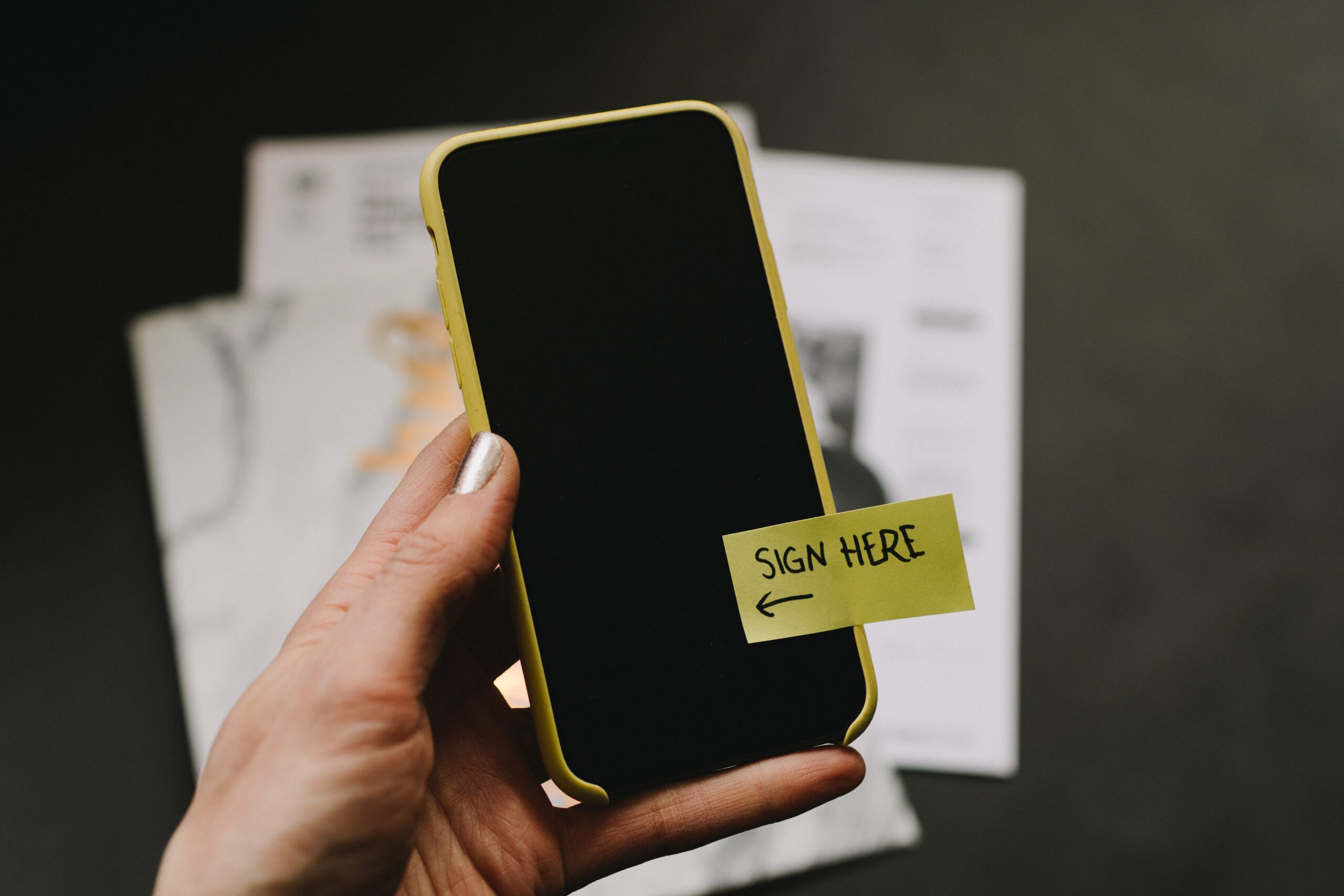
Photo by Kelly Sikkema on Unsplash

TwitterWhatsappLinkedin

PDF (Portable Document Format) is a file format that has managed to capture all of the elements of a printed document as an electronic image that you can view, navigate, print, or send to another person. Adobe Acrobat and similar software are used to create PDF files.
You might also like

How does Reddit make money?

How To Upgrade Crafted Weapons To Tier 5 In Destiny 2

How To Get Chronologs In Destiny 2

Photo by Kelly Sikkema on Unsplash

Adobe Acrobat is a collection of application software and Web services created by Adobe Inc. to view, create, manipulate, print, and manage Portable Document Format files.

Acrobat Reader (formerly Reader), Acrobat (formerly Exchange), and Acrobat.com are all part of the Acrobat family. The basic Acrobat Reader, which is freeware and available for a variety of desktop and mobile platforms, allows you to view, print, and annotate PDF files. Paid subscriptions are available for additional “Premium” services. The commercial proprietary Acrobat, which is only available for Microsoft Windows and macOS, can also create, edit, convert, digitally sign, encrypt, export, and publish PDF files. Acrobat.com rounds out the family with a variety of enterprise content management and file hosting services.

Adobe Acrobat’s primary function is to create, view, and edit PDF documents. It can import and save popular document and image formats as PDF. It is also possible to import the output of a scanner, a website, or the contents of the Windows clipboard.

However, due to the nature of PDF, once a PDF document is created, its natural organisation and flow cannot be meaningfully altered. In other words, while Adobe Acrobat can modify the contents of paragraphs and images, it cannot repaginate the entire document to accommodate a longer or shorter document.

Using Adobe Reader, you can create a signature in one of three ways:

  • You can type your name and it will be converted to a signature.
  • Draw You can use a mouse or a touch screen to create your signature.
  • You can sign a piece of paper, scan it, and then add your written signature to Adobe Reader.

Here is how to add signature in PDF:

  • Launch Adobe Acrobat Reader and open the PDF file.
  • Now, in the Toolbar on the right, select Fill & Sign.
  • Then, click Sign, and then Add Signature.
  • A popup will appear with three options: Type, Draw, and Image.
  • After you’ve finished creating your signature, click the Apply button.
  • Drag and drop the signature into your PDF file to resize and position it.

Adding a signature to a PDF makes it more professional than taking a printout and signing it by hand. Adding a signature to a PDF is one of the most common edits that must be performed on a file.

Lawyers, government officials, and other professionals who frequently deal with contracts and legal documents are particularly affected by this situation. Handwritten signatures are equivalent to electronic signatures.

 

Tags: AdobeAdobe AcrobatPDFsign
Tweet55SendShare15
Previous Post

Twilio spikes after major revenue beat and bold quarterly guidance

Next Post

Notices sent to e-commerce firms for violating various guidelines

Srestha Roy

Recommended For You

How does Reddit make money?

by Afeefa Ansari
June 16, 2026
0
Reddit

Are you curious about how Reddit makes money? Here is all you need to know about it! Follow the guide to know how it happens and if you...

Read more

How To Upgrade Crafted Weapons To Tier 5 In Destiny 2

by Khilav Jadav
June 16, 2026
0
How to Get Harsh Language in Destiny 2

Crafted weapons have always been among the most valuable tools in Destiny 2. They allow players to choose their favorite perks and gradually improve their gear over time....

Read more

How To Get Chronologs In Destiny 2

by Khilav Jadav
June 16, 2026
0
How to Get the Ergo Sum in Destiny 2

Chronologs are a special currency in Destiny 2 that allows players to unlock rewards from previous seasons. Bungie introduced this system to help Guardians obtain cosmetics and other...

Read more
Next Post
Shopping Cart on Laptop

Notices sent to e-commerce firms for violating various guidelines

Please login to join discussion

Techstory

Tech and Business News from around the world. Follow along for latest in the world of Tech, AI, Crypto, EVs, Business Personalities and more.
reach us at info@techstory.in

Advertise With Us

Reach out at - info@techstory.in

Aviator Game India 2026

BROWSE BY TAG

#Crypto #howto 2024 acquisition AI amazon Apple Artificial Intelligence bitcoin Business China cryptocurrency e-commerce electric vehicles Elon Musk Ethereum facebook funding Gaming Google India Instagram Investment ios iPhone IPO Market Markets Meta Microsoft News OpenAI samsung Social Media SpaceX startup startups tech technology Tesla TikTok trend trending twitter US

© 2025 Techstory.in

No Result
View All Result
  • News
  • Crypto
  • Gadgets
  • Memes
  • Gaming
  • Cars
  • AI
  • Startups
  • Markets
  • How to

© 2025 Techstory.in

Welcome Back!

Login to your account below

Forgotten Password?

Retrieve your password

Please enter your username or email address to reset your password.

Log In
Are you sure want to unlock this post?
Unlock left : 0
Are you sure want to cancel subscription?