• Send Us A Tip
  • Calling all Tech Writers
  • Advertise
Thursday, June 18, 2026
  • Login
TechStory
  • News
  • Crypto
  • Gadgets
  • Memes
  • Gaming
  • Cars
  • AI
  • Startups
  • Markets
  • How to
No Result
View All Result
  • News
  • Crypto
  • Gadgets
  • Memes
  • Gaming
  • Cars
  • AI
  • Startups
  • Markets
  • How to
No Result
View All Result
TechStory
No Result
View All Result
Home How to

How to check Income Tax Returns

by Srestha Roy
October 10, 2021
in How to
Reading Time: 2 mins read
0
How to check Income Tax Returns

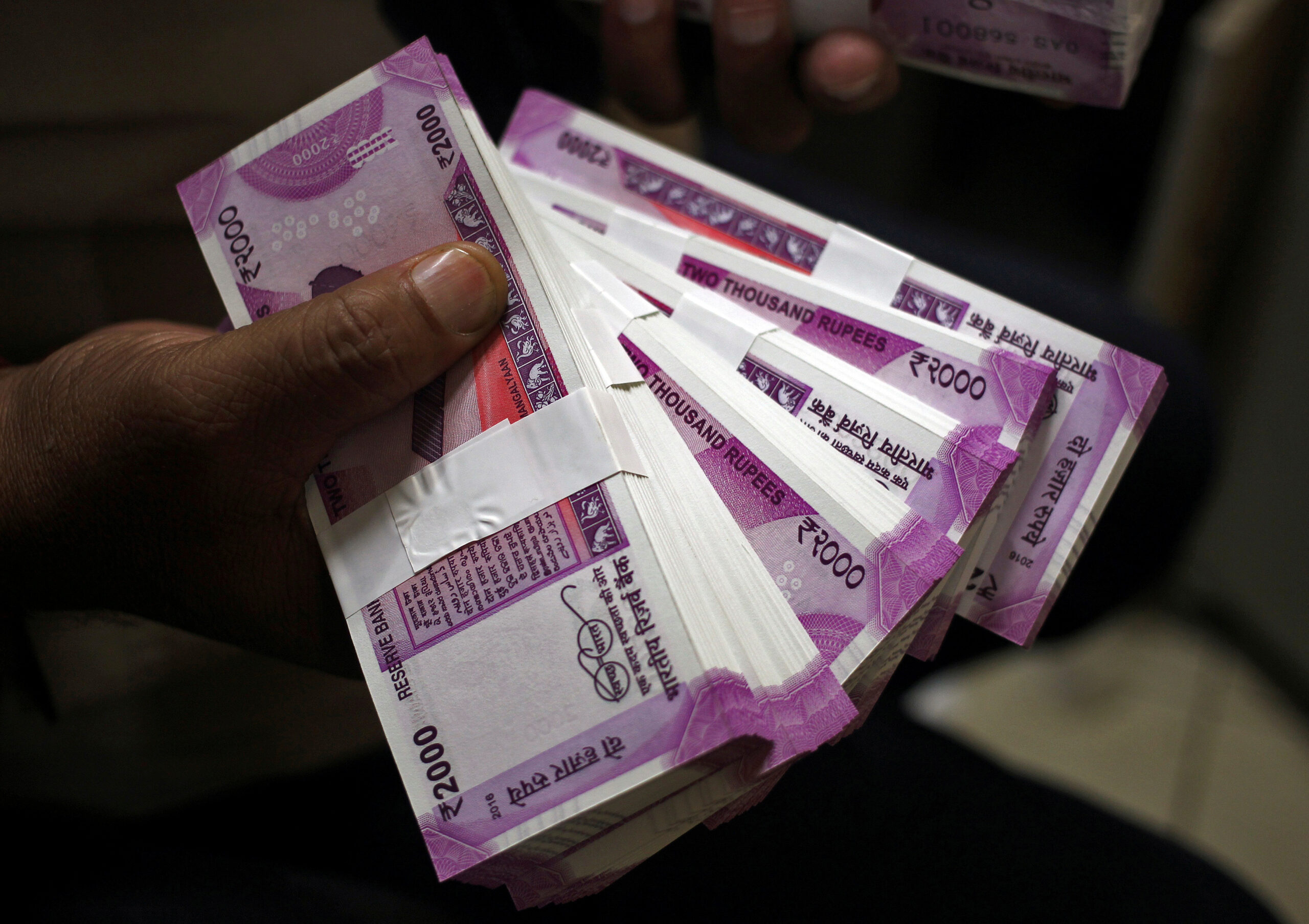
FILE PHOTO: A cashier displays the new 2000 Indian rupee banknotes inside a bank in Jammu, November 15, 2016. REUTERS/Mukesh Gupta

TwitterWhatsappLinkedin

After completing your income tax return (ITR) for the year, if you paid more tax than your actual tax due, you may be entitled for an income tax refund. However, you won’t get your income tax refund until the IRS processes your ITR and sends you an intimation notice confirming it.
You might also like

How to change the brake pads in a car?

How to check if one’s email was hacked?

How to remove personal information from Google?

FILE PHOTO: A cashier displays the new 2000 Indian rupee banknotes inside a bank in Jammu, November 15, 2016. REUTERS/Mukesh Gupta

This notification is being issued to you in accordance with section 143 (1) of the Income Tax Act of 1961. This year’s returns must be filed for FY2020-21, with a new extended deadline of December 31, 2021.

The State Bank of India (SBI) processes the income tax refund, which is directly credited to the bank account specified by the taxpayer in his or her ITR at the time of filing. As a result, double-check that you’ve entered the right bank account number and IFS code.

In addition, the bank account must be pre-validated on the government’s new income tax e-filing system, and the bank account must be connected to the PAN.

How can I check on the status of my tax refund?

You can follow your income tax refund using one of two methods:

a) the new income tax portal

b) The National Software Development Lifecycle (NSDL) website

On the new income tax portal

Follow the steps below to track your income tax refund status on the government’s new income tax portal:

  • Log in to your account at www.incometax.gov.in using your PAN as the user ID and your password.
  • After login in, select ‘e-file’ from the drop-down menu. Select ‘Income tax returns’ under the ‘e-file’ option, then ‘View Filed returns’.
  • Examine the most recent ITR. The most recent ITR submitted (if you have already done so) for FY 2020-21 will be for AY 2021-22. Choose ‘View Details’ from the drop-down menu. It will display the status of any ITRs that have been filed after they have been selected. It will also show you the date on which a tax refund was issued, the amount repaid, and the date on which any refund due for this AY was cleared.

On the TIN NSDL Website

Checking the status of your income tax refund on the NSDL website is another method to keep track of it. Keep in mind that the taxpayer can check the status of their refund on this website 10 days after the Assessing Officer has forwarded the refund to the refund banker.
To trace your income tax refund on the TIN NSDL website, follow the procedures below:

  • Go to https://tin.tin.nsdl.com/oltas/refundstatuslogin.html
  • Fill up your PAN data.
  • Choose the appropriate assessment year for which you wish to verify the status of your reimbursement. The assessment year for FY 2020-21 will be 2021-22.
  • Click submit after entering the captcha code. A notification will appear on your screen depending on the status of your refund.


 

Tags: Income Taxincome Tax Returns
Tweet54SendShare15
Previous Post

How to change default browser in Windows 11

Next Post

Scammers are exploiting the Chivo wallet bonus with fraudulent identity

Srestha Roy

Recommended For You

How to change the brake pads in a car?

by Afeefa Ansari
June 18, 2026
0
Breakpads

Worried about replacing your car's brake pads? But how often should you do that? What are the signs that tell you that you need to change? We'll cover...

Read more

How to check if one’s email was hacked?

by Afeefa Ansari
June 18, 2026
0
Hacked gmail

Have a feeling that your email has been hacked? There may be signs that you may or may not have noticed. Let us simplify it for you. So,...

Read more

How to remove personal information from Google?

by Afeefa Ansari
June 18, 2026
0
Google

Do you wish to remove personal information from Google? You can do that in a few steps and in a few minutes. This is a great way to...

Read more
Next Post
Chivo, Bitcoin wallet of Salvador allegedly has privacy issues

Scammers are exploiting the Chivo wallet bonus with fraudulent identity

Please login to join discussion

Techstory

Tech and Business News from around the world. Follow along for latest in the world of Tech, AI, Crypto, EVs, Business Personalities and more.
reach us at info@techstory.in

Advertise With Us

Reach out at - info@techstory.in

Aviator Game India 2026

BROWSE BY TAG

#Crypto #howto 2024 acquisition AI amazon Apple Artificial Intelligence bitcoin Business China cryptocurrency e-commerce electric vehicles Elon Musk Ethereum facebook funding Gaming Google India Instagram Investment ios iPhone IPO Market Markets Meta Microsoft News OpenAI samsung Social Media SpaceX startup startups tech technology Tesla TikTok trend trending twitter US

© 2025 Techstory.in

No Result
View All Result
  • News
  • Crypto
  • Gadgets
  • Memes
  • Gaming
  • Cars
  • AI
  • Startups
  • Markets
  • How to

© 2025 Techstory.in

Welcome Back!

Login to your account below

Forgotten Password?

Retrieve your password

Please enter your username or email address to reset your password.

Log In
Are you sure want to unlock this post?
Unlock left : 0
Are you sure want to cancel subscription?