• Send Us A Tip
  • Calling all Tech Writers
  • Advertise
Saturday, October 10, 2026
  • Login
TechStory
  • News
  • Crypto
  • Gadgets
  • Memes
  • Gaming
  • Cars
  • AI
  • Startups
  • Markets
  • How to
No Result
View All Result
  • News
  • Crypto
  • Gadgets
  • Memes
  • Gaming
  • Cars
  • AI
  • Startups
  • Markets
  • How to
No Result
View All Result
TechStory
No Result
View All Result
Home Gaming

How to Find the Emote Market in Clash Royale

by Khilav Jadav
September 20, 2026
in Gaming, How to
Reading Time: 2 mins read
0
How to Get the ‘Nope’ Emote in Clash Royale

Credits - GooglePlay

TwitterWhatsappLinkedin

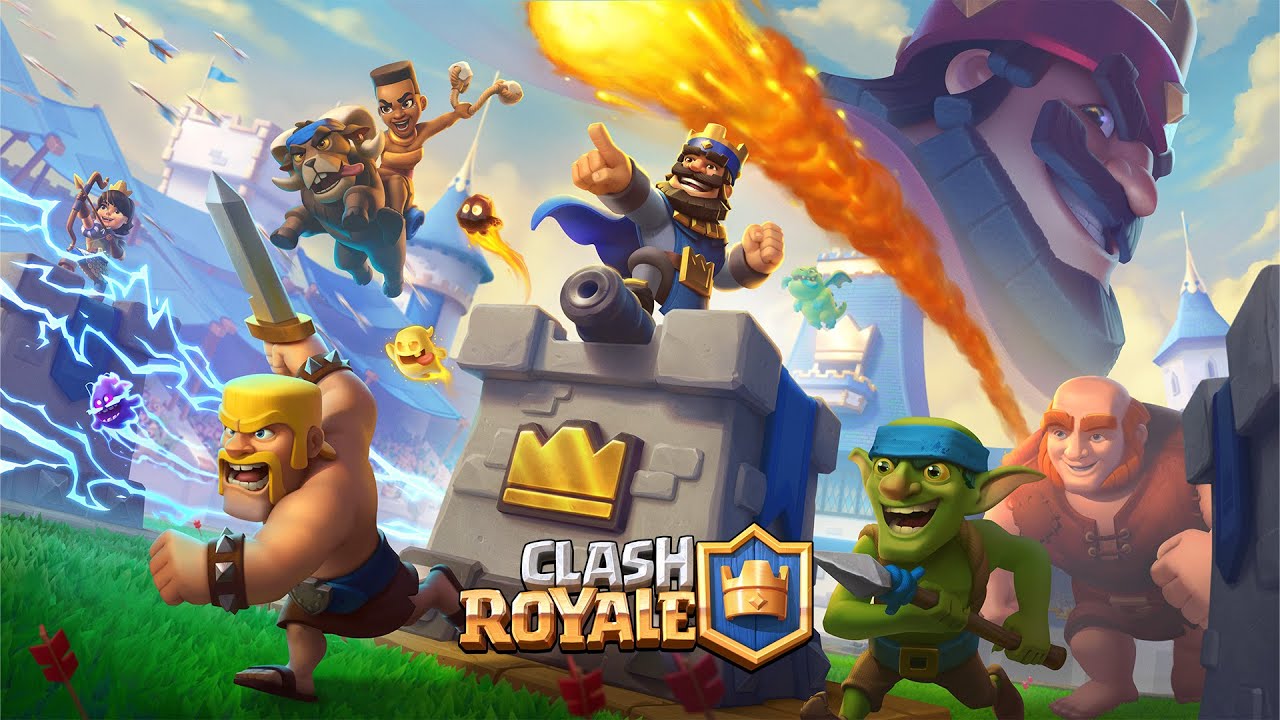
The Emote Market is a dedicated area for buying selected Clash Royale emotes. Unlike your normal Emote collection, it is a store section where cosmetics can rotate. This makes the market worth checking whenever you are already browsing the Shop for seasonal offers or cosmetics. It is especially useful for collectors who enjoy cosmetic rotations and returning emotes.
You might also like

How to Farm Sheet Metal in ARC Raiders

How to Get Bantam in ARC Raiders

How to Start the Dark Arisen DLC in Dragon’s Dogma 2

Credits – GooglePlay

The selection is not a permanent list of every emote in the game, so the emote you want may not always be available. Emotes are cosmetic items used during battles to communicate reactions. They do not improve card statistics or give you a competitive advantage.

How to Find the Emote Market

Finding the Emote Market starts from the main Clash Royale screen. Open the game and enter the Shop rather than your Emote collection.

Look through the current Shop sections and offers for an Emote Market section. If the market is active, it should appear alongside other available offers. Tap the section to see the emotes currently being offered.

What If You Cannot See It?

There are several reasons why the Emote Market may not appear.

• The market may not be active during the current Shop rotation.
• Your game may need an update before the latest Shop layout appears.
• A seasonal offer or event may temporarily change which Shop sections are displayed.
• The emote you want may be available through another method instead.

How to Check for a Specific Emote

If you are searching for one particular emote, there is another useful method. Open your Emote collection from the Collection section and find the emote you want. You can mark an unowned emote as a favorite by using the heart option.

Favoriting an unowned emote adds it to your Wish List. When that emote becomes available in the Shop, Clash Royale can notify you in the game.

How Emotes Can Be Purchased

Clash Royale has used several ways to distribute emotes. Depending on the item and current content, an emote can appear through the Shop, events, Pass Royale, challenges, or special promotions.

Gems are used for certain Shop purchases. Supercell has also introduced Crystals as a way to purchase selected emotes. Under the newer progression system, copies of max-level cards can be converted into Crystals, which can then be used for eligible emotes in the Crystal Shop.

Because these systems can change, check the purchase method shown inside your current game rather than relying on an old price or guide.

Check Before Spending Your Gems

Before buying an emote, check its price and make sure you want it. Shop offers can rotate, and some cosmetics may return later.

It is also worth avoiding third-party websites that promise free emotes in exchange for your Supercell ID details, passwords, or verification codes. Legitimate rewards should come through official Clash Royale or Supercell channels. Never share account credentials just to obtain a cosmetic item.


Tags: Clash RoyaleEmoteEmote MarketMarket
Tweet55SendShare15
Previous Post

How to Get Lucyna Kushinada in Fortnite

Next Post

M77CASINO: A Practical Look at a Modern Online Entertainment Experience

Khilav Jadav

Content writer at Techstory Media with a passion for gaming and finance. Currently pursuing a degree in data science, exploring the latest gaming titles and analyzing financial trends.

Recommended For You

How to Farm Sheet Metal in ARC Raiders

by Khilav Jadav
October 10, 2026
0
How to Get Synthesized Fuel in ARC Raiders

Sheet Metal is a common crafting material in ARC Raiders used for Outpost construction. To collect it efficiently, search the right loot spots rather than focusing only on...

Read more

How to Get Bantam in ARC Raiders

by Khilav Jadav
October 10, 2026
0

Bantam is a compact revolver introduced in ARC Raiders with the Frozen Trail update. It uses heavy ammunition and offers an option for players who want a powerful...

Read more

How to Start the Dark Arisen DLC in Dragon’s Dogma 2

by Khilav Jadav
October 10, 2026
0
How To Get Wailing Crystals in Dragon’s Dogma 2

Dragon's Dogma 2: Dark Arisen adds a new story, a frozen region, and extra dungeon challenges to Capcom's action role-playing game. You need to find Captain Brant in...

Read more
Next Post
Photo by Kvnga on Unsplash

M77CASINO: A Practical Look at a Modern Online Entertainment Experience

Please login to join discussion

Techstory

Tech and Business News from around the world. Follow along for latest in the world of Tech, AI, Crypto, EVs, Business Personalities and more.
reach us at info@techstory.in

Advertise With Us

Reach out at - info@techstory.in

Aviator Game India 2026

BROWSE BY TAG

#Crypto #howto 2024 acquisition AI amazon Apple Artificial Intelligence bitcoin Business China cryptocurrency e-commerce electric vehicles Elon Musk Ethereum facebook funding Gaming Google India Instagram Investment iPhone IPO Market Markets Meta Microsoft News OpenAI samsung Social Media SpaceX startup startups tech Tech news technology Tesla TikTok trend trending twitter US

© 2025 Techstory.in

No Result
View All Result
  • News
  • Crypto
  • Gadgets
  • Memes
  • Gaming
  • Cars
  • AI
  • Startups
  • Markets
  • How to

© 2025 Techstory.in

Welcome Back!

Login to your account below

Forgotten Password?

Retrieve your password

Please enter your username or email address to reset your password.

Log In
Are you sure want to unlock this post?
Unlock left : 0
Are you sure want to cancel subscription?