

• Send Us A Tip
  • Calling all Tech Writers
  • Advertise
Monday, June 22, 2026
  • Login
TechStory
  • News
  • Crypto
  • Gadgets
  • Memes
  • Gaming
  • Cars
  • AI
  • Startups
  • Markets
  • How to
No Result
View All Result
  • News
  • Crypto
  • Gadgets
  • Memes
  • Gaming
  • Cars
  • AI
  • Startups
  • Markets
  • How to
No Result
View All Result
TechStory
No Result
View All Result
Home How to

How to freeze your credit for free?

by Afeefa Ansari
June 22, 2026
in How to
Reading Time: 2 mins read
0
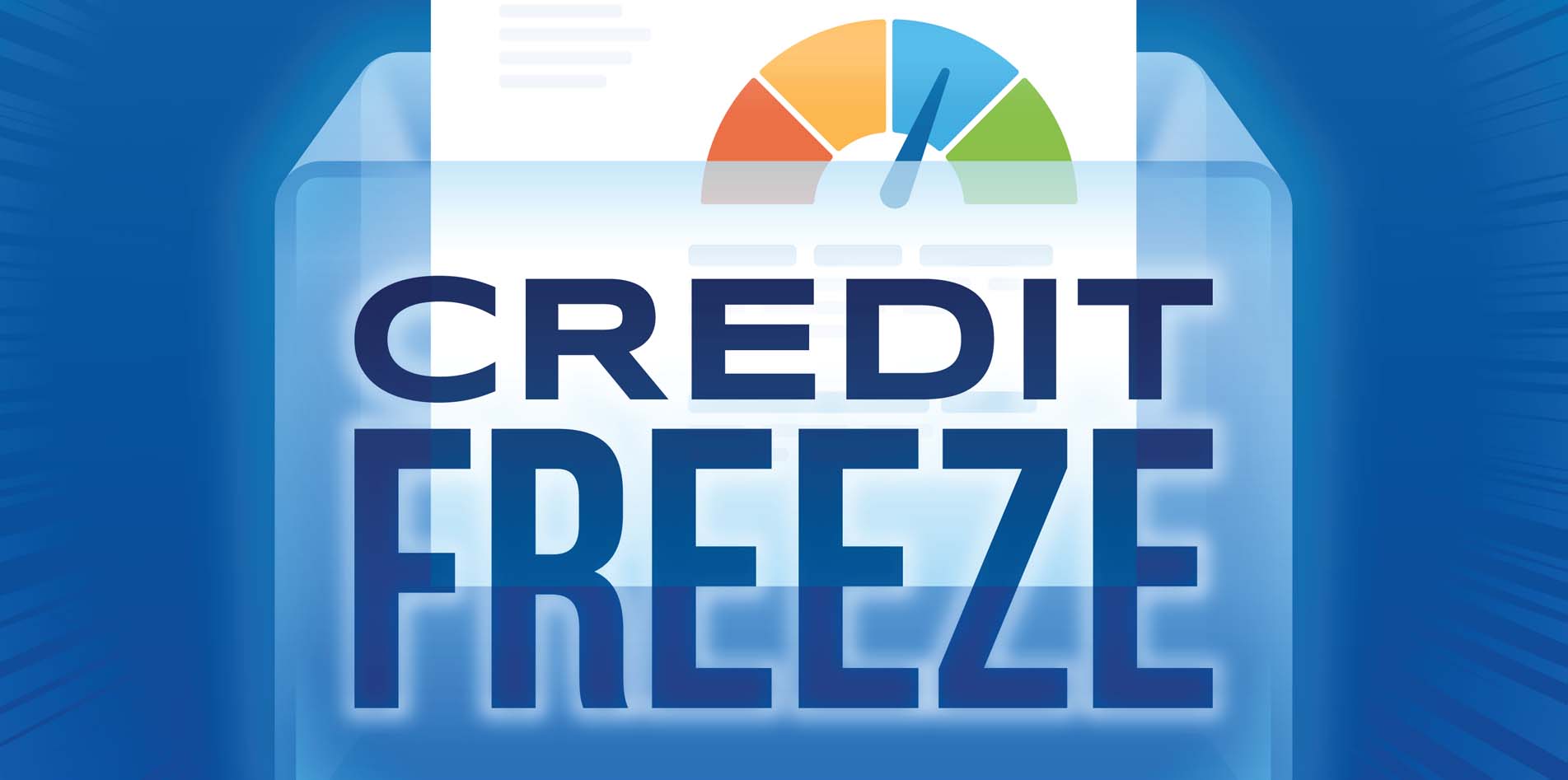
Freeze credit

Credits - snbonline.com

TwitterWhatsappLinkedin

Do you want to freeze your credit for free? Here is how you can do it in no time at all! It is a simple process that lets you handle your payments and banking your way. So, let’s get started.

You might also like

How to transfer an e-SIM to a new phone?

How To Optimize Windows For Gaming

How To Increase Steam Download Speed

What is freezing a credit?

Freezing your credit works like putting a lock on your credit report. When you do this, credit bureaus like Equifax, Experian, and TransUnion won’t let anyone open a new account or get a loan in your name. Thus, it acts as a major safety measure. It stops identity thieves before they can make a move like that to protect your identity and the data it holds.

The best part is that it is free and does not affect your current credit score. Yes, it is a big thing! Your existing accounts, like your active credit cards or student loans, will keep working just the way they were, as it doesn’t impact any of them. And if you change your mind or you ever need to apply for something or get something you need money for, the freeze can always be lifted.

Steps to freeze your credit for free

If you want to freeze your credit for free, here are the steps that you can follow.

  • Firstly, gather your personal information before you start. You will need your Social Security number, birthdate, current address, and previous addresses if you have moved elsewhere recently.
  • We have to go one by one. Start by Contacting Equifax. You can visit their website and look for the credit freeze section, or you can call their phone line. After that, you just create a secure account online so you can manage the freeze easily in the future.
  • You have to contact Experian next. Just go to their official freeze page or call their customer service number. They will also guide you through verifying your identity and setting up a secure PIN or account password.
  • And finally, Contact TransUnion last. Follow the same process on their website or over the phone as per your convenience. To ensure you do not lose the important information, write down and safely store all the usernames, passwords, or PINs you create during this process.
  • Once all of this is done, your credit files are locked down. If you ever need to apply for a loan or a new card yourself, you just have to log back into these accounts and temporarily unfreeze them.

Tags: #howtofreeze creditfreeze credit for freeHow to freeze your credit for free?identity theft
Tweet54SendShare15
Previous Post

Porsche Taycan Wagons Bow Out in the US as Sport Turismo and Cross Turismo Face the Axe

Next Post

How to transfer an e-SIM to a new phone?

Afeefa Ansari

Recommended For You

How to transfer an e-SIM to a new phone?

by Afeefa Ansari
June 22, 2026
0
ESIM

Do you have an e-SIM you want to transfer to a new phone? Here is how you can do that! Follow the guide to know how you can...

Read more

How To Optimize Windows For Gaming

by Khilav Jadav
June 20, 2026
0
Microsoft’s 10-Year Call of Duty Deal Raises Questions About Performance Parity

Modern Windows computers are powerful enough to run demanding games, but poor settings and unnecessary background tasks can still affect performance. A few simple adjustments can help improve...

Read more

How To Increase Steam Download Speed

by Khilav Jadav
June 20, 2026
0
How to Link EA Account to Steam

Steam is one of the most popular platforms for PC gaming, but slow download speeds can quickly become frustrating. Whether you are downloading a new title, updating an...

Read more
Next Post
ESIM

How to transfer an e-SIM to a new phone?

Please login to join discussion

Techstory

Tech and Business News from around the world. Follow along for latest in the world of Tech, AI, Crypto, EVs, Business Personalities and more.
reach us at info@techstory.in

Advertise With Us

Reach out at - info@techstory.in

Aviator Game India 2026

BROWSE BY TAG

#Crypto #howto 2024 acquisition AI amazon Apple Artificial Intelligence bitcoin Business China cryptocurrency e-commerce electric vehicles Elon Musk Ethereum facebook funding Gaming Google India Instagram Investment ios iPhone IPO Market Markets Meta Microsoft News OpenAI samsung Social Media SpaceX startup startups tech technology Tesla TikTok trend trending twitter US

© 2025 Techstory.in

No Result
View All Result
  • News
  • Crypto
  • Gadgets
  • Memes
  • Gaming
  • Cars
  • AI
  • Startups
  • Markets
  • How to

© 2025 Techstory.in

Welcome Back!

Login to your account below

Forgotten Password?

Retrieve your password

Please enter your username or email address to reset your password.

Log In
Are you sure want to unlock this post?
Unlock left : 0
Are you sure want to cancel subscription?