

• Send Us A Tip
  • Calling all Tech Writers
  • Advertise
Saturday, July 18, 2026
  • Login
TechStory
  • News
  • Crypto
  • Gadgets
  • Memes
  • Gaming
  • Cars
  • AI
  • Startups
  • Markets
  • How to
No Result
View All Result
  • News
  • Crypto
  • Gadgets
  • Memes
  • Gaming
  • Cars
  • AI
  • Startups
  • Markets
  • How to
No Result
View All Result
TechStory
No Result
View All Result
Home Gaming

How To Get Combat Caches in Fortnite

by Khilav Jadav
March 14, 2023
in Gaming, How to
Reading Time: 2 mins read
0
How To Get Combat Caches in Fortnite

Credits - Epic Games

TwitterWhatsappLinkedin

Fortnite has always been a popular game with frequent updates and changes, and Chapter 4 of Season 2 is no exception. With this new season comes a new mid-game drop called the Combat Cache, which can be found by players during gameplay. In this guide, we will discuss everything you need to know about combat caches and how to obtain them in Fortnite.

You might also like

How To Get Batman’s Grapple Gun In Fortnite

How To Copy Emblems in Call of Duty: Black Ops II on PlayStation 5

How To Get Pandemonium Fragments In Diablo 4

Credits – Epic Games

When playing Fortnite in this new season, players will notice a Combat Cache marker appearing on their map. These markers can appear anywhere from hundreds of meters away to just a short distance from the player. The new feature of combat caches is one of the many changes that have been made to the game with the new season.

What a combat cache is:

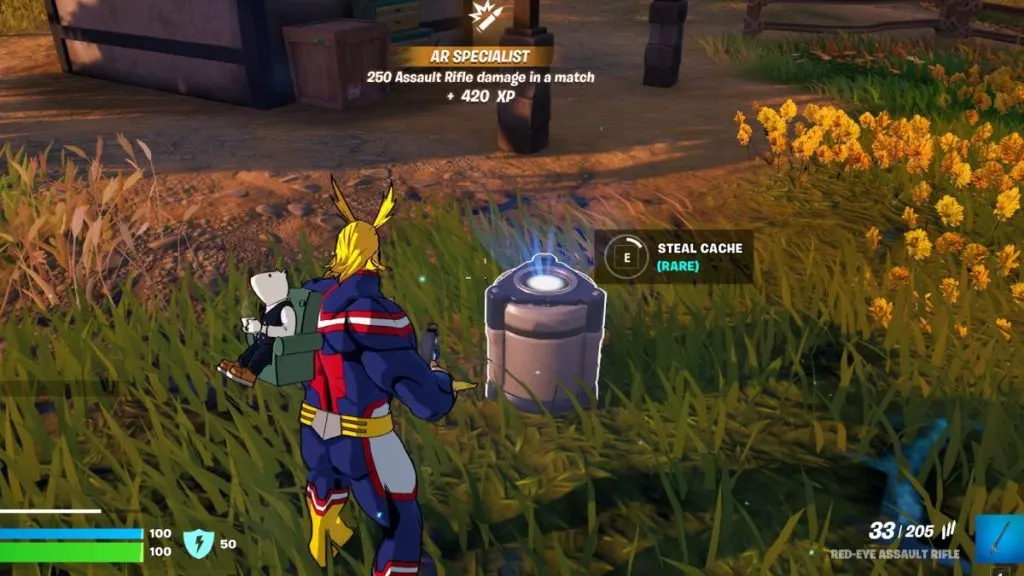
So, what exactly is a combat cache? In previous seasons, supply drops were available in the game, but they have now been replaced by combat caches. While they are similar in some ways, there are a few differences that set them apart. Combat caches drop one at a time, and more can appear as the game progresses.
Credits – Gamingintel

How to retrieve a combat cache:

Combat caches will start appearing on the map about halfway into a Fortnite match. Every player will be able to locate the marker, but it is up to the player to decide whether the cache is worth chasing down. The contents of the combat cache can include game-changing loot such as slurp juice, which can only be obtained through this mid-game drop.

It is important to note that the value of the combat cache decreases over time if no one retrieves its contents. As soon as the cache is dropped onto the map, it will hold legendary-rarity loot inside and emit a yellow glow. However, if it is left untouched for too long, the loot inside will decrease to epic rarity and the light will turn purple. Therefore, it is crucial to retrieve the cache as soon as possible before its value decreases.

When deciding to retrieve a combat cache, players should consider the amount of effort required to obtain it and whether it is worth the time and effort. If the player believes that the cache is within reach and the rewards are worth it, they must follow the marker until they reach the combat cache.

Once the player has reached the combat cache, they must press and hold the Retrieve Data button. A timer will start a countdown next to the cache, and gamers must protect the location until the timer runs out. After about a minute or so, the combat cache will spill out its contents, which can include valuable and game-changing loot.

In conclusion, the addition of combat caches to Fortnite adds a new dimension to the game, and it is up to the player to decide whether it is worth chasing them down. These mid-game drops can contain game-changing loot that can only be obtained through this feature. It is crucial to retrieve the cache as soon as possible before its value decreases over time. Players must protect the location while waiting for the timer to run out, and after that, they can enjoy the rewards that the combat cache has to offer.


Tags: Epic GamesFortniteFortnite combat caches
Tweet54SendShare15
Previous Post

ChatGPT allows hate speech against GOP: reports

Next Post

How To Get Necrotic Grips Gauntlets in Destiny 2

Khilav Jadav

Content writer at Techstory Media with a passion for gaming and finance. Currently pursuing a degree in data science, exploring the latest gaming titles and analyzing financial trends.

Recommended For You

How To Get Batman’s Grapple Gun In Fortnite

by Khilav Jadav
July 17, 2026
0
How to Get a Double Elimination in Fortnite

Batman’s Grapple Gun is one of the most exciting mobility items to ever appear in Fortnite Battle Royale. It lets players swing across the map, escape dangerous fights,...

Read more

How To Copy Emblems in Call of Duty: Black Ops II on PlayStation 5

by Khilav Jadav
July 17, 2026
0
How to Unlock Reznov Skins in Black Ops 6

If you are playing Call of Duty: Black Ops II on PlayStation 5 and want to use one of the community’s creative playercard designs, you are probably wondering...

Read more

How To Get Pandemonium Fragments In Diablo 4

by Khilav Jadav
July 17, 2026
0
How to Get the Deathmask of Nirmitruq in Diablo 4

If you want to unlock the best rewards from the latest endgame activities in Diablo 4, you will eventually need to collect Pandemonium Fragments. This valuable currency plays...

Read more
Next Post
How To Get Necrotic Grips Gauntlets in Destiny 2

How To Get Necrotic Grips Gauntlets in Destiny 2

Please login to join discussion

Techstory

Tech and Business News from around the world. Follow along for latest in the world of Tech, AI, Crypto, EVs, Business Personalities and more.
reach us at info@techstory.in

Advertise With Us

Reach out at - info@techstory.in

Aviator Game India 2026

BROWSE BY TAG

#Crypto #howto 2024 acquisition AI amazon Apple Artificial Intelligence bitcoin Business China cryptocurrency e-commerce electric vehicles Elon Musk Ethereum facebook funding Gaming Google India Instagram Investment ios iPhone IPO Market Markets Meta Microsoft News OpenAI samsung Social Media SpaceX startup startups tech technology Tesla TikTok trend trending twitter US

© 2025 Techstory.in

No Result
View All Result
  • News
  • Crypto
  • Gadgets
  • Memes
  • Gaming
  • Cars
  • AI
  • Startups
  • Markets
  • How to

© 2025 Techstory.in

Welcome Back!

Login to your account below

Forgotten Password?

Retrieve your password

Please enter your username or email address to reset your password.

Log In
Are you sure want to unlock this post?
Unlock left : 0
Are you sure want to cancel subscription?
