Duplicate photos can quickly fill up your iPhone and make it harder to find the pictures that matter. They often appear after restoring a backup, syncing photos from multiple devices, downloading the same image more than once, or receiving repeated files through messaging apps. Thankfully, Apple includes a built-in feature that makes cleaning up your photo library simple.
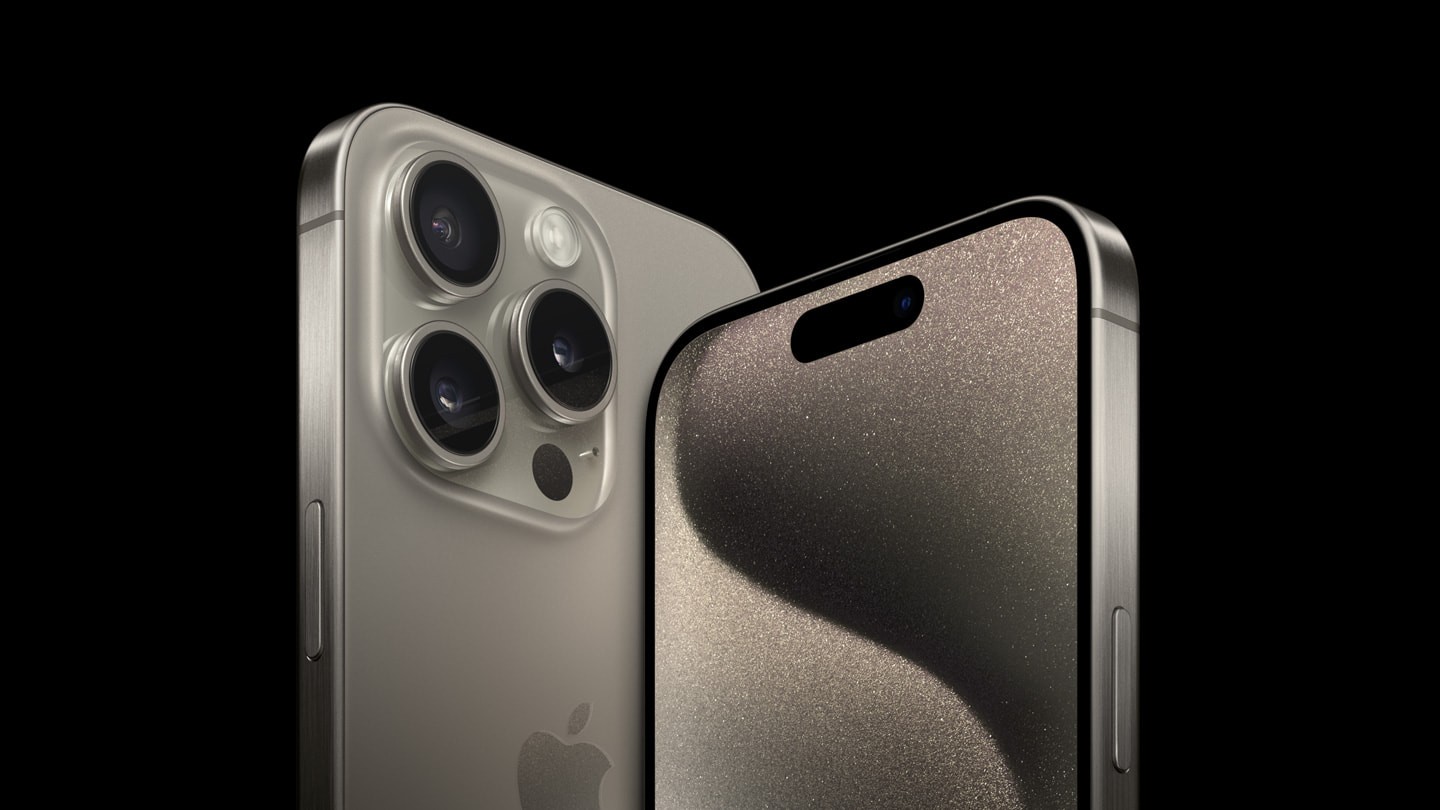
If your iPhone is running iOS 16 or a newer version, you do not need a third-party app to merge duplicate photos. The Photos app can automatically detect exact duplicates, keep the best version, combine useful information, and remove the extra copies. Here is everything you need to know about merging duplicate photos on an iPhone.
What Happens When You Merge Duplicate Photos?
Many users worry that merging duplicates will lower photo quality or remove important information. Fortunately, that is not how the feature works.
When you merge duplicate photos, your iPhone:
- Keeps the highest-quality version of the photo.
- Combines important metadata, such as captions, keywords, and favorite status.
- Moves the extra duplicate copies to the Recently Deleted album.
- Helps free up valuable storage space.
This means you keep the best version of every picture without losing useful information attached to the duplicates.
How To Merge Duplicate Photos On iPhone
The built-in Duplicates feature is the easiest and safest way to clean your photo library.
Follow these steps:
- Open the Photos app.
- Tap Collections or Albums, depending on your iOS version.
- Scroll down to the Utilities section.
- Tap Duplicates.
- Review the duplicate photo groups.
- Tap Merge next to any duplicate set.
- Confirm your choice when prompted.
Your iPhone will automatically merge the selected duplicates while preserving the highest-quality image.
How To Merge All Duplicate Photos At Once
If you have hundreds of duplicate photos, merging them individually can take time.
Instead, you can merge everything together.
Here is how:
- Open the Duplicates album.
- Tap Select.
- Choose Select All if available.
- Tap Merge.
- Confirm the action.
The Photos app will process every detected duplicate and leave you with one optimized copy of each image.
Why Can’t You Find The Duplicates Album?
Some users cannot see the Duplicates folder inside the Photos app. This usually does not mean something is wrong.
Common reasons include:
- Your iPhone has not found any duplicate photos.
- Your device is still scanning and indexing your photo library.
- You are using an iPhone with a version older than iOS 16.
- Your photo library is still syncing with iCloud Photos.
If you recently updated your iPhone, leave it connected to power and allow it some time to complete the background scan. Large photo libraries may take several hours or even a few days before duplicates appear.
What Counts As A Duplicate Photo?
Apple’s duplicate detection focuses mainly on exact duplicate photos and videos. These are files that are essentially identical, even if they contain slightly different metadata.
However, it usually does not merge:
- Similar vacation photos.
- Multiple selfies taken seconds apart.
- Burst photos.
- Slightly edited versions of the same picture.
- Photos with different crops or filters.
You will still need to review those images manually if you want to reduce clutter further.
Do You Need A Third-Party App?
For most users, the answer is no.
Apple’s built-in duplicate detection works well for finding genuine duplicate photos and videos. It is free, secure, and integrated directly into the Photos app.
However, third-party photo cleaner apps may be useful if you want to identify:
- Similar-looking photos.
- Repeated screenshots.
- Blurry pictures.
- Multiple images from the same burst sequence.
Always choose trusted apps if you decide to use one, especially since they require access to your photo library.
Tips To Prevent Duplicate Photos
Cleaning your library once is helpful, but preventing duplicates is even better.
You can reduce duplicate photos by:
- Avoiding repeated imports from a computer.
- Using only one primary cloud photo service when possible.
- Checking before downloading the same image multiple times.
- Managing automatic downloads from messaging apps.
- Regularly reviewing screenshots and saved images.
Small habits like these can keep your photo library organized throughout the year.