

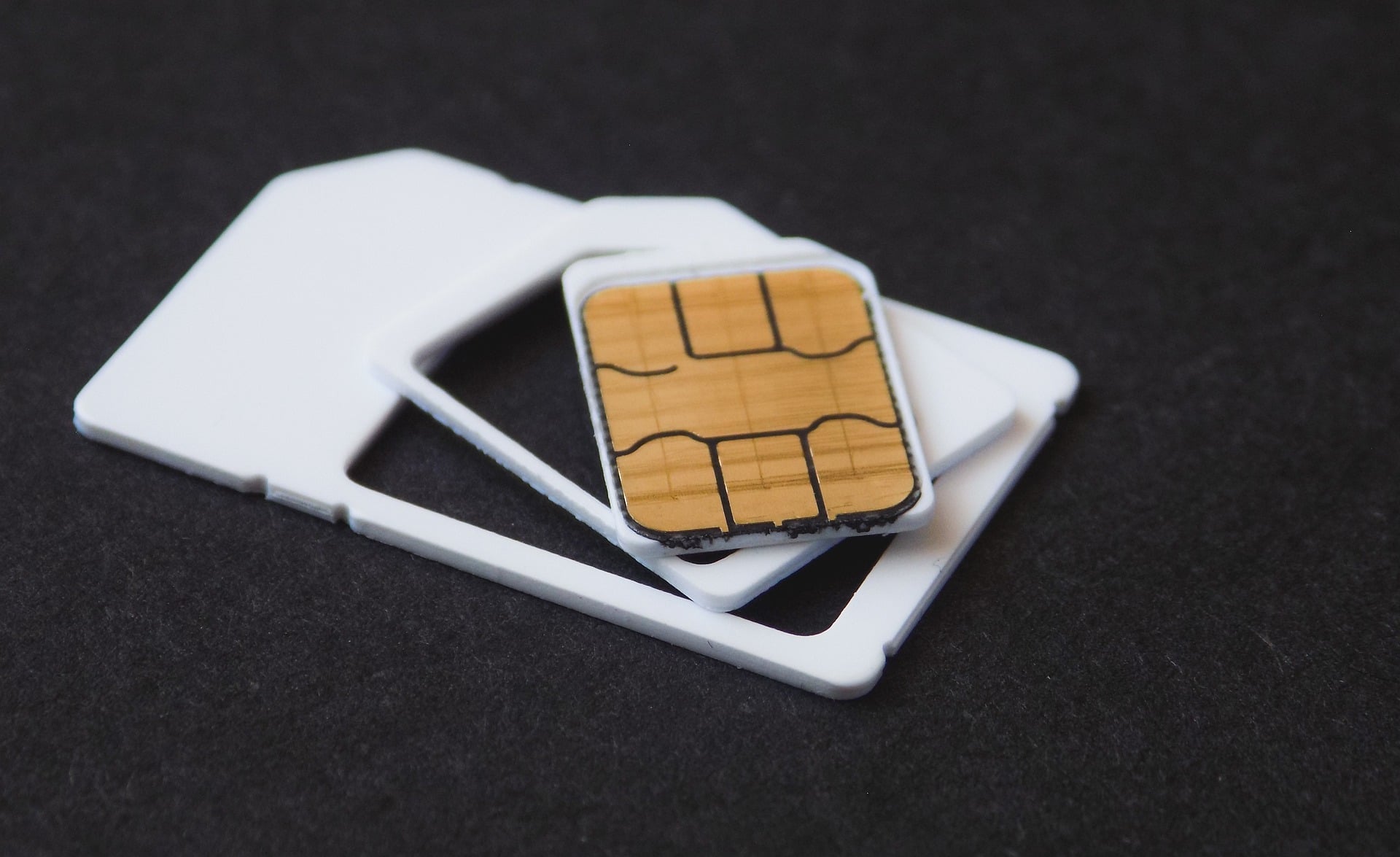
Do you want to protect your SIM from swap attacks? It has become a more frequent phenomenon than ever, and here is what can happen if you are not careful. We shall also discuss the measures that can help you protect your SIM. So, let’s get started.
What are SIM swap attacks?
A SIM swap attack takes place when a scammer tricks your mobile carrier into switching your phone number over to a SIM card they own. This is a highly dangerous situation, and you need to act quickly. They usually do this by using phishing to steal your personal details or by socially engineering a customer service person into believing they are actually you. If this happens, it’s a grave situation.
Once your number is active on their device, the attacker can intercept all your phone calls and text messages. This becomes all the more dangerous because it allows them to bypass two-factor authentication on your sensitive accounts. They can easily reset passwords and break into your bank accounts, email, and social media. You will suddenly lose cellular service on your own phone, which is often the first sign that it has happened.
Steps to protect your SIM from swap attacks
If you want to keep your SIM protected from such an attack, here is what you can follow.
- To begin, focus on the basic protocols. Set up a unique PIN or password with your cellular carrier. This adds a stronger layer of security because anyone trying to make changes to your account, like swapping a SIM, has to provide this code first. Try to keep it hard and not guessable.
- As silly as it may sound now, a standard SMS is vulnerable because if someone steals your number, they get your security codes. To avoid this, you can switch to an authenticator app or a hardware security key, which are tied directly to your physical device rather than a phone network.
- Saying it out loud- Use strong, unique passwords across all your online accounts, especially for your email and mobile carrier login. If an attacker breaches a secondary account, they can get their hands on the personal data as well.
- Additionally, if you’re socially active online, be highly cautious about the personal details you share on public platforms and social media. Scammers look through profiles to find answers to common security questions, like your mother’s name, your high school, or perhaps things that you like.
- If you notice that your phone has suddenly lost cellular service completely and shows an error like “No Service” or “SOS Only” when you should have a strong signal, call your mobile carrier immediately and convey the situation.



