

• Send Us A Tip
  • Calling all Tech Writers
  • Advertise
Friday, June 19, 2026
  • Login
TechStory
  • News
  • Crypto
  • Gadgets
  • Memes
  • Gaming
  • Cars
  • AI
  • Startups
  • Markets
  • How to
No Result
View All Result
  • News
  • Crypto
  • Gadgets
  • Memes
  • Gaming
  • Cars
  • AI
  • Startups
  • Markets
  • How to
No Result
View All Result
TechStory
No Result
View All Result
Home Crypto

How to recover a lost crypto wallet?

by Afeefa Ansari
June 19, 2026
in Crypto, How to
Reading Time: 2 mins read
0
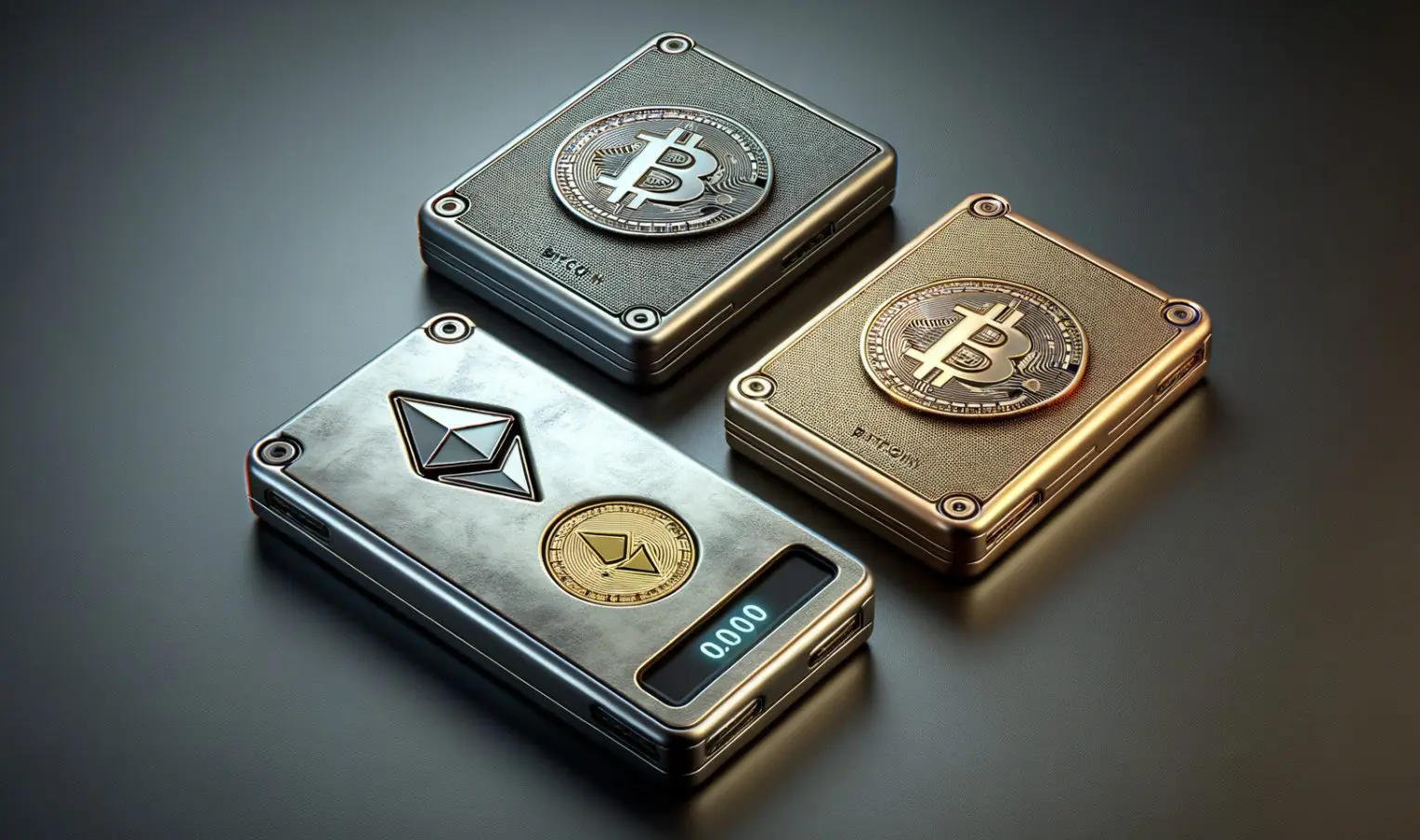
Crypto wallet

Credits - watcher.guru

TwitterWhatsappLinkedin

Have you lost your crypto wallet and need it back? Calm yourself down. It is still rescuable. Let us see how one can take care of the immediate situation if such a thing happens. Let’s begin.

You might also like

How to build an AI agent without coding?

How To Use Discord On Xbox

How To Change Your Roblox Username

Is a lost crypto wallet recoverable?

While it is generally possible, it depends entirely on what the situation is. If you just misplaced your phone or password but still have your 12-word seed phrase that you primarily got written down, you are completely fine. You can just plug those words into a new wallet, and your funds will reappear there.

However, if you lost that seed phrase or private key, there is no way to find it back. We know it sounds harsh and is sad altogether, but it becomes irrecoverable. There is no customer support or even an option to tell them that you forgot the password. The blockchain is a vault that requires that specific key to open. If that key is missing, the wallet becomes null and you cannot recover it, unless you choose to create a new one and start your trade and everything over there.

Steps to recover a lost crypto wallet

If you want to recover a lost crypto wallet, then these are the steps that can help you do so.

Locate your recovery seed phrase

This is the only thing that can save your crypto wallet and makes it discoverable again. It is the string of twelve to twenty-four words given to you when you first created the wallet. You should note it down immediately when you receive it, as losing it means the loss of your account.

Download a wallet application

Now you need to make a download, but you do not necessarily need the exact same brand of wallet you used before. Choose a decent software or hardware wallet that supports the same blockchain standard, which is usually BIP39 for most mainstream crypto.

Select the import or restore option

When you open the new wallet app, look for a button that says import existing wallet or restore from seed phrase instead of creating a brand-new one. This will help you jump back into your old account.

Enter your seed phrase

Make no mistakes here! Just type your recovery words into the app in the exact order they were originally generated. One cannot afford typos here.

Create a new password or PIN

Once done with that, just set up a fresh password for this specific device to lock the app interface. This password only protects the local software on your current device and does not change your master seed phrase, which will remain the same.

Wait for blockchain synchronization

It’s almost done from your end. Allow the wallet some time to scan the blockchain, locate your past transactions, and update your balance. All the previous data you wanted will also load up in a few mins.

Tags: #howtocrypto walletHow to recover a lost crypto wallet?lost crypto walletrecover crypto wallet
Tweet54SendShare15
Previous Post

How to build an AI agent without coding?

Next Post

AI Agents vs Chatbots: Understanding the Difference and Why It Matters

Afeefa Ansari

Recommended For You

How to build an AI agent without coding?

by Afeefa Ansari
June 19, 2026
0
AI agent

Do you find AI agents cool? It is now possible to create one without writing code. So, let's get started and see if it's really possible and how...

Read more

How To Use Discord On Xbox

by Khilav Jadav
June 19, 2026
0
How to Fix Discord Awaiting Endpoint 

Discord is one of the most popular communication platforms for gamers. Thanks to official support from Microsoft, Xbox players can now use Discord voice chat while playing their...

Read more

How To Change Your Roblox Username

by Khilav Jadav
June 19, 2026
0
How to Enchant in Prospecting

Changing your username in Roblox is a great way to refresh your identity and give your account a new look. Whether you created your account years ago or...

Read more
Next Post
AI Agents vs Chatbots: Understanding the Difference and Why It Matters

AI Agents vs Chatbots: Understanding the Difference and Why It Matters

Please login to join discussion

Techstory

Tech and Business News from around the world. Follow along for latest in the world of Tech, AI, Crypto, EVs, Business Personalities and more.
reach us at info@techstory.in

Advertise With Us

Reach out at - info@techstory.in

Aviator Game India 2026

BROWSE BY TAG

#Crypto #howto 2024 acquisition AI amazon Apple Artificial Intelligence bitcoin Business China cryptocurrency e-commerce electric vehicles Elon Musk Ethereum facebook funding Gaming Google India Instagram Investment ios iPhone IPO Market Markets Meta Microsoft News OpenAI samsung Social Media SpaceX startup startups tech technology Tesla TikTok trend trending twitter US

© 2025 Techstory.in

No Result
View All Result
  • News
  • Crypto
  • Gadgets
  • Memes
  • Gaming
  • Cars
  • AI
  • Startups
  • Markets
  • How to

© 2025 Techstory.in

Welcome Back!

Login to your account below

Forgotten Password?

Retrieve your password

Please enter your username or email address to reset your password.

Log In
Are you sure want to unlock this post?
Unlock left : 0
Are you sure want to cancel subscription?