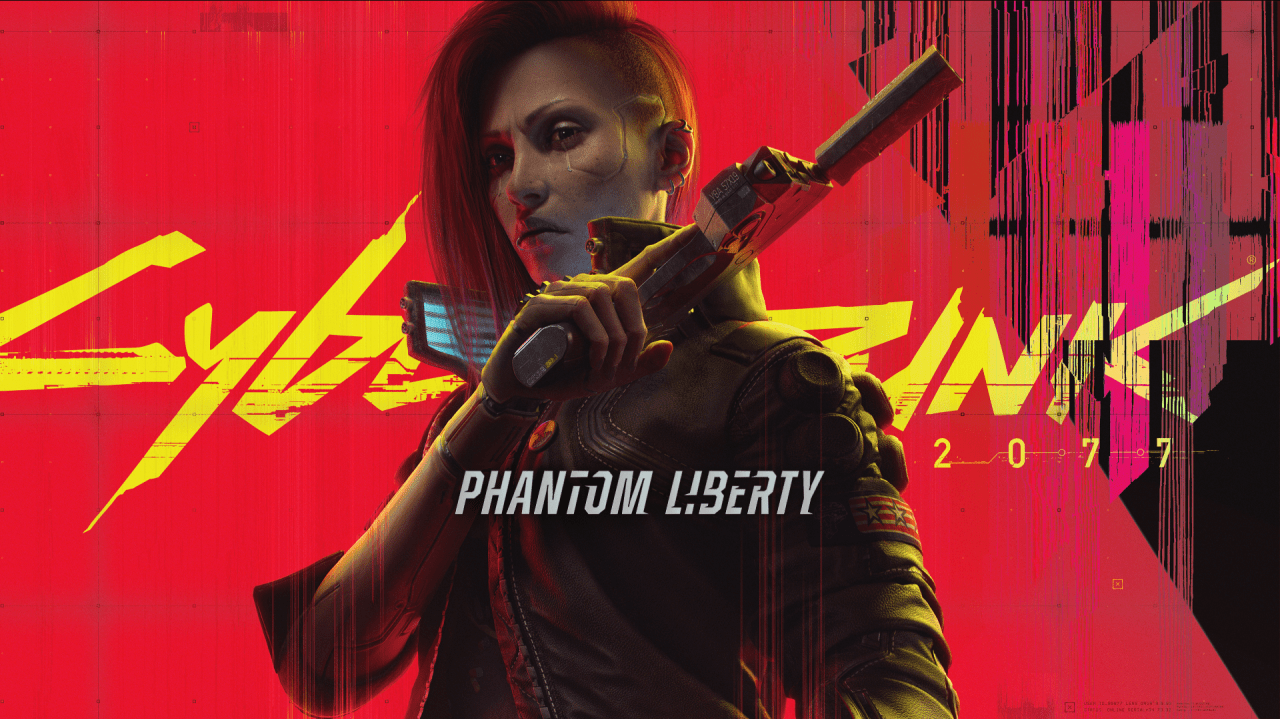
Cyberpunk 2077: Phantom Liberty is an expansive DLC for the popular game Cyberpunk 2077, introducing players to a host of new activities and a captivating spy-inspired main story set in the vibrant Dogtown district. To embark on this thrilling journey and access all the main and side content it has to offer, you’ll need to know how to start Phantom Liberty in Cyberpunk 2077, whether you’re using an old save file or starting anew. In this guide, we’ll walk you through the steps and provide some helpful tips to make your Phantom Liberty experience smooth and enjoyable.
Getting Started with Phantom Liberty DLC
Before diving into the details of starting the Phantom Liberty DLC, there are a few prerequisites you need to meet:
- Purchase the base game of Cyberpunk 2077: If you haven’t already acquired the base game, you’ll need it to access and play the Phantom Liberty DLC.
- Purchase the Phantom Liberty DLC: Ensure that you have purchased and installed the Phantom Liberty DLC to your game. Without this, you won’t be able to access the new content.
- Update to patch 2.0: To enjoy the Phantom Liberty DLC, you must update your game to at least version 2.0. Please note that patch 2.0 is available for PC, PS5, and Xbox Series X / S players. If you’re playing on a PS4 or Xbox One, you won’t have access to Phantom Liberty due to this limitation.
With these prerequisites in place, you’re now ready to kick off your Phantom Liberty adventure!
Starting Phantom Liberty with an Old Save
If you have an existing save file and wish to dive into the Phantom Liberty DLC from there, follow these steps:
- Load a save file: Start by loading a save file from a point before the ‘point of no return’ but after completing the ‘Transmission’ main story quest. This ensures that your progress aligns with the DLC’s storyline.
- Wait for a call from Songbird: After loading the appropriate save, be patient, and wait for a call from the enigmatic character known as Songbird.
- Follow the ‘Dog Eat Dog’ quest: Once you receive the call from Songbird, follow the ‘Dog Eat Dog’ questline to reach the intriguing Dogtown district.
If you’ve already completed Cyberpunk 2077 and wish to experience Phantom Liberty, load the save file labeled ‘point of no return.’ This will not only grant you access to the DLC but also reward you with completion rewards.
To identify the ‘point of no return’ save file, look for the label typically found with manual, auto, or quicksave indicators. However, if you’re loading an older save file from before completing the ‘Transmission’ quest, continue with the main story until you reach the quest involving the Voodoo Boys in the Pacifica district.
Once you’ve completed this quest, you’ll receive a call from Songbird, officially commencing the Phantom Liberty storyline with the ‘Dog Eat Dog’ job. Songbird will ask you to meet her on the border of Dogtown, an autonomous zone within Pacifica, and your mission begins with the lofty goal of saving the president of the New United States.
Starting Phantom Liberty with a New Save
If you prefer to start Phantom Liberty with a fresh character or a pre-built V, here’s how you can do it:
- Select ‘New Save’: From the game’s main menu, choose ‘New Save,’ and then select ‘Skip ahead to Phantom Liberty.’ This option allows you to jump right into the DLC’s content.
- Select ‘New Save’ with ‘Regular Start’: Alternatively, you can choose ‘New Save’ from the main menu, opt for the ‘Regular Start,’ and progress through the game until you complete the ‘Transmission’ quest. This method provides you with more customization options for your character.
Choosing to skip ahead still grants you the freedom to customize your V’s appearance and life path, but it resets your V’s perks and attributes. This reset gives you complete control over your character’s build, or you can stick with the pre-made build provided and unlock your preferred perks without concerning yourself with attributes. Additionally, you’ll receive an inventory filled with weapons, cyberwear, items, and some armor if you opt to skip ahead.
A valuable note to keep in mind is that once you begin Phantom Liberty, you’ll unlock the Relic skill tree early in the DLC. These skills operate differently than those in other skill trees, so you don’t need to save your attribute or perk points specifically for them.
Leaving Dogtown and Returning to Night City
When you first venture into Dogtown as part of the Phantom Liberty DLC, you’ll find yourself temporarily restricted within this exciting new district. You won’t be able to leave until you’ve completed several essential main quests.
However, once you’ve completed the initial sequence of events and have the freedom to explore Dogtown at your leisure, you can exit the region via the main gate and return to Night City. This newfound freedom allows you to come and go as you please, offering you the flexibility to pause the central Phantom Liberty questline and explore the broader city if you wish.
Conclusion
With this guide on how to start your Cyberpunk 2077: Phantom Liberty journey, you’re now equipped to embark on this thrilling adventure. Whether you’re continuing with an old save or starting fresh, Phantom Liberty promises exciting new content and challenges for both seasoned players and newcomers alike. So, prepare yourself for espionage, intrigue, and the chance to save the president in the vibrant world of Dogtown.