

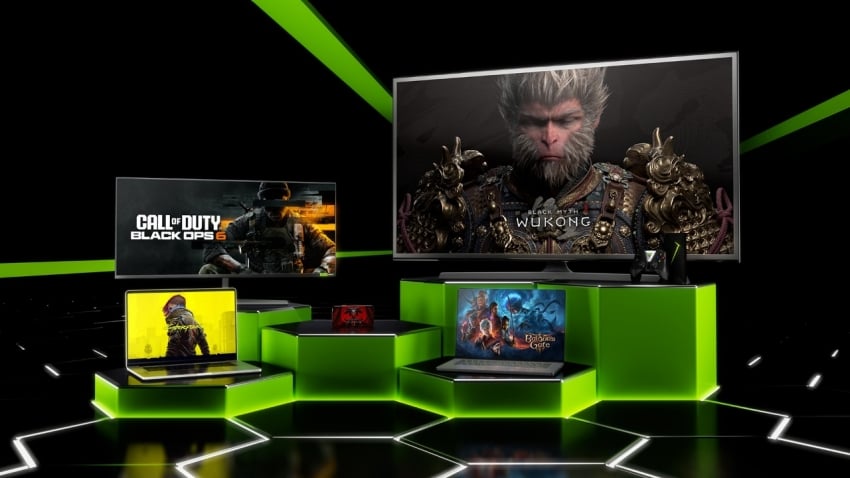
First off, What Is DLSS?
Your friendly neighbourhood Deep Learning Super Sampling, better known as DLSS, is an image upscaling technology created by NVIDIA. It uses artificial intelligence to render a game at a lower resolution and then rebuild the image to look much sharper. This process improves frame rates while maintaining impressive image quality.
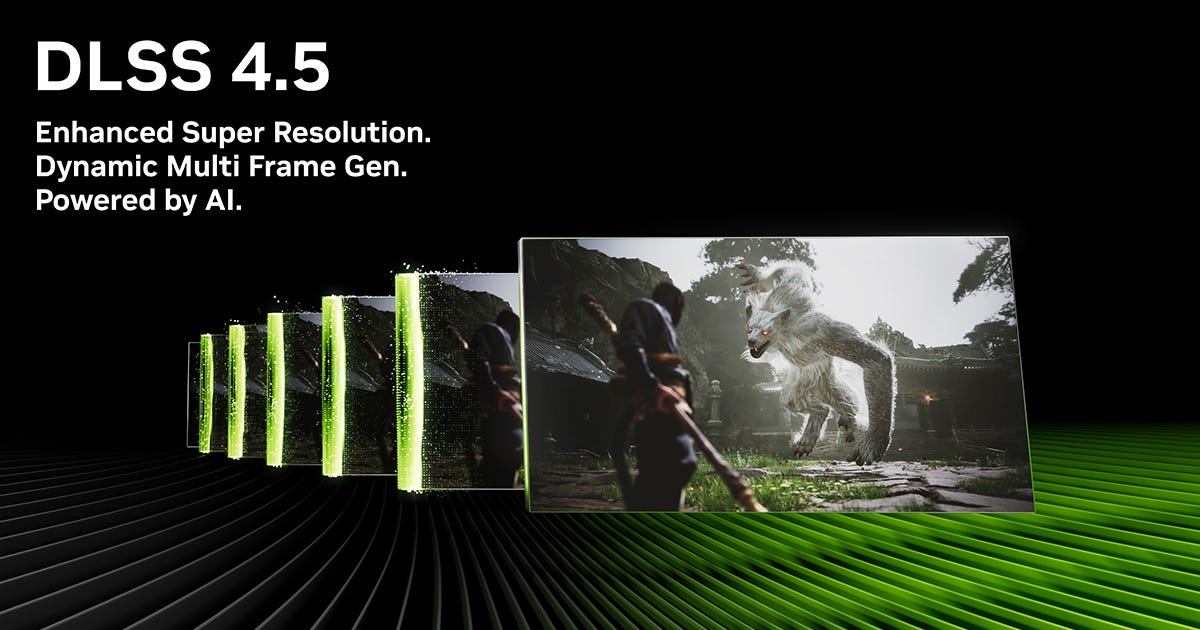
DLSS is available only on NVIDIA GeForce RTX graphics cards because it relies on Tensor Cores built into these GPUs. Over the years, the technology has evolved, and newer versions offer features such as Frame Generation and Ray Reconstruction.
Many modern games support DLSS, including Cyberpunk 2077, Alan Wake 2, Black Myth: Wukong, and Star Wars Outlaws.
Check If Your PC Supports DLSS
Before enabling DLSS, make sure your hardware meets the requirements.
You need:
- An NVIDIA GeForce RTX graphics card
- Updated NVIDIA drivers
- A game that officially supports DLSS
- Windows 10 or Windows 11
Graphics cards from the GeForce RTX 20, RTX 30, RTX 40, and RTX 50 series all support DLSS. However, certain features like Frame Generation are limited to specific generations.
Update Your Graphics Driver First
Keeping your graphics driver updated is important because newer drivers often improve DLSS performance and compatibility.
To update your driver:
- Open the NVIDIA App or GeForce Experience.
- Go to the Drivers section.
- Download the latest Game Ready Driver.
- Install the update and restart your computer.
Using the latest driver ensures that supported games can access the newest DLSS improvements.
How To Enable DLSS In Games
Most games include DLSS inside their graphics settings menu.
Follow these steps:
- Launch the game.
- Open Settings.
- Enter the Graphics or Video section.
- Find the Upscaling option.
- Choose NVIDIA DLSS.
- Select your preferred quality mode.
Once enabled, the game will begin using AI upscaling automatically.
Although menus differ slightly between games, the process is usually very simple.
Understanding DLSS Modes
DLSS offers several modes. Each one balances image quality and performance differently.
Quality Mode
Quality Mode focuses on maintaining visual detail while increasing frame rates. It is ideal for 1080p and 1440p gaming.
Balanced Mode
Balanced Mode provides a compromise between image quality and performance. It works well for many systems and resolutions.
Performance Mode
Performance Mode prioritizes higher frame rates. This option is especially useful for 4K gaming.
Ultra Performance Mode
Ultra Performance Mode targets extremely demanding situations, such as 8K gaming. Image quality may be reduced, but performance gains are significant.
What Is DLSS Frame Generation?
DLSS Frame Generation is a newer technology introduced with NVIDIA GeForce RTX 40 graphics cards.
Instead of rendering every frame normally, the GPU creates additional AI-generated frames between real ones. This greatly boosts frame rates, especially in demanding titles with ray tracing enabled.
Games such as Cyberpunk 2077 and Microsoft Flight Simulator benefit greatly from Frame Generation.
If your graphics card supports it, simply:
- Open the graphics settings.
- Enable DLSS.
- Turn on Frame Generation.
Not every game includes this feature, so availability varies.
Using DLSS With Ray Tracing
Ray tracing delivers realistic reflections, shadows, and lighting effects. However, it can reduce performance considerably.
DLSS and ray tracing work extremely well together. DLSS helps recover lost performance while preserving excellent image quality.
Many modern titles are designed around this combination. Examples include:
- Cyberpunk 2077
- Alan Wake 2
- Indiana Jones and the Great Circle
- Black Myth: Wukong
- Star Wars Outlaws
Enabling both technologies often provides the best balance between visuals and smooth gameplay.
Can You Use DLSS In Every Game?
No. DLSS must be supported by the game itself.
If a game does not include DLSS support, the option will not appear in the settings menu.
Fortunately, support has expanded rapidly. Hundreds of games now include DLSS, and the number continues to grow each year.
Troubleshooting DLSS Problems
If the DLSS option is missing, try the following:
- Update your NVIDIA graphics driver.
- Verify that your GPU is an RTX model.
- Install the latest game updates.
- Check that the game officially supports DLSS.
- Restart the game after updating drivers.
Sometimes older games receive DLSS support through patches, so keeping games updated is important.



